







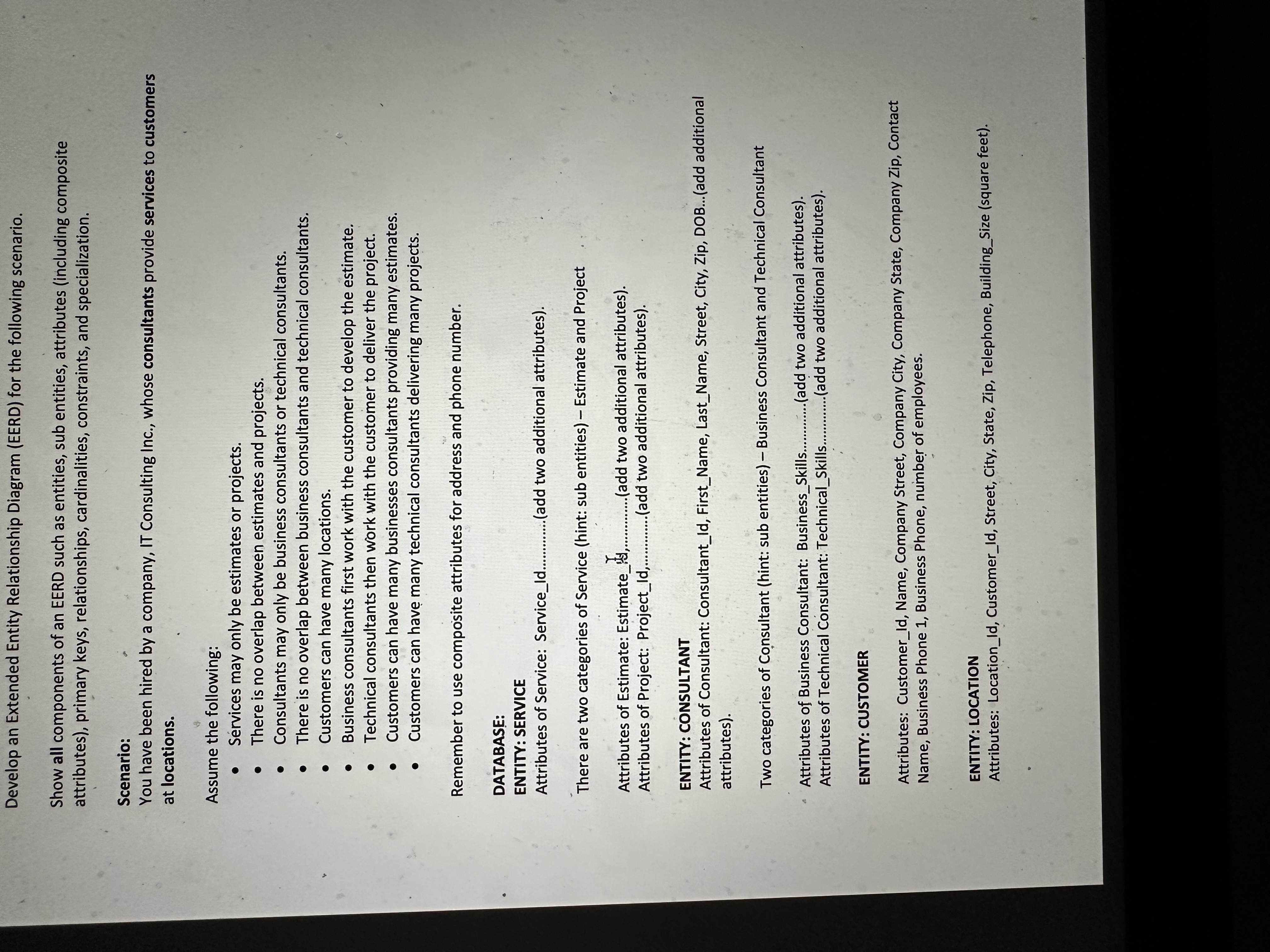
Question: Develop an Extended Entity Relationship Diagram ( EERD ) for the following scenario. Show all components of an EERD such as entities, sub entities, attributes
Develop an Extended Entity Relationship Diagram EERD for the following scenario.
Show all components of an EERD such as entities, sub entities, attributes including composite
attributes primary keys, relationships, cardinalities, constraints, and specialization.
Scenario:
You have been hired by a company, IT Consulting Inc., whose consultants provide services to customers
at locations.
Assume the following:
Services may only be estimates or projects.
There is no overlap between estimates and projects.
Consultants may only be business consultants or technical consultants.
There is no overlap between business consultants and technical consultants.
Customers can have many locations.
Business consultants first work with the customer to develop the estimate.
Technical consultants then work with the customer to deliver the project.
Customers can have many businesses consultants providing many estimates.
Customers can have many technical consultants delivering many projects.
Remember to use composite attributes for address and phone number.
DATABASE:
ENTITY: SERVICE
Attributes of Service: ServiceId
add two additional attributes
There are two categories of Service hint: sub entities Estimate and Project
Attributes of Estimate: Estimate
add two additional attributes
Attributes of Project: ProjectId
add two additional attributes
ENTITY: CONSULTANT
Attributes of Consultant: ConsultantId FirstName, LastName, Street, City, Zip, DOB...add additional
attributes
Two categories of Consultant hint: sub entities Business Consultant and Technical Consultant
Attributes of Business Consultant: BusinessSkills...
Attributes of Technical Consultant: TechnicalSkills.
add two additional attributes
ENTITY: CUSTOMER
Attributes: CustomerId Name, Company Street, Company City, Company State, Company Zip, Contact
Name, Business Phone Business Phone, number of employees.
ENTITY: LOCATION
Attributes: LocationId CustomerId Street, City, State, Zip, Telephone, BuildingSize square feet
Step by Step Solution
There are 3 Steps involved in it
1 Expert Approved Answer
Step: 1 Unlock

Question Has Been Solved by an Expert!
Get step-by-step solutions from verified subject matter experts
Step: 2 Unlock
Step: 3 Unlock
 Study Help