







Question: Direction HTML.JAVASCRIPT,CSS,JQUERY In this tutorial, you'll use the animate () function to move a tag right from off the left edge of th page into
Direction
HTML.JAVASCRIPT,CSS,JQUERY
In this tutorial, you'll use the animate () function to move a <div> tag right from off the left edge of th page into view. The div is absolutley positioned so that most of the box hangs off the left edge of the page outside the boundaries of the browser window. When a visitor mouses over the visible edge of the div, that div moves completely into view. To make this effect more fun, use the jQueryUI library to animate the background color of the div and to use a couple if dufferebt easing method. ( Very Important Add any image you like).
Code output
<!DOCTYPE html>
<html>
<head>
<meta charset="UTF-8">
<title>A Slide In Dashboard</title>
<link href="../_css/site.css" rel="stylesheet">
<style>
#dashboard {
width: 110px;
background-color: rgb(255,211,224);
padding: 20px 20px 0 20px;
position: absolute;
left: -92px;
z-index: 100;
}
#dashboard img {
margin-bottom: 20px;
border: 1px solid rgb(0,0,0);
}
</style>
<xxxx src="../_js/jquery.min.js"></xxxx>
<xxxx>
$(document).ready(function() {
}); // end ready
</xxxx>
</head>
<body>
<div class="wrapper">
<header>
JAVASCRIPT <span class="amp">&</span> jQUERY: THE MISSING MANUAL
</header>
<div id="dashboard">
<img src="../_images/small/blue_h.jpg" width="70" height="70" alt="blue">
<img src="../_images/small/green_h.jpg" width="70" height="70" alt="green">
<img src="../_images/small/orange_h.jpg" width="70" height="70" alt="orange">
<img src="../_images/small/purple_h.jpg" width="70" height="70" alt="purple">
<img src="../_images/small/red_h.jpg" width="70" height="70" alt="red">
<img src="../_images/small/yellow_h.jpg" width="70" height="70" alt="yellow">
</div>
<div class="content">
<div class="main">
<h1>Slide in Dashboard</h1>
<p>Mouse over the pink stripe on the left edge of this page</p>
</div>
</div>
<footer>
<p>JavaScript & jQuery: The Missing Manual, 3rd Edition, by <a href="http://sawmac.com/">David McFarland</a>. Published by <a href="http://oreilly.com/">O'Reilly Media, Inc</a>.</p>
</footer>
</div>
</body>
</html>
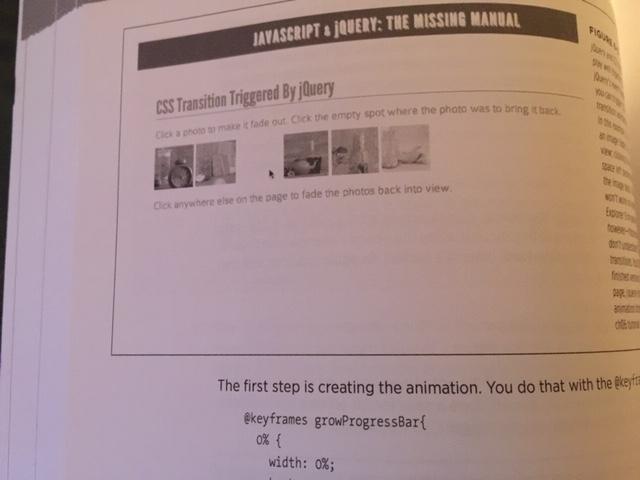
output has to be similar to that in a way
JAVASCRIPT & JQUERY: THE MISSING MANUAL CSS Transition Triggered By jQuery Click a photo to make it fade out. Click the empty spot where the photo was to bring it back Click anywhere else on the page to fade the photos back into view. FINOM width: 0%; pun wo Ya tes VEN athy NOIT The first step is creating the animation. You do that with the @keyf @keyframes growProgressBar{ 0% {
Step by Step Solution
3.43 Rating (153 Votes )
There are 3 Steps involved in it
Answer Animate animateproperties duration easing complete properties Type PlainObject An object of C... View full answer

Get step-by-step solutions from verified subject matter experts
Document Format (2 attachments)

635e3ed25b235_183127.pdf
180 KBs PDF File

635e3ed25b235_183127.docx
120 KBs Word File
 Study Help