







Question: Directions: You are tasked with adding the FTE (full-time equivalent) percentage to all inpatient units' staff lists and it needs to be done ASAP.
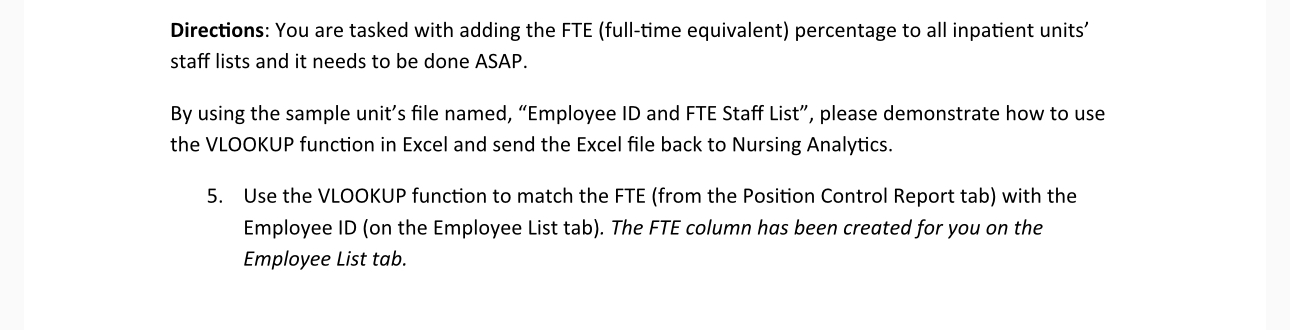
Directions: You are tasked with adding the FTE (full-time equivalent) percentage to all inpatient units' staff lists and it needs to be done ASAP. By using the sample unit's file named, "Employee ID and FTE Staff List", please demonstrate how to use the VLOOKUP function in Excel and send the Excel file back to Nursing Analytics. 5. Use the VLOOKUP function to match the FTE (from the Position Control Report tab) with the Employee ID (on the Employee List tab). The FTE column has been created for you on the Employee List tab.
Step by Step Solution
There are 3 Steps involved in it
Answer Certainly Here are stepbystep instructions on how to use the VLOOKUP function in Excel to mat... View full answer

Get step-by-step solutions from verified subject matter experts
 Study Help