







Question: Discussion: Added context: Profiling a system is about describing a specific system, in this case, your system. In this discussion, I am asking you to
Discussion:
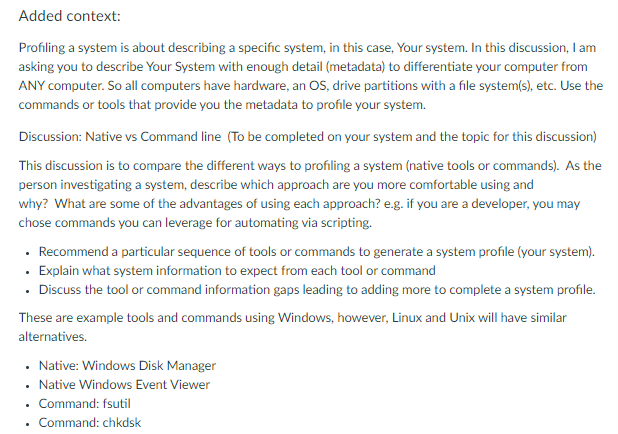
Added context: Profiling a system is about describing a specific system, in this case, your system. In this discussion, I am asking you to describe Your System with enough detail (metadata) to differentiate your computer from ANY computer. So all computers have hardware, an OS, drive partitions with a file system(s), etc. Use the commands or tools that provide you the metadata to profile your system. Discussion: Native vs Command line (To be completed on your system and the topic for this discussion) This discussion is to compare the different ways to profiling a system (native tools or commands). As the person investigating a system, describe which approach are you more comfortable using and why? What are some of the advantages of using each approach? e.g. if you are a developer, you may chose commands you can leverage for automating via scripting. Recommend a particular sequence of tools or commands to generate a system profile (your system). Explain what system information to expect from each tool or command Discuss the tool or command information gaps leading to adding more to complete a system profile. These are example tools and commands using Windows, however, Linux and Unix will have similar alternatives. Native: Windows Disk Manager Native Windows Event Viewer . Command: fsutil Command: chkdsk Added context: Profiling a system is about describing a specific system, in this case, your system. In this discussion, I am asking you to describe Your System with enough detail (metadata) to differentiate your computer from ANY computer. So all computers have hardware, an OS, drive partitions with a file system(s), etc. Use the commands or tools that provide you the metadata to profile your system. Discussion: Native vs Command line (To be completed on your system and the topic for this discussion) This discussion is to compare the different ways to profiling a system (native tools or commands). As the person investigating a system, describe which approach are you more comfortable using and why? What are some of the advantages of using each approach? e.g. if you are a developer, you may chose commands you can leverage for automating via scripting. Recommend a particular sequence of tools or commands to generate a system profile (your system). Explain what system information to expect from each tool or command Discuss the tool or command information gaps leading to adding more to complete a system profile. These are example tools and commands using Windows, however, Linux and Unix will have similar alternatives. Native: Windows Disk Manager Native Windows Event Viewer . Command: fsutil Command: chkdsk
Step by Step Solution
There are 3 Steps involved in it

Get step-by-step solutions from verified subject matter experts
 Study Help