







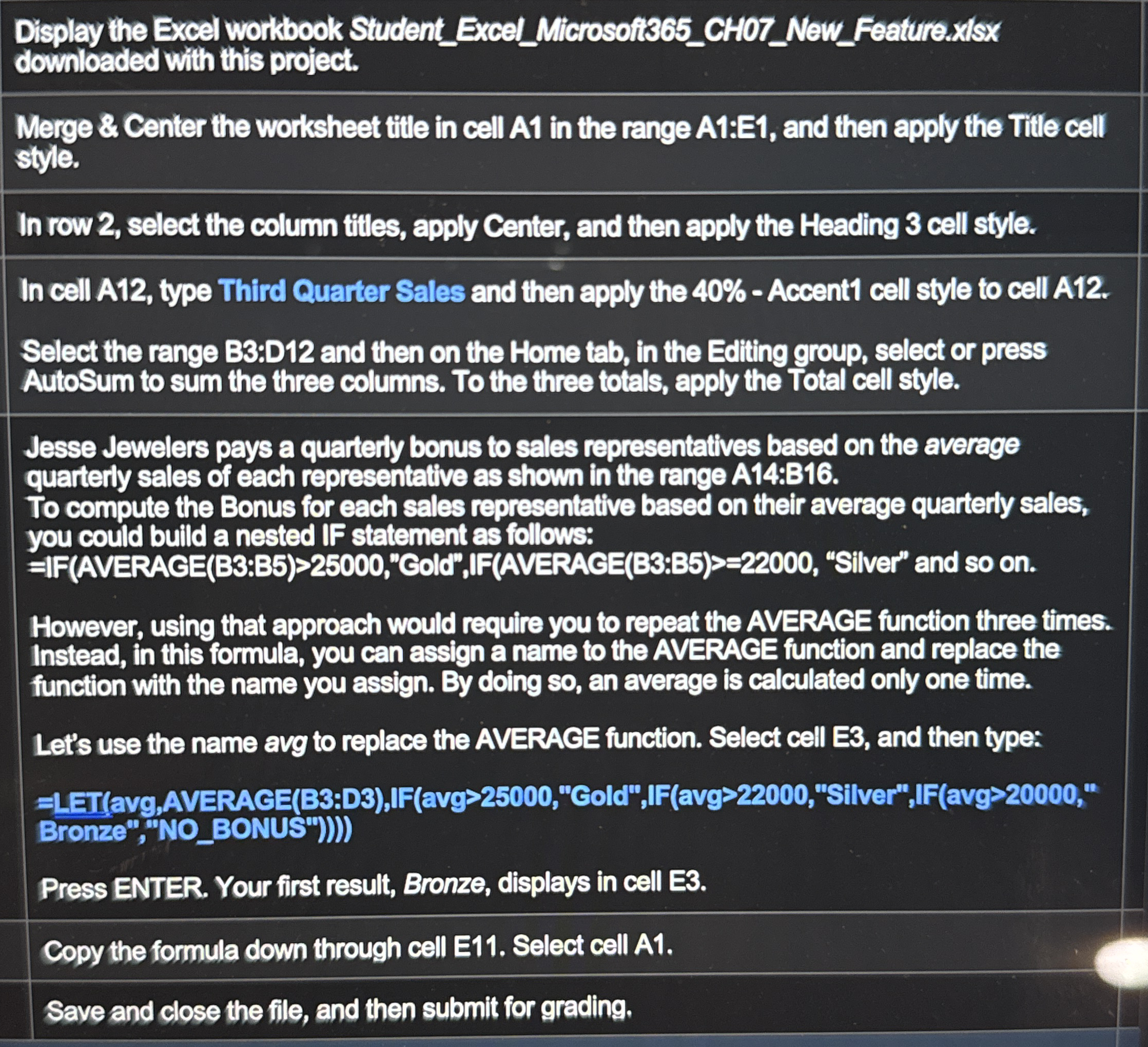
Question: Display the Excel workbook Student _ Excel _ Microsofi 3 6 5 _ CH 0 7 _ New _ Feature:xlsx downloaded with this project. Merge
Display the Excel workbook StudentExcelMicrosofiCHNewFeature:xlsx downloaded with this project.
Merge & Center the worksheet title in cell A in the range A:E and then apply the Title cell style.
In row select the column titles, apply Center, and then apply the Heading cell style.
In cell A type Third Quarter Sales and then apply the Accent cell style to cell A
Select the range B:D and then on the Home tab, in the Ediling group, select or press AutoSum to sum the three columns. To the three totals, apply the Total cell style.
Jesse Jewelers pays a quarterty bonus to sales representatives based on the average quarterly sales of each representative as shown in the range A:B
To compute the Bonus for each sales representative based on their average quarterly sales, you could build a nested If statement as follows:
FAVERACEB:B"Gold", IFAVERAGEB:B "Silver" and so on
However, using that approach would require you to repeat the AVERAGE function three times. Instead, in this formula, you can assign a name to the AVERAGE function and replace the function with the name you assign. By doing so an average is calculated only one time.
Let's use the name avg to replace the AVERAGE function. Select cell E and then type:
LETavgAVERAGE B:DIFavg"Gold",IFavg"Silver",IFavg Bronze","NOBONUS"
Press ENTER. Your first result, Bronze, displays in cell E
Copy the formula down through cell E Select cell A
Save and close the file, and then submit for grading.
Step by Step Solution
There are 3 Steps involved in it
1 Expert Approved Answer
Step: 1 Unlock

Question Has Been Solved by an Expert!
Get step-by-step solutions from verified subject matter experts
Step: 2 Unlock
Step: 3 Unlock
 Study Help