







Question: Do as directed. a)Save both changes as a separate code. - First change the color of the text shadow to green, and set a 5px
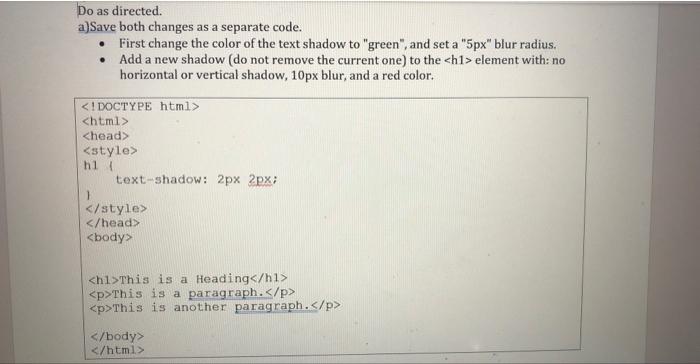
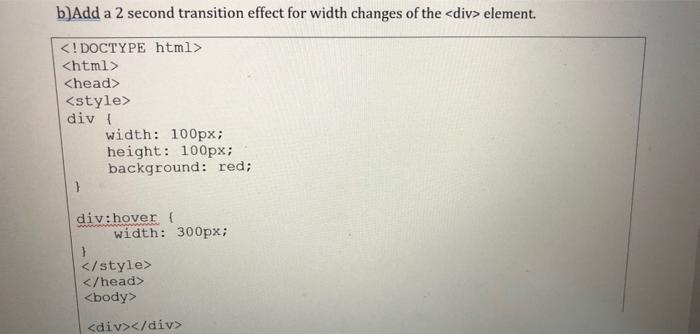
Do as directed. a)Save both changes as a separate code. - First change the color of the text shadow to "green", and set a "5px" blur radius. - Add a new shadow (do not remove the current one) to the element with: no horizontal or vertical shadow, 10px blur, and a red color. b)Add a 2 second transition effect for width changes of the element
Step by Step Solution
There are 3 Steps involved in it
1 Expert Approved Answer
Step: 1 Unlock

Question Has Been Solved by an Expert!
Get step-by-step solutions from verified subject matter experts
Step: 2 Unlock
Step: 3 Unlock
 Study Help