







Question: Do some research on distributed computing 2. Start the Wireshark application and capture packets from your computer. Using a web browser, navigate to http://www.yahoo.com. Find
Do some research on distributed computing
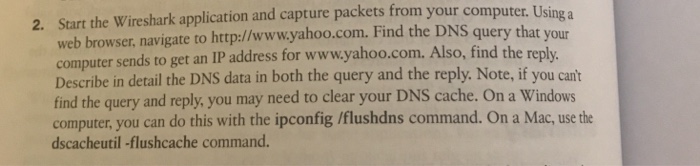

2. Start the Wireshark application and capture packets from your computer. Using a web browser, navigate to http://www.yahoo.com. Find the DNS query that your computer sends to get an IP address for www.yahoo.com. Also, find the reply Describe in detail the DNS data in both the query and the reply. Note, if you cant find the query and reply, you may need to clear your DNS cache. On a Windows computer, you can do this with the ipconfig /flushdns command. On a Mac, use the dscacheutil -flushcache command
Step by Step Solution
There are 3 Steps involved in it
1 Expert Approved Answer
Step: 1 Unlock

Question Has Been Solved by an Expert!
Get step-by-step solutions from verified subject matter experts
Step: 2 Unlock
Step: 3 Unlock
 Study Help