







Question: Do this using GUI in Java and make the output the same, the image of the nose, eyes, or mouth, will change to another image
Do this using GUI in Java and make the output the same, the image of the nose, eyes, or mouth, will change to another image with a different emotion.
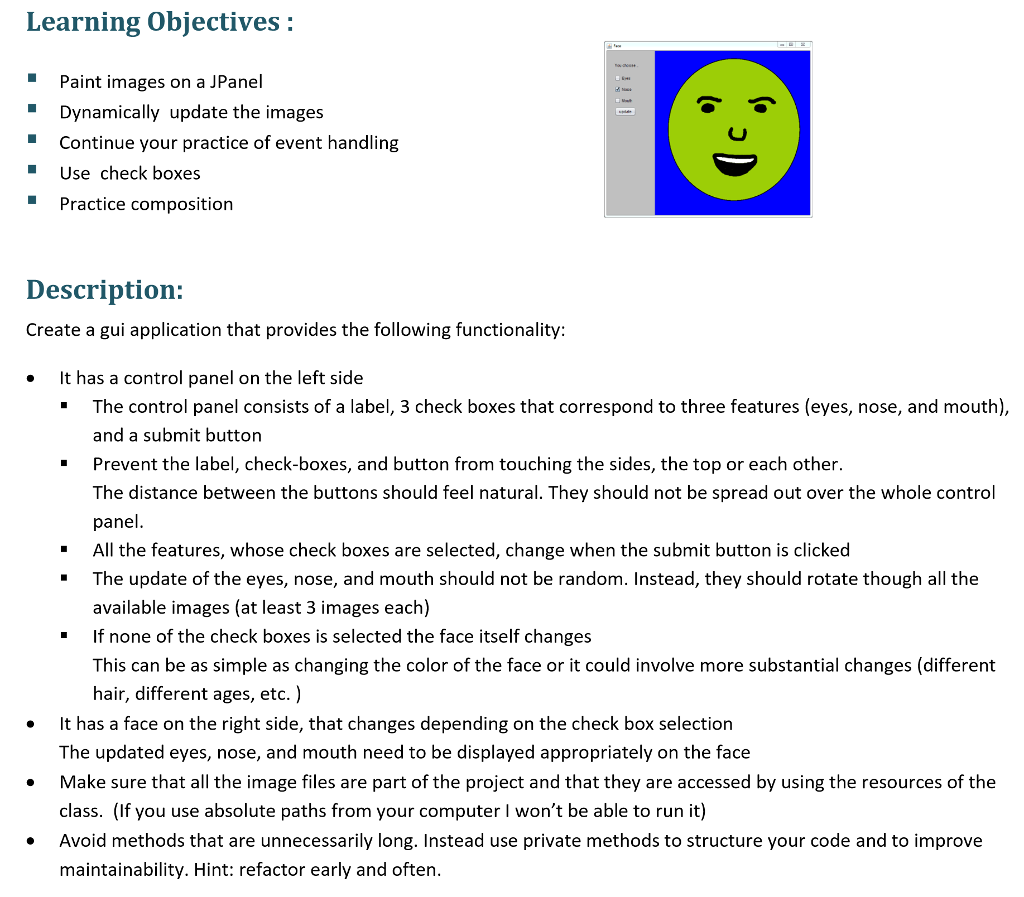
Learning Objectives: Paint images on a JPanel Dynamically update the images Continue your practice of event handling Use check boxes Practice composition Description: Create a gui application that provides the following functionality It has a control panel on the left side The control panel consists of a label, 3 check boxes that correspond to three features (eyes, nose, and mouth), and a submit button Prevent the label, check-boxes, and button from touching the sides, the top or each other. The distance between the buttons should feel natural. They should not be spread out over the whole control panel All the features, whose check boxes are selected, change when the submit button is clicked The update of the eyes, nose, and mouth should not be random. Instead, they should rotate though all the available images (at least 3 images each) If none of the check boxes is selected the face itself changes This can be as simple as changing the color of the face or it could involve more substantial changes (different hair, different ages, etc.) " " " " " It has a face on the right side, that changes depending on the check box selection The updated eyes, nose, and mouth need to be displayed appropriately on the face Make sure that all the image files are part of the project and that they are accessed by using the resources of the class. (If you use absolute paths from your computer I won't be able to run it) . Avoid methods that are unnecessarily long. Instead use private methods to structure your code and to improve maintainability. Hint: refactor early and often
Step by Step Solution
There are 3 Steps involved in it

Get step-by-step solutions from verified subject matter experts
 Study Help