







Question: Double the size of a 1-D Array. Once an array is created, its size is fixed. Occasionally, you need to add more values to
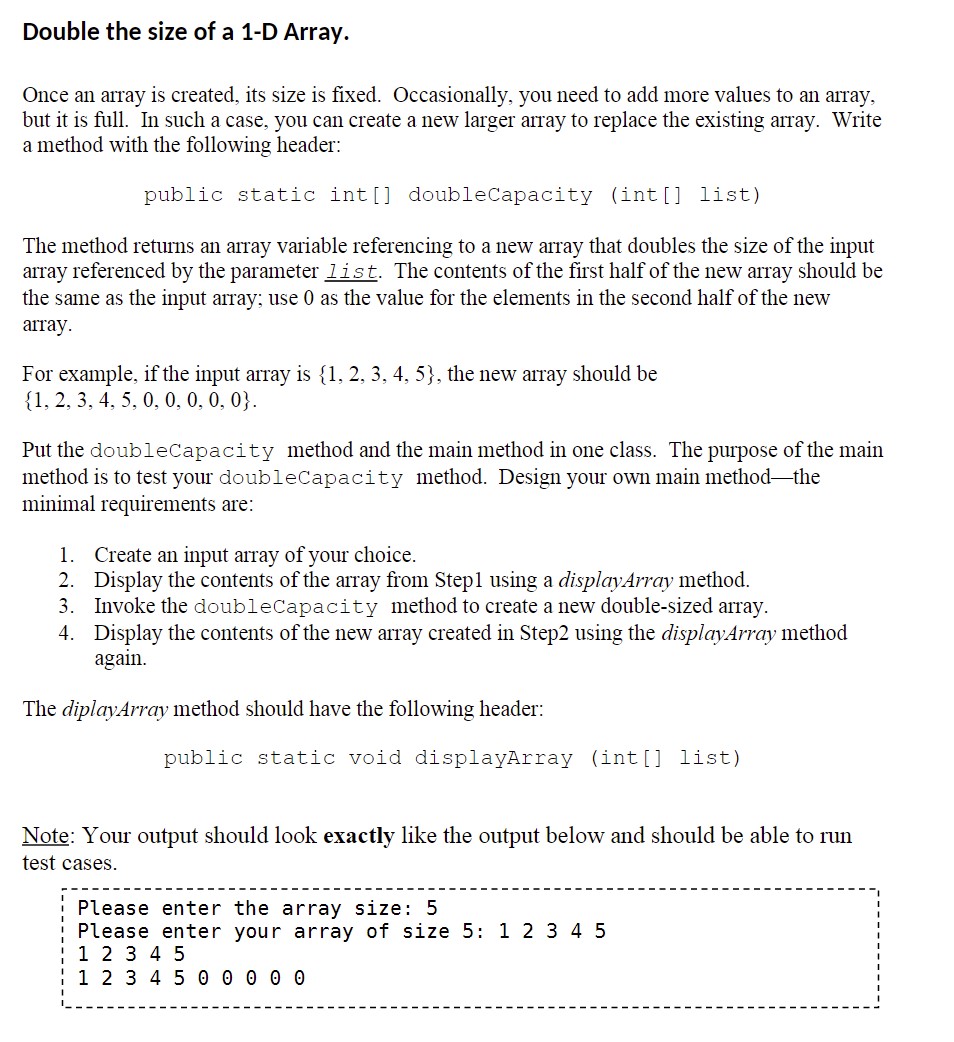
Double the size of a 1-D Array. Once an array is created, its size is fixed. Occasionally, you need to add more values to an array, but it is full. In such a case, you can create a new larger array to replace the existing array. Write a method with the following header: public static int [] double Capacity (int[] list) The method returns an array variable referencing to a new array that doubles the size of the input array referenced by the parameter list. The contents of the first half of the new array should be the same as the input array; use 0 as the value for the elements in the second half of the new array. For example, if the input array is {1, 2, 3, 4, 5}, the new array should be {1, 2, 3, 4, 5, 0, 0, 0, 0, 0}. Put the doubleCapacity method and the main method in one class. The purpose of the main method is to test your doubleCapacity method. Design your own main method-the minimal requirements are: 1. Create an input array of your choice. 2. Display the contents of the array from Step1 using a displayArray method. 3. Invoke the doubleCapacity method to create a new double-sized array. 4. Display the contents of the new array created in Step2 using the displayArray method again. The diplayArray method should have the following header: public static void displayArray (int () list) Note: Your output should look exactly like the output below and should be able to run test cases. Please enter the array size: 5 Please enter your array of size 5: 1 2 3 4 5 1 2 3 4 5 1 2 3 4 5 0 0 0 0 0
Step by Step Solution
There are 3 Steps involved in it

Get step-by-step solutions from verified subject matter experts
 Study Help