







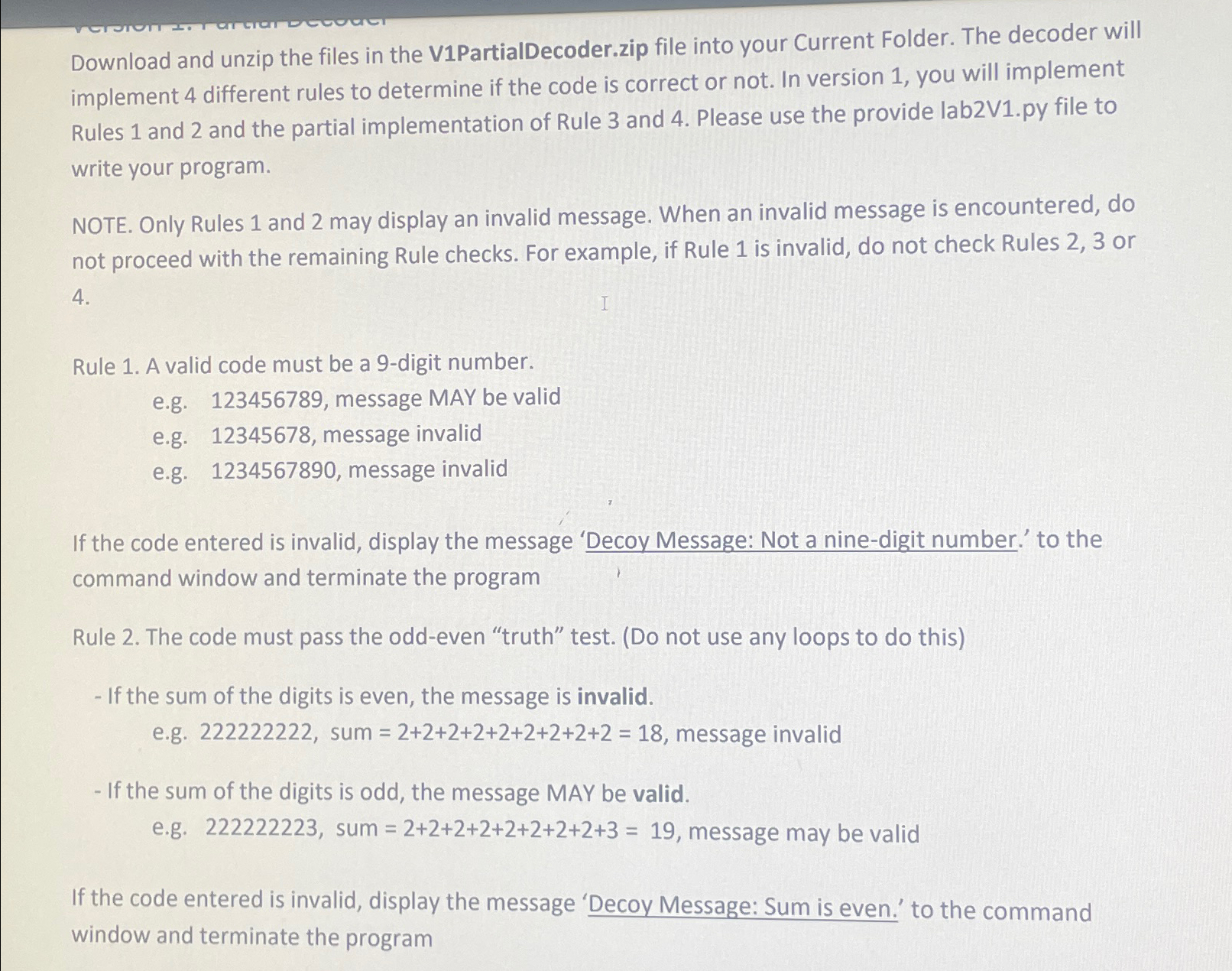
Question: Download and unzip the files in the V 1 PartialDecoder.zip file into your Current Folder. The decoder will implement 4 different rules to determine if
Download and unzip the files in the VPartialDecoder.zip file into your Current Folder. The decoder will implement different rules to determine if the code is correct or not. In version you will implement Rules and and the partial implementation of Rule and Please use the provide
labVpy file to write your program.
NOTE. Only Rules and may display an invalid message. When an invalid message is encountered, do not proceed with the remaining Rule checks. For example, if Rule is invalid, do not check Rules or
Rule A valid code must be a digit number.
eg message MAY be valid
eg message invalid
eg message invalid
If the code entered is invalid, display the message 'Decoy Message: Not a ninedigit number. to the command window and terminate the program
Rule The code must pass the oddeven "truth" test. Do not use any loops to do this
If the sum of the digits is even, the message is invalid.
eg sum message invalid
If the sum of the digits is odd, the message MAY be valid.
eg sum message may be valid
If the code entered is invalid, display the message 'Decoy Message: Sum is even. to the command window and terminate the program
Step by Step Solution
There are 3 Steps involved in it
1 Expert Approved Answer
Step: 1 Unlock

Question Has Been Solved by an Expert!
Get step-by-step solutions from verified subject matter experts
Step: 2 Unlock
Step: 3 Unlock
 Study Help