







Question: Download the Java source code file Clock.java ( see below ) into an empty Eclipse project. Then, add Java code ( i . e .
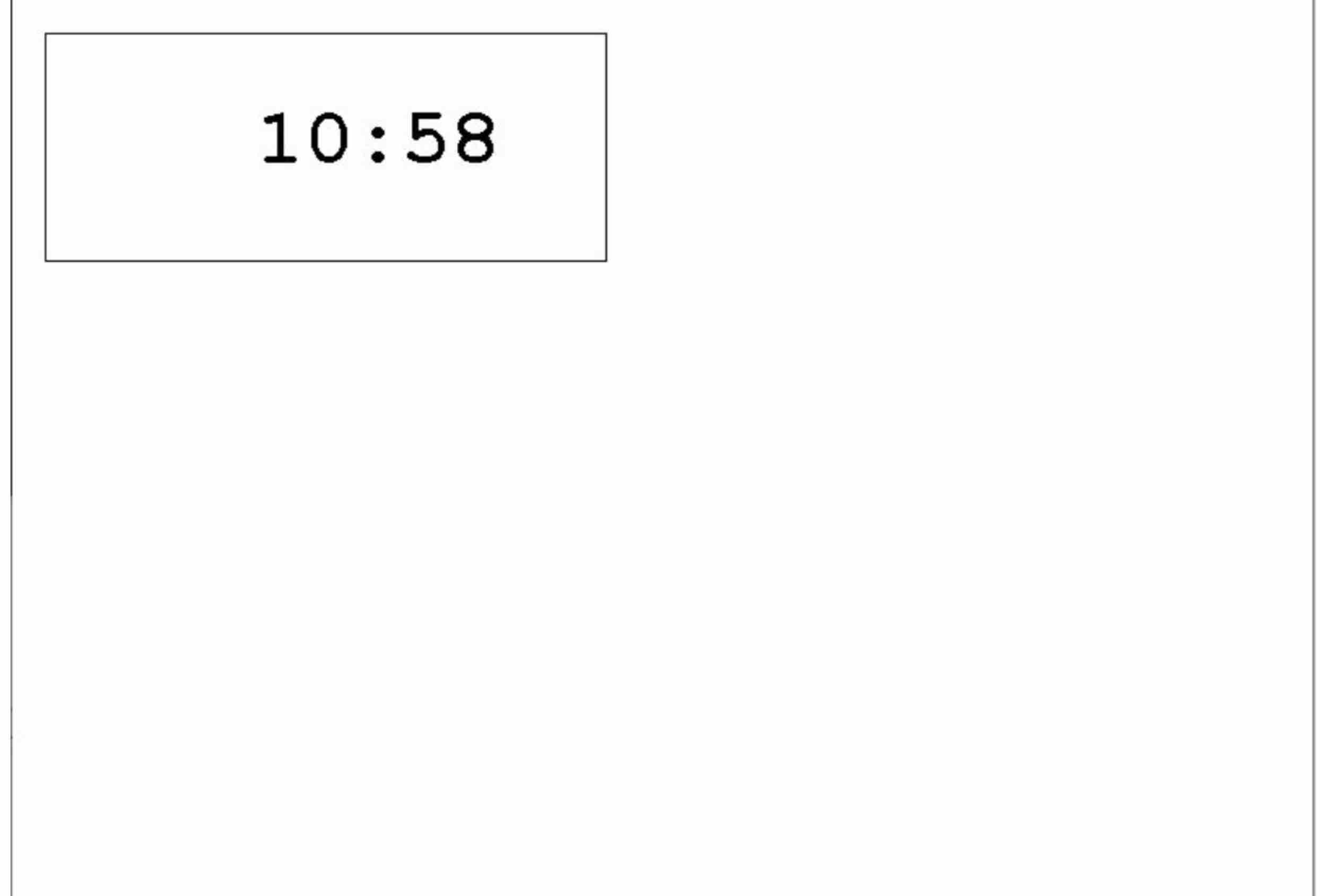
Download the Java source code file Clock.java see below into an empty Eclipse project. Then, add Java code ie pen method calls to the paint method so that when the program is compiled and executed, a clock like in the picture is drawn. Randomly set the time each time the program runs ie random number of hours between and random number of minutes between and
Clock.java
import java.awt.;
@SuppressWarningsserial
public class Clock extends javax.swing.JFrame
public void paintGraphics g
draw the window title, menu, buttons
super.paintg;
get the Graphics context for the canvas
Graphics pen canvas.getGraphics;
add pen Graphics method calls after this line
WARNING!!! DO NOT ADD OR MODIFY CODE BELOW THIS LINE!!!
end paint
Creates new form Clock
public Clock
initComponents;
This method is called from within the constructor to initialize the form.
WARNING: Do NOT modify this code. The content of this method is always
regenerated by the Clock Editor.
GENBEGIN:initComponents
private void initComponents
canvas new javax.swing.JPanel;
resetBtn new javax.swing.JButton;
setDefaultCloseOperationjavaxswing.WindowConstants.EXITONCLOSE;
setTitleClock Programming Assignment : D Graphics Programs in Java;
canvas.setBackgroundnew java.awt.Color;
canvas.setLayoutnew java.awt.BorderLayout;
getContentPaneaddcanvas java.awt.BorderLayout.CENTER;
resetBtn.setTextReset;
resetBtn.addActionListenernew java.awt.event.ActionListener
public void actionPerformedjavaawt.event.ActionEvent evt
resetBtnActionPerformedevt;
;
getContentPaneaddresetBtn java.awt.BorderLayout.PAGEEND;
setSizenew java.awt.Dimension;
setLocationRelativeTonull;
GENEND:initComponents
private void resetBtnActionPerformedjavaawt.event.ActionEvent evtGENFIRST:eventresetBtnActionPerformed
repaint;
GENLAST:eventresetBtnActionPerformed
@param args the command line arguments
public static void mainString args
Set the Nimbus look and feel
try
for javaxswing.UIManager.LookAndFeelInfo info : javax.swing.UIManager.getInstalledLookAndFeels
if NimbusequalsinfogetName
javax.swing.UIManager.setLookAndFeelinfogetClassName;
break;
catch ClassNotFoundException ex
java.util.loggingLogger.getLoggerClockclass.getNamelogjavautil.loggingLevel.SEVERE, null, ex;
catch InstantiationException ex
java.util.loggingLogger.getLoggerClockclass.getNamelogjavautil.loggingLevel.SEVERE, null, ex;
catch IllegalAccessException ex
java.util.loggingLogger.getLoggerClockclass.getNamelogjavautil.loggingLevel.SEVERE, null, ex;
catch javaxswing.UnsupportedLookAndFeelException ex
java.util.loggingLogger.getLoggerClockclass.getNamelogjavautil.loggingLevel.SEVERE, null, ex;
Create and display the form
java.awt.EventQueue.invokeLaternew Runnable
public void run
new ClocksetVisibletrue;
;
end main method
Variables declaration do not modifyGENBEGIN:variables
private javax.swing.JPanel canvas;
private javax.swing.JButton resetBtn;
End of variables declarationGENEND:variables
end Clock class
Step by Step Solution
There are 3 Steps involved in it
1 Expert Approved Answer
Step: 1 Unlock

Question Has Been Solved by an Expert!
Get step-by-step solutions from verified subject matter experts
Step: 2 Unlock
Step: 3 Unlock
 Study Help