







Question: Draw a V in processing CSE 163 Lab 6: V Due September 25, 2018 at 4:25PM Lab Goals: Learn how to utilize iterators. More practice
Draw a V in processing
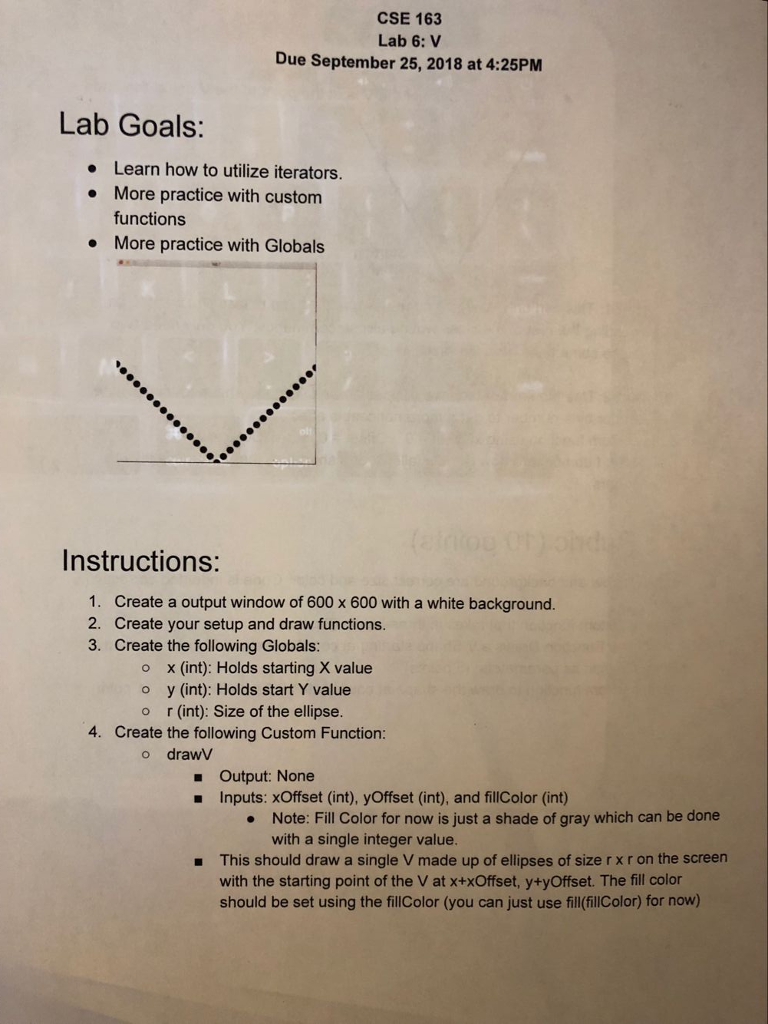
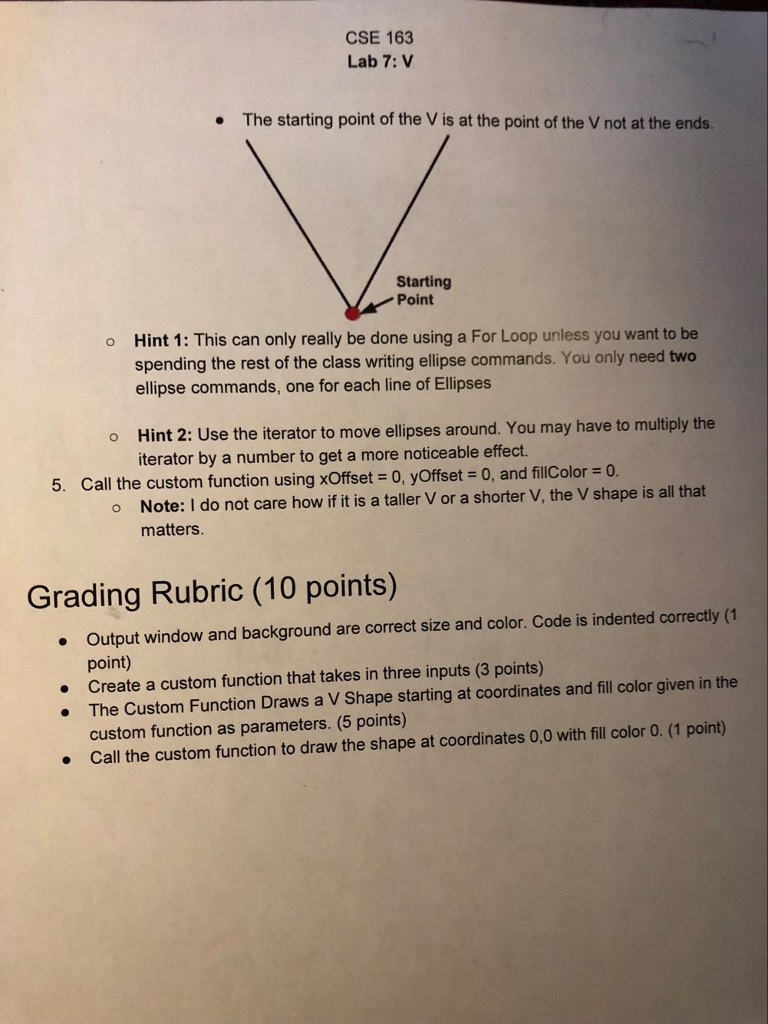
CSE 163 Lab 6: V Due September 25, 2018 at 4:25PM Lab Goals: Learn how to utilize iterators. More practice with custom functions More practice with Globals Instructions: 1. 2. 3. Create a output window of 600 x 600 with a white background. Create your setup and draw functions. Create the following Globals: o x (int): Holds starting X value o y (int): Holds start Y value o r (int): Size of the ellipse. 4. Create the following Custom Function: o drawV - Output: None Inputs: xOffset (int), yOffset (int), and fillColor (int) Note: Fill Color for now is just a shade of gray which can be done with a single integer value. This should draw a single V made up of ellipses of size r x r on the screen with the starting point of the V at x+xOffset, y+yOffset. The fill color should be set using the fillColor (you can just use fill(fililcolor) for now) CSE 163 Lab 6: V Due September 25, 2018 at 4:25PM Lab Goals: Learn how to utilize iterators. More practice with custom functions More practice with Globals Instructions: 1. 2. 3. Create a output window of 600 x 600 with a white background. Create your setup and draw functions. Create the following Globals: o x (int): Holds starting X value o y (int): Holds start Y value o r (int): Size of the ellipse. 4. Create the following Custom Function: o drawV - Output: None Inputs: xOffset (int), yOffset (int), and fillColor (int) Note: Fill Color for now is just a shade of gray which can be done with a single integer value. This should draw a single V made up of ellipses of size r x r on the screen with the starting point of the V at x+xOffset, y+yOffset. The fill color should be set using the fillColor (you can just use fill(fililcolor) for now)
Step by Step Solution
There are 3 Steps involved in it

Get step-by-step solutions from verified subject matter experts
 Study Help