







Question: drop-down; and Add I resource from the Resources menu (it'll automatically name it Resource 1). Your screen should look something like: Process Name Type Standard
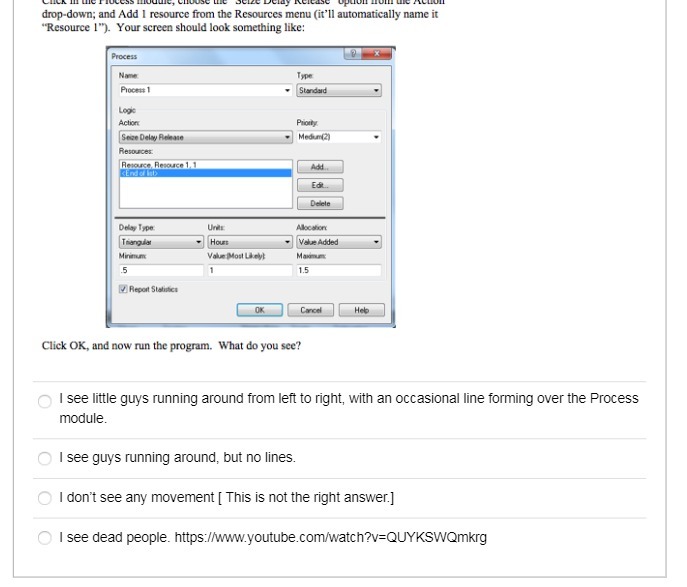
drop-down; and Add I resource from the Resources menu (it'll automatically name it "Resource 1"). Your screen should look something like: Process Name Type Standard LORE Action Some Delay Plelanie Medium(2) Resources Resource Pescaace 1. 1 Add Edit Delela Delay Type Alocation Triangular Hours Value Added Minimum Val Mont Licryt Makmin 5 1.5 Report Statistics Cancel Heb Click OK, and now run the program. What do you see? O I see little guys running around from left to right, with an occasional line forming over the Process module. I see guys running around, but no lines. O I don't see any movement [ This is not the right answer.] I see dead people. https://www.youtube.com/watch?v=QUYKSWQmkrg
Step by Step Solution
There are 3 Steps involved in it

Get step-by-step solutions from verified subject matter experts
 Study Help