







Question: e , stuck on this java program need help. here is what I have so far. thank you. 1 Introduction Imagine you are given a
e
,
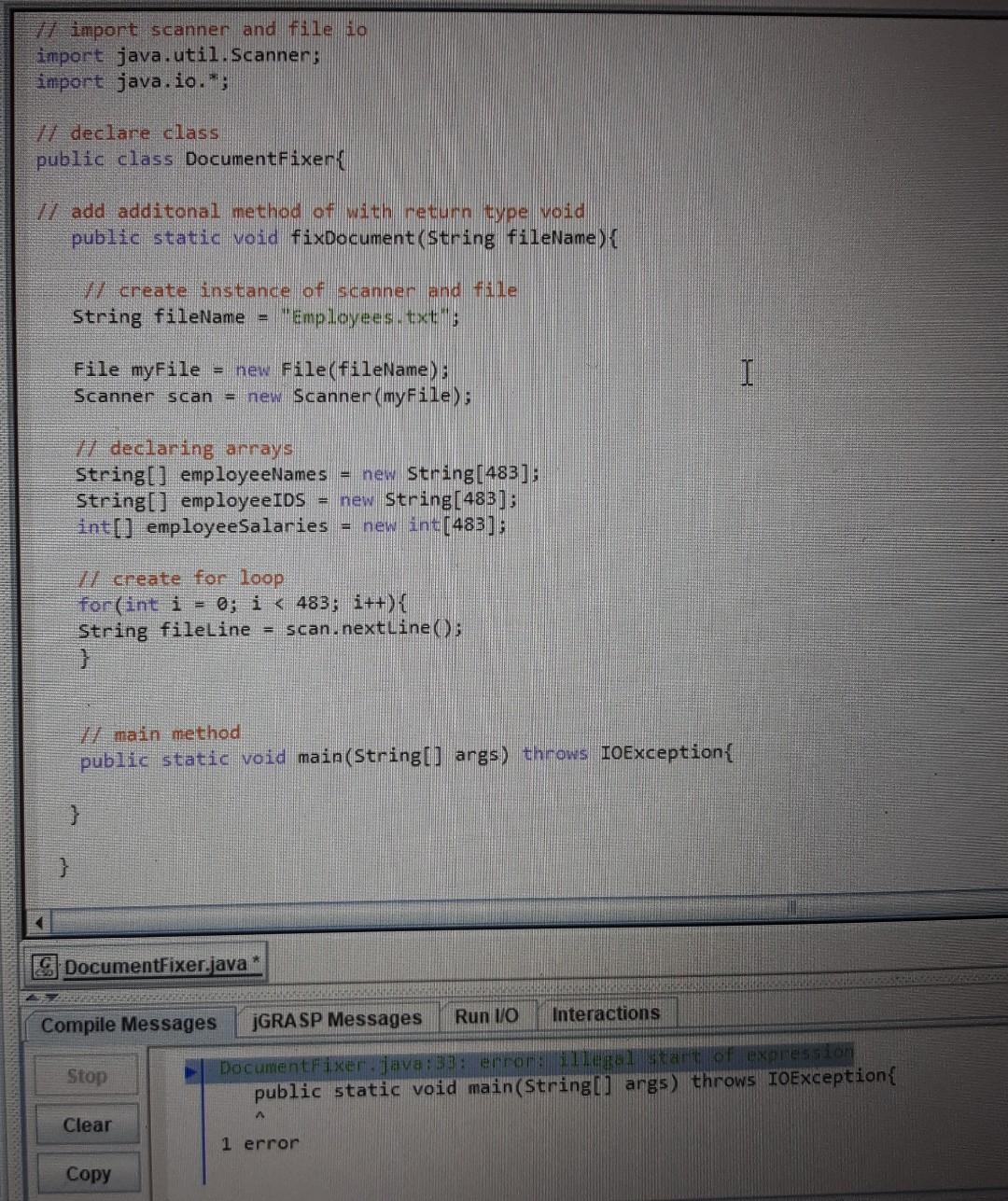
stuck on this java program need help. here is what I have so far. thank you.
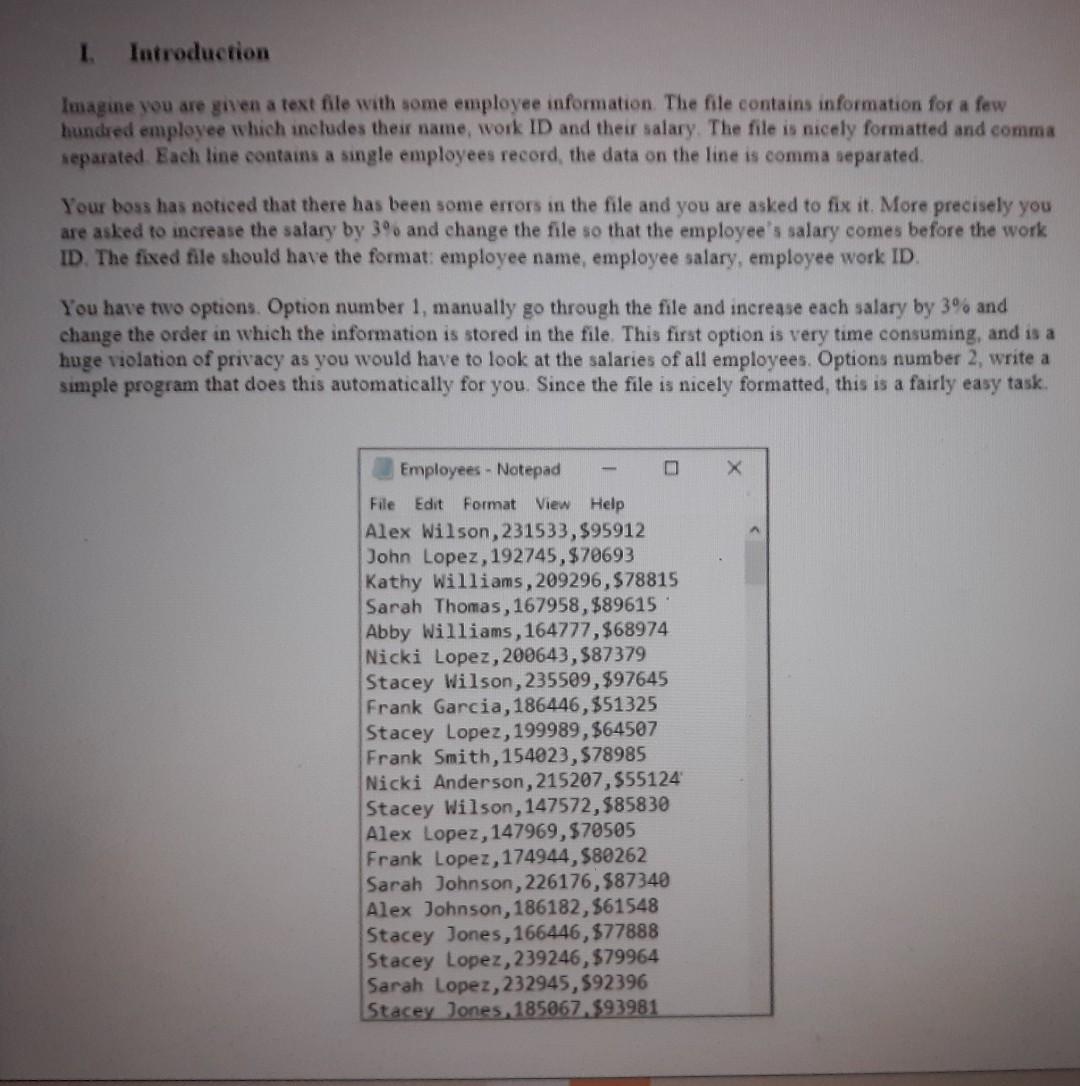
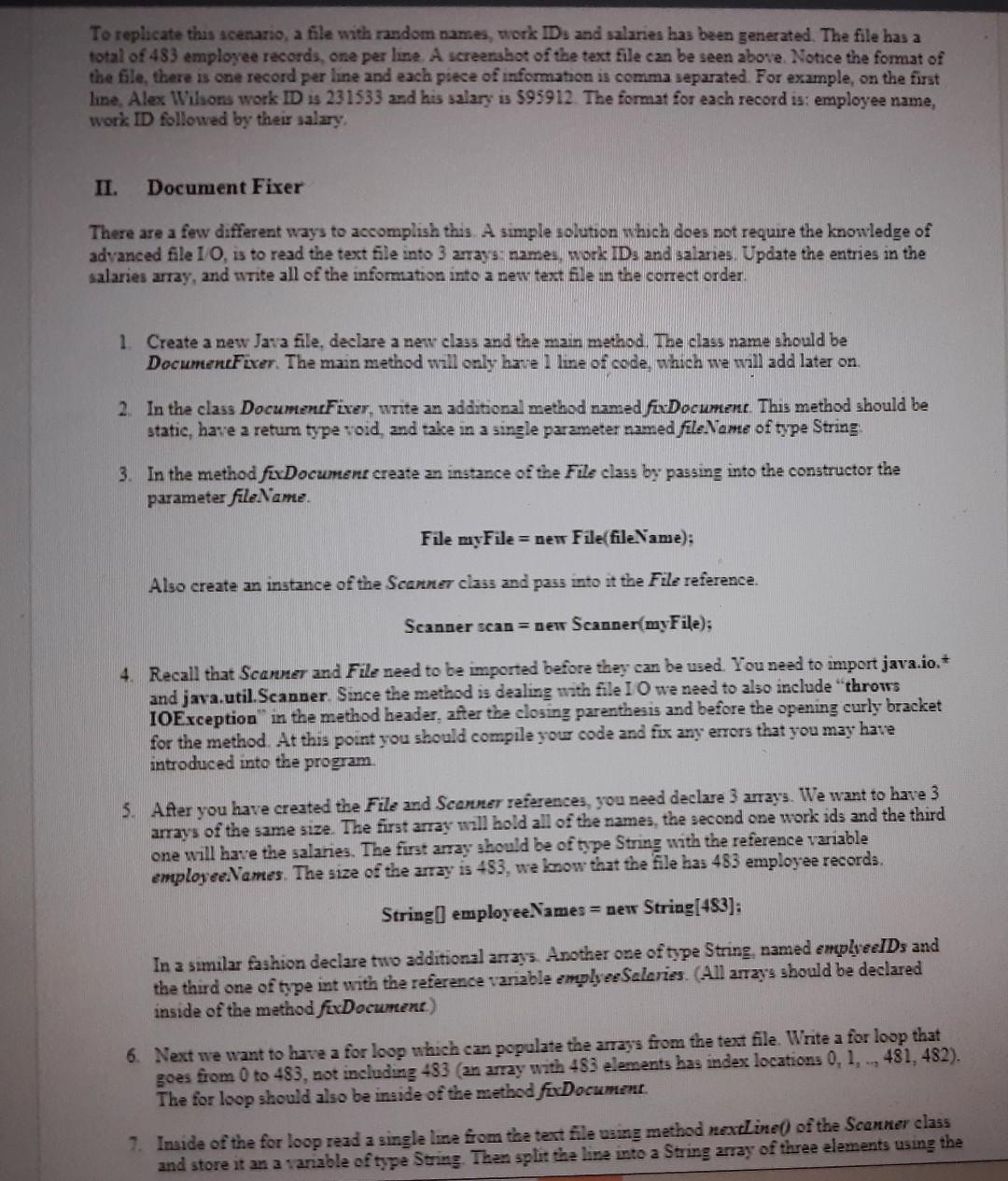
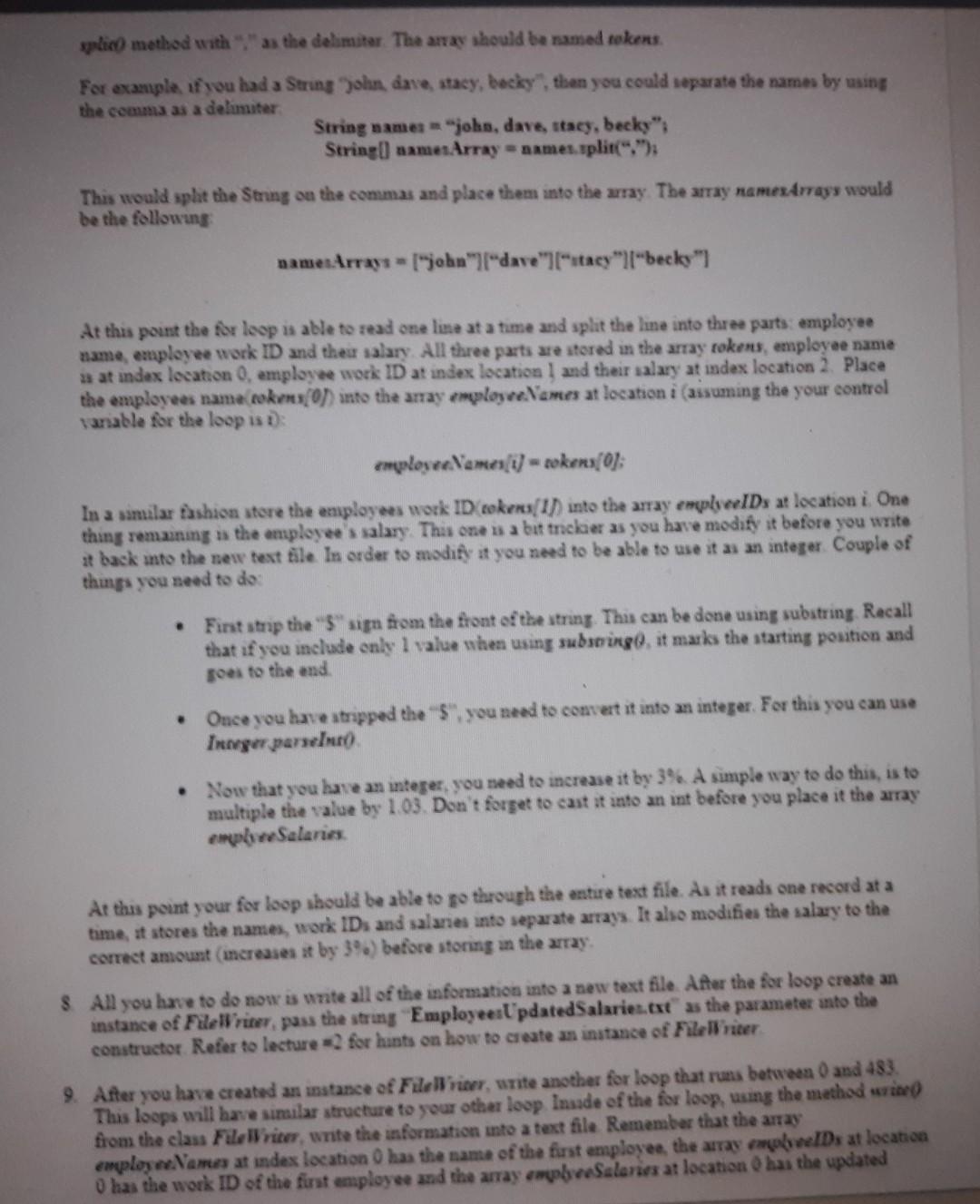
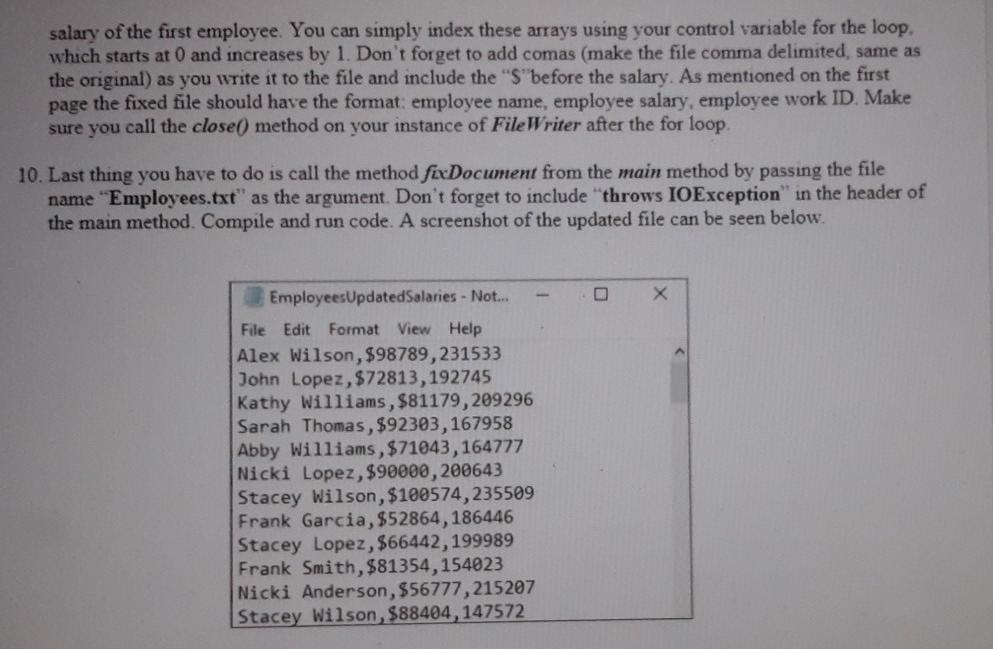
1 Introduction Imagine you are given a text file with some employee information. The file contains information for a few hundred employee which includes their name, work ID and their salary. The file is nicely formatted and comma separated Each line contains a single employees record the data on the line is comma separated Your boss has noticed that there has been some errors in the file and you are asked to fix it. More precisely you are asked to increase the salary by 3% and change the file so that the employee's salary comes before the work ID. The fixed file should have the format: employee name, employee salary, employee work ID. You have two options. Option number 1, manually go through the file and increase each salary by 3% and change the order in which the information is stored in the file. This first option is very time consuming, and is a huge violation of privacy as you would have to look at the salaries of all employees. Options number 2, write a simple program that does this automatically for you. Since the file is nicely formatted, this is a fairly easy task. Employees - Notepad File Edit Format View Help Alex Wilson, 231533,$95912 John Lopez, 192745,$70693 Kathy Williams, 209296,$78815 Sarah Thomas, 167958, $89615 Abby Williams, 164777,$68974 Nicki Lopez, 200643,887379 Stacey Wilson, 235509,$97645 Frank Garcia, 186446,$51325 Stacey Lopez, 199989, $64507 Frank Smith, 154023, $78985 Nicki Anderson, 215207,$55124 Stacey Wilson, 147572,$85830 Alex Lopez, 147969,$70505 Frank Lopez, 174944,580262 Sarah Johnson, 226176,587340 Alex Johnson, 186182, $61548 Stacey Jones, 166446, $77888 Stacey Lopez, 239246, $79964 Sarah Lopez, 232945,592396 Stacey Jones, 185067,593981 To replicate this scenario, a file with random names, work IDs and salaries has been generated. The file has a total of 483 employee records, one per line. A screenshot of the text file can be seen above Notice the format of the file, there is one record per line and each piece of information is comma separated. For example, on the first line, Alex Wilsons work ID is 231533 and his salary is $95912. The format for each record is: employee name, work ID followed by their salary. II. Document Fixer There are a few different ways to accomplish this A simple solution which does not require the knowledge of advanced file 10, is to read the text file into 3 27ay's names, work ID: and salaries. Update the entries in the salaries array, and write all of the information into a new text file in the correct order. 1. Create a new Java file, declare a new class and the main method. The class name should be DocumentFixer. The main method will only have line of code, which we will add later on 2. In the class Document Fixer, write an additional method named fixDocument. This method should be static, have a retum type void, and take in a single parameter named file Name of type String 3. In the method fexDocumere create an instance of the File class by passing into the constructor the parameter fileName. File myFile = new File(fileName): Also create an instance of the Scanner class and pass into it the File reference. Scanner scan = new Scanner(myFile); 4. Recall that Scanner and File need to be imported before they can be used. You need to import java.io. and java.util.Scanner. Since the method is dealing with file I O we need to also include "throws IOException in the method header, after the closing parenthesis and before the opening curly bracket for the method. At this point you should compile your code and fix any errors that you may have introduced into the program. 5. After you have created the File and Scanner references, you need declare 3 arrays. We want to have 3 arrays of the same size. The first array will hold all of the names, the second one work ids and the third one will have the salaries. The first array should be of type String with the reference variable employeeNames. The size of the array is 483, we know that the file has 483 employee records. String employee Names = new String[483]: In a similar fashion declare two additional anays. Another one of type String named empleeIDs and the third one of type int with the reference variable emple Salories. (All arrays should be declared inside of the method fixDocument) 6. Next we want to have a for loop which can populate the amass from the text file. Write a for loop that goes from 0 to 483, not including 483 (an array with 483 elements has index locations 0, 1, , 481, 482). The for loop should also be inside of the method fixDocument 7. Inside of the for loop read a single line from the text file using method nextLine() of the Scanner class and store it an a variable of type String Then split the line into a String array of three elements using the plied method with as the delimiter The array should be named tokens For example, if you had a String John, dave, stacy, becky, then you could separate the names by using the comma as a delimitar String name "joho, davettacy, becky": String() samenArray = names.split(""); This would split the String on the commas and place them into the array. The stay namesArrays would be the following name:Array = 1John" "dave""stacy""becks") At this point the for loop is able to read one line at a time and split the line into three parts: employee name, employee work ID and the salary. All three parts are stored in the array tokens, employee name a at index location 0, employee work ID at index location 1 and their salary at index location 2. Place the employees name tokens() into the anay employelones at location i (assuming the your control variable for the loop is : employee Vemei) = zokers[0]: In a similar fashion store the employees work ID rokers/I]) into the array emple IDs at location i One thing remaining is the employee's salary. This one is a bit tncle as you have modify it before you write # back into the new text file In order to modify it you need to be able to use it as an integer couple of things you need to do . First strap the "S" sign from the front of the string. This can be done using substring Recall that if you include only 1 value when using substring, it marks the starting pouition and goes to the end Once you have stripped the $", you need to convert it into an integer. For this you can use Inger parent) Now that you have an integer, you need to increase it by 3% A simple way to do this, is to multiple the value by 1.03 Don't forget to cast it into an int before you place it the array emph Salarias At this point your for loop should be able to go through the entire text file. As it reads one record at a time, it stores the names, work IDs and salaries into separate arrays. It also modifies the salary to the correct amount increases it by 39.) before storing in the array $ All you have to do now is write all of the information into a new text file. After the for loop create an instance of Filelriter, pass the string Employee:Updated Salaries.txt" as the parameter into the constructor Refer to lecture for hunts on how to create an instance of Fileliter 9. After you have created an instance of Filellier, unite another for loop that runs between 0 and 483 This loops will have similar structure to your other loop Insade of the for loop, using the method wie from the class File Writer, write the information into a text file Remember that the array employ Names at index location has the name of the first employee, the array empleIDs at location O has the work ID of the first employee and the array emphaeSalones at location has the updated salary of the first employee. You can simply index these arrays using your control variable for the loop. which starts at 0 and increases by 1. Don't forget to add comas (make the file comma delimited, same as the original) as you write it to the file and include the "S"before the salary. As mentioned on the first page the fixed file should have the format: employee name, employee salary, employee work ID. Make sure you call the close() method on your instance of FileWriter after the for loop 10. Last thing you have to do is call the method fexDocument from the main method by passing the file name "Employees.txt" as the argument. Don't forget to include throws IOException in the header of the main method. Compile and run code. A screenshot of the updated file can be seen below. A Employees Updated Salaries - Not... File Edit Format View Help Alex Wilson, $98789,231533 John Lopez, $72813, 192745 Kathy Williams, $81179,209296 Sarah Thomas, $92303, 167958 Abby Williams, $71043, 164777 Nicki Lopez, $90000, 200643 Stacey Wilson, $100574,235509 Frank Garcia, $52864,186446 Stacey Lopez, $66442,199989 Frank Smith, $81354, 154023 Nicki Anderson, $56777,215207 Stacey Wilson, $88404,147572 import scanner and file io import java.util.Scanner; import java.io."; declare class public class DocumentFixer add additonal method of with return type void public static void fixDocument (string fileName) { 7 create instance of scanner and file String fileName "Employees.txt'; File myFile new File(fileName); Scanner scan = new Scanner(myfile); I 7 declaring arrays String[] employeeNames = new String[483]; String[] employeeIDS = new String[483]; int[] employeeSalaries = new int[483]; u create for loop for(int i = 0; i
Step by Step Solution
There are 3 Steps involved in it

Get step-by-step solutions from verified subject matter experts
 Study Help