





Question: E X fx A B C D E F G H K lick on the Prepare Fin Sts tab and enter your name in Cell
E X fx A B C D E F G H K lick on the "Prepare Fin
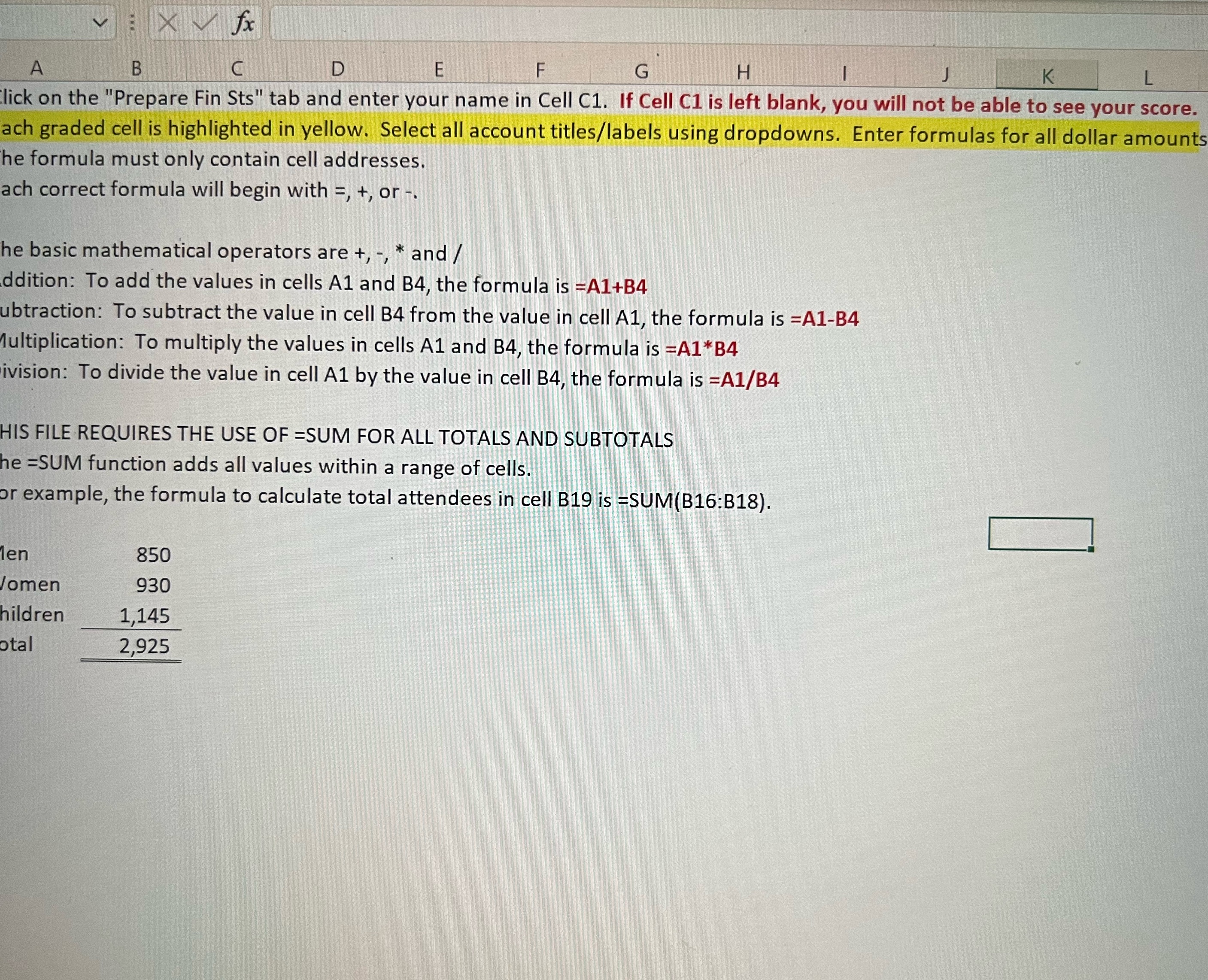
E X fx A B C D E F G H K lick on the "Prepare Fin Sts" tab and enter your name in Cell C1. If Cell C1 is left blank, you will not be able to see your score. ach graded cell is highlighted in yellow. Select all account titles/labels using dropdowns. Enter formulas for all dollar amounts he formula must only contain cell addresses. ach correct formula will begin with =, +, or -. he basic mathematical operators are +, -, * and / ddition: To add the values in cells A1 and B4, the formula is =A1+B4 ubtraction: To subtract the value in cell B4 from the value in cell A1, the formula is =Al-B4 lultiplication: To multiply the values in cells Al and B4, the formula is =A1*B4 ivision: To divide the value in cell A1 by the value in cell B4, the formula is =A1/B4 HIS FILE REQUIRES THE USE OF =SUM FOR ALL TOTALS AND SUBTOTALS he =SUM function adds all values within a range of cells. or example, the formula to calculate total attendees in cell B19 is =SUM(B16:B18). en 850 Jomen 930 hildren 1,145 tal 2,925

Step by Step Solution

There are 3 Steps involved in it

1 Expert Approved Answer
Step: 1 Unlock blur-text-image

Question Has Been Solved by an Expert!

Get step-by-step solutions from verified subject matter experts

Step: 2 Unlock
Step: 3 Unlock

Students Have Also Explored These Related Accounting Questions!