







Question: Edge Detection Automatically detecting edges in images is an important task in image processing. An edge detector takes an input image and generates another image
Edge Detection
Automatically detecting edges in images is an important task in image processing. An edge detector takes an input image and generates another image where the edges in the original image are highlighted by graywhite colors while other pixels are black. For each pixel subset of an image, we can calculate the magnitude of the gradient at the center pixel of A as a weighted sum of all the values in A One common technique is called the Sobel operator specified as
where and can be defined as
: and :
Note that the colon in linear algebra means double dot product which is different from its use in MATLAB. So the formula above means that each pixel and will be a weighted sum of the values of the neighboring pixels in the original image using the weights specified in the matrices above. For example, specifies that the current pixel and its top and bottom neighbors are not used weights are zero while the top right neighbor has a weight of and the top left has weight of etc. The final output pixel is then the root sum squared and
Create a function called edgy that takes an original image input, and produces a processed image. Both the input and the output argument are grayscale images, that is matrices of uint values.
Note that the output has two fewer rows and columns than the input since the pixels in the first and last columns and rows do not have enough neighbors for the required computation.
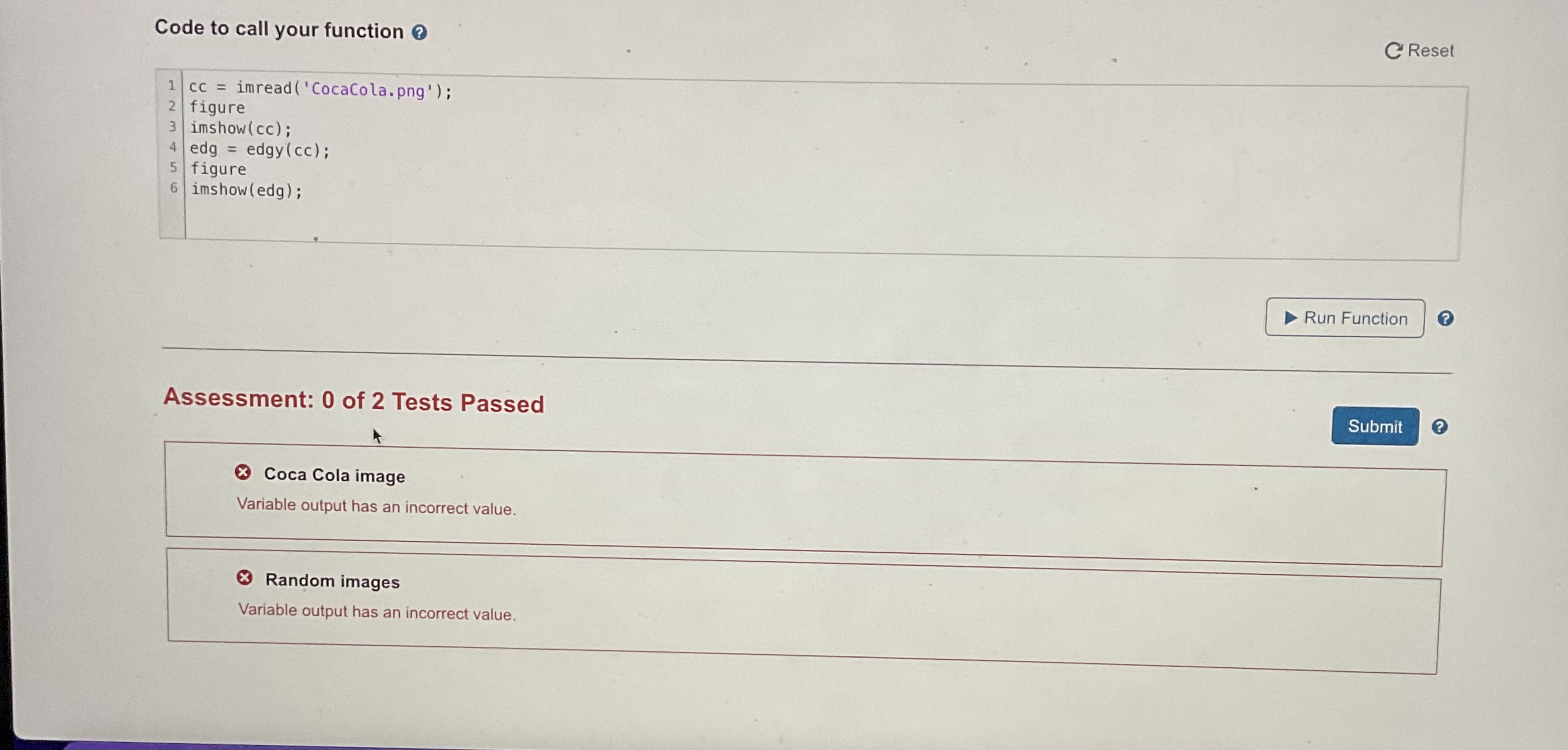
Here is an example input and output click here for the imaneCode to call your function o
ResetAssessment: of Tests Passed
Coca Cola image
Variable output has an incorrect value.
Random images
Variable output has an incorrect value.
Step by Step Solution
There are 3 Steps involved in it
1 Expert Approved Answer
Step: 1 Unlock

Question Has Been Solved by an Expert!
Get step-by-step solutions from verified subject matter experts
Step: 2 Unlock
Step: 3 Unlock
 Study Help