







Question: Edit a formula and correct an error a . Select cells H 1 5 : H 1 8 and clck the Auto Sum button [
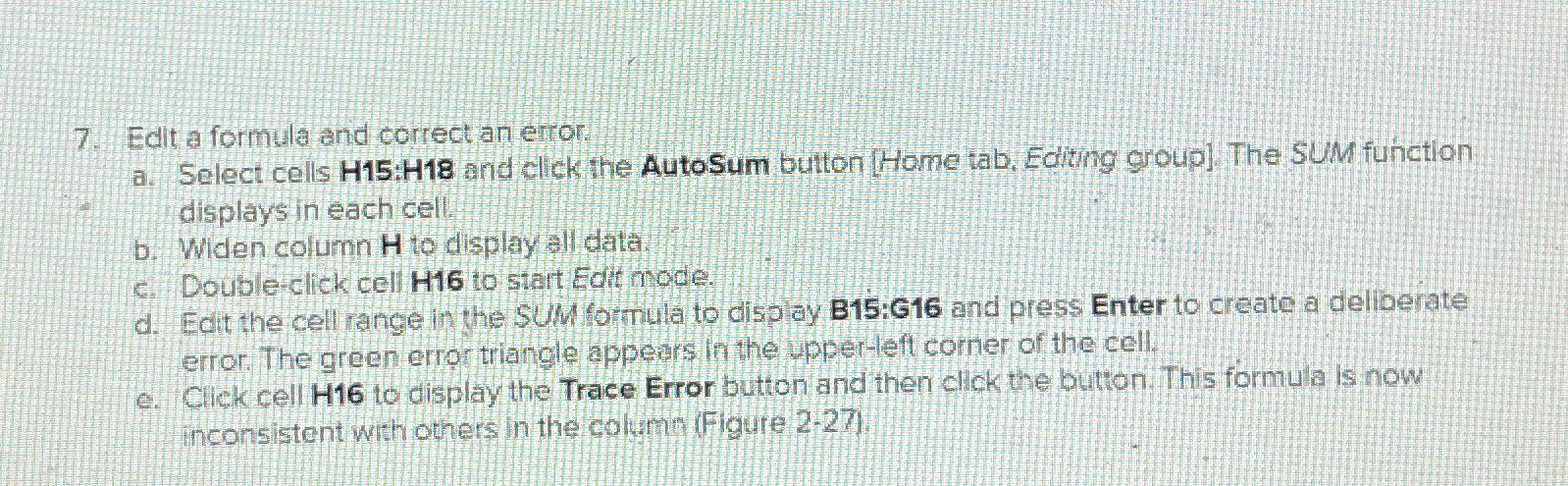
Edit a formula and correct an error
a Select cells : and clck the Auto Sum button Home tab, Editing group The SUM function displays in each cell:
b Widen column to display all data.
c Doubleclick cell H to start Edit node.
d Edit the cell range in the SUM formula to display B:G and press Enter to create a deliberate error. The green error triangle appears in the upperleft comer of the cell.
e Click cell H to display the Trace Error button and then click the button. This formula is now inconsistent with others in the columin Figure
Step by Step Solution
There are 3 Steps involved in it
1 Expert Approved Answer
Step: 1 Unlock

Question Has Been Solved by an Expert!
Get step-by-step solutions from verified subject matter experts
Step: 2 Unlock
Step: 3 Unlock
 Study Help