







Question: EE 221 Computing for Engineers Homework #19-Solution Problem #1 a. Download the file named 'data1.mat' and store it in your Matlab working directory. The working
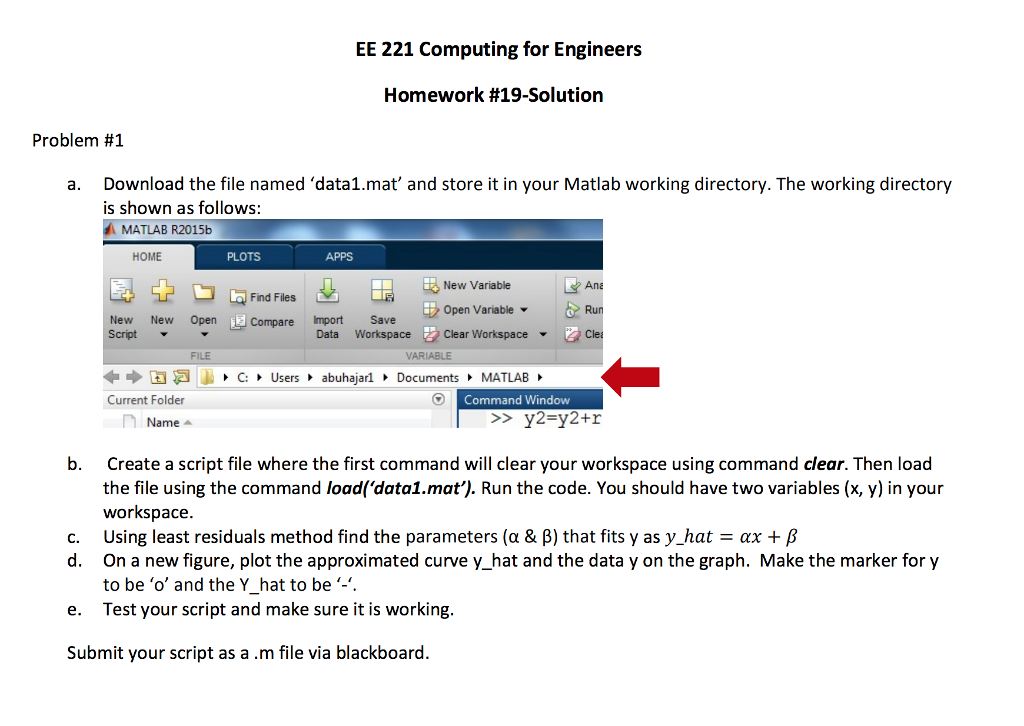
EE 221 Computing for Engineers Homework #19-Solution Problem #1 a. Download the file named 'data1.mat' and store it in your Matlab working directory. The working directory is shown as follows: MATLAB R2015b HOME PLOTS APPS New Variable Ane Find Files w New Open Compare mport SaveOpen VariableRun Compare Import Save Script Data WorkspaceClear Workspace ? ? FILE VARIABLE ????C: Users?abuhajarl?Documents?MATLAB Current Folder Command Window Name b. Create a script file where the first command will clear your workspace using command clear. Then load the file using the command load('data1.mat'). Run the code. You should have two variables (x, y) in your workspace Using least residuals method find the parameters (? & ?) that fits y as y-hat c. ?? + ? d. On a new figure, plot the approximated curve y_hat and the data y on the graph. Make the marker for y e. Test your script and make sure it is working Submit your script as a .m file via blackboard to be 'o' and the Y hat to be
Step by Step Solution
There are 3 Steps involved in it

Get step-by-step solutions from verified subject matter experts
 Study Help