







Question: EECS 1 0 1 2 Lab 6 : Tracing an Algorithm Due: November 8 , 9 p . m . 1 Introduction You can submit
EECS Lab : Tracing an Algorithm
Due: November pm
Introduction
You can submit your lab work in eClass any time before November pm
Learning Outcomes
The purpose of this lab is To practice computational thinking by drawing flowcharts for basic computation problems, verifying if they are correct by tracing them then implementing them in JS
Your first task in this lab is to verify algorithms by tracing them for some sample inputs. You must also provide pre and post conditions for each algorithm. This task can be done in teams of two, if you like. In Part you will implement all exercises in JavaScript. We suggest that you do this portion of the work individually. You will create one html one css and one js file for all your work.
Flowchart Task
This part can be done in teams of two. If you have done the work at home, discuss it with a peer from your lab before you submit your final solution. If you work with a partner, please indicate the name of your partner on your submission. You will both receive the same mark on your submission.
Complete trace tables and pre post conditions in a Word document or on paper and then take an image with a camera Make sure the size of any image you submit is less than KB ; you may have to reduce the resolution of your camera to make this possible.
IMPORTANT: You are required to provide preconditions and postconditions for each solution you provide.
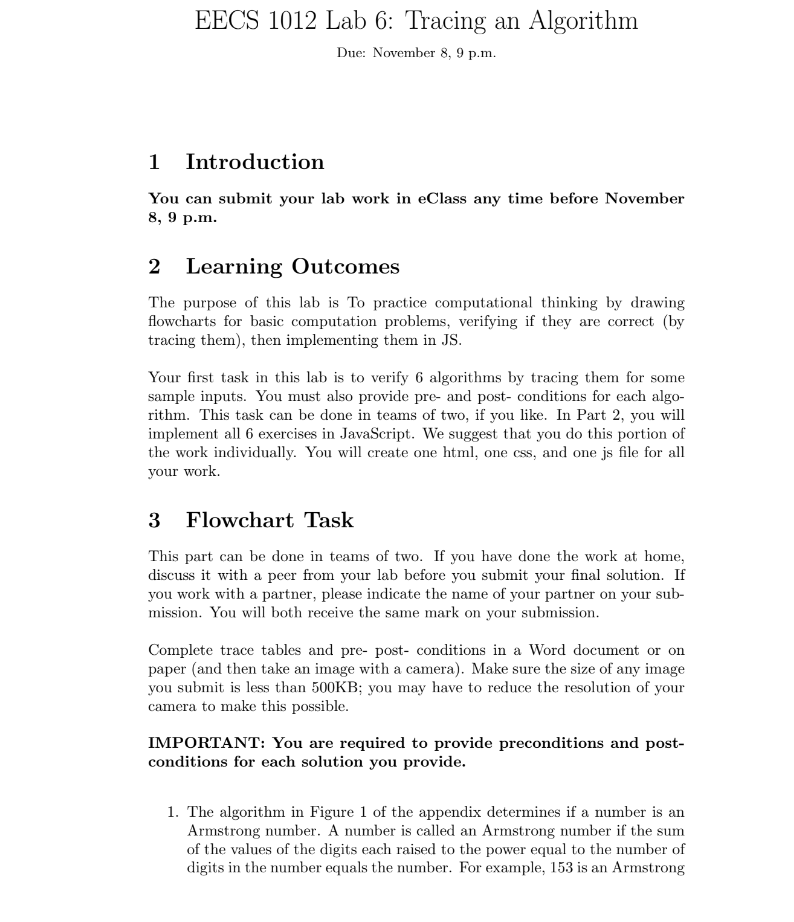
The algorithm in Figure of the appendix determines if a number is an Armstrong number. A number is called an Armstrong number if the sum of the values of the digits each raised to the power equal to the number of digits in the number equals the number. For example, is an Armstrong number, because Trace this algorithm when the input is
The algorithm in Figure of the appendix determines if a number is a Perfect number. A perfect number is a positive integer that is equal to the sum of its positive proper divisors, that is divisors excluding the number itself. For instance, has proper divisors and and so is a perfect number. Trace this algorithm when the input is
The algorithm in Figure of the appendix finds the sum of first N terms of the following series. ldots ldots ldots up to N terms. Trace this algorithm when the input is
The algorithm in Figure of the appendix determines if a given number is prime or not. Trace this algorithm for the following inputs: and
The charge for luggage on railways is calculated by the algorithm in Figure of the appendix: For the first kg of weight, the charge is a flat $ For every additional kg or part thereof up to kg there is a charge of $ For weight beyond kg the charge is calculated at the rate of $ per kg Trace this algorithm for the following input:
The algorithm in Figure of the appendix shows the logic to find the N th Fibonacci number. Fibonacci numbers are obtained from the relationship: tititi for i to n where t and t If the input is the output should therefore be as t Trace this algorithm for the following inputs:
Programming Task
In this part, you translate your flowcharts for the problems above to JavaScript code and link them all to an HTML page. You are given labhtml labcss labjs and labtest.js files. Review these files carefully, trying to understand the purpose of each line.
You will, more specifically, need to:
Complete the activateButton function in labjs more details are below
Connect your labjs file to labhtml by adding a script element in the head.
Ensure that activateButton is called upon loading labhtml see lab and for an example
write your OWN JSDoc comments for your code. When the work is complete, you should have a website that runs each algorithm upon a button click. Some examples of what this should look like can be found in Figures and in the appendix.
You will encode the function activateButton so that it adds an event listener to the button in your HTML page. Make sure that this event listener is be activated upon a 'click' event. Then write code so that when the user clicks:
The string value from the select box in the HTML is bound to a variable.
The numeric value from the input box in the HTML is bound to a variable.
Your program calls the name of the function that is given in the string value, and passes to this function the value from the input box as an argument.
If you obtain a return value, print this to the output element alongside the name of the algorithm.
See the figures in the Appendix for an examples of what your HTML page should look like when you have completed this part of the work.
Submission
In order to submit, compress the 'Lab folder with 'labcss 'labhtml and 'labjs and your tracing tables within it and submit your compressed file via eClass. The file you submit should have a zip extension. You do not have Your HTML should be linked t
Step by Step Solution
There are 3 Steps involved in it
1 Expert Approved Answer
Step: 1 Unlock

Question Has Been Solved by an Expert!
Get step-by-step solutions from verified subject matter experts
Step: 2 Unlock
Step: 3 Unlock
 Study Help