







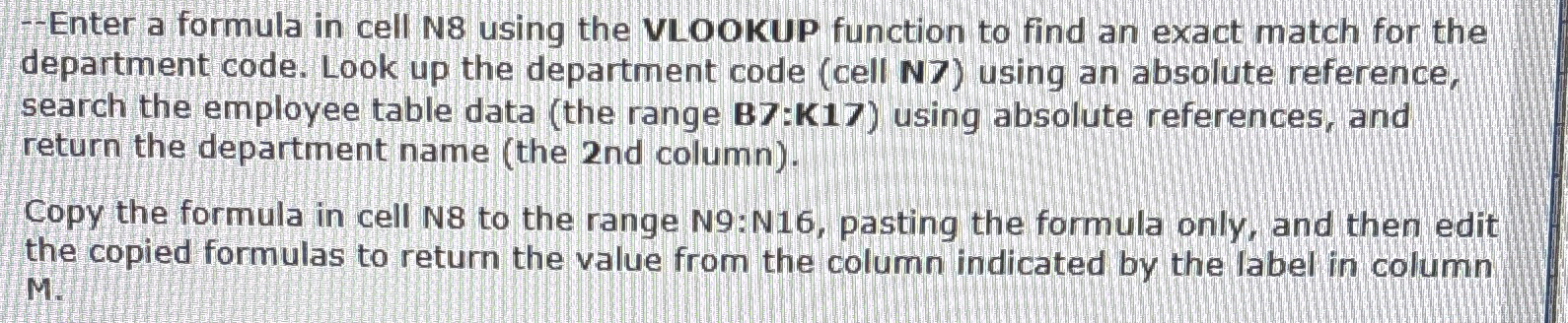
Question: - Enter a formula in cell N 8 using the VLOOKUP function to find an exact match for the department code. Look up the department
Enter a formula in cell N using the VLOOKUP function to find an exact match for the department code. Look up the department code cell N using an absolute reference, search the employee table data the range : using absolute references, and return the department name the nd column
Copy the formula in cell N to the range N:N pasting the formula only, and then edit the copied formulas to return the value from the column indicated by the label in column M
Step by Step Solution
There are 3 Steps involved in it
1 Expert Approved Answer
Step: 1 Unlock

Question Has Been Solved by an Expert!
Get step-by-step solutions from verified subject matter experts
Step: 2 Unlock
Step: 3 Unlock
 Study Help