





Question: Enter a nested INDEX and MATCH function in cell K7 that examines the range B6:H25 and returns the corresponding employee information based on the match
Enter a nested INDEX and MATCH function in cell
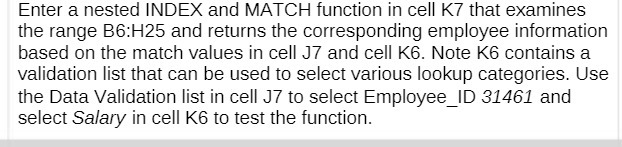
Enter a nested INDEX and MATCH function in cell K7 that examines the range B6:H25 and returns the corresponding employee information based on the match values in cell J7 and cell K6. Note K6 contains a validation list that can be used to select various lookup categories. Use the Data Validation list in cell J7 to select Employee ID 31461 and select Salary in cell K6 to test the function

Step by Step Solution

There are 3 Steps involved in it

1 Expert Approved Answer
Step: 1 Unlock blur-text-image

Question Has Been Solved by an Expert!

Get step-by-step solutions from verified subject matter experts

Step: 2 Unlock
Step: 3 Unlock

Students Have Also Explored These Related Mathematics Questions!