







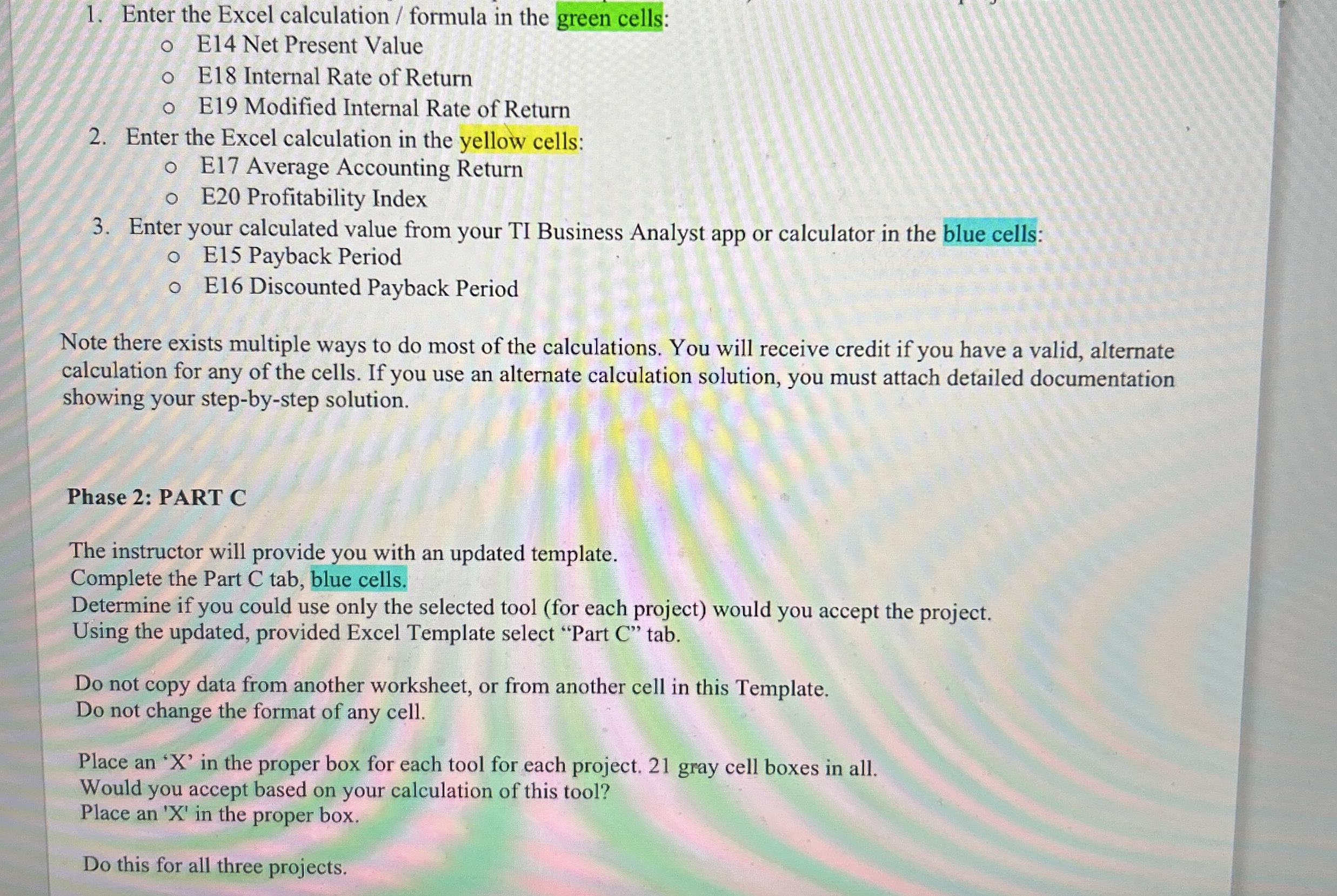
Question: Enter the Excel calculation / formula in the green cells: E 1 4 Net Present Value E 1 8 Internal Rate of Return E 1
Enter the Excel calculation formula in the green cells:
E Net Present Value
E Internal Rate of Return
E Modified Internal Rate of Return
Enter the Excel calculation in the yellow cells:
E Average Accounting Return
E Profitability Index
Enter your calculated value from your TI Business Analyst app or calculator in the blue cells:
E Payback Period
E Discounted Payback Period
Note there exists multiple ways to do most of the calculations. You will receive credit if you have a valid, alternate
calculation for any of the cells. If you use an alternate calculation solution, you must attach detailed documentation
showing your stepbystep solution.
Phase : PART C
The instructor will provide you with an updated template.
Complete the Part C tab, blue cells.
Determine if you could use only the selected tool for each project would you accept the project.
Using the updated, provided Excel Template select "Part C tab.
Do not copy data from another worksheet, or from another cell in this Template.
Do not change the format of any cell.
Place an X in the proper box for each tool for each project. gray cell boxes in all.
Would you accept based on your calculation of this tool?
Place an X in the proper box.
Do this for all three projects.
I need the answers for all green, yellow, and blue cells. I also need to know what formulas in excel to put in gor each answer. Thank you!
Step by Step Solution
There are 3 Steps involved in it
1 Expert Approved Answer
Step: 1 Unlock

Question Has Been Solved by an Expert!
Get step-by-step solutions from verified subject matter experts
Step: 2 Unlock
Step: 3 Unlock
 Study Help