







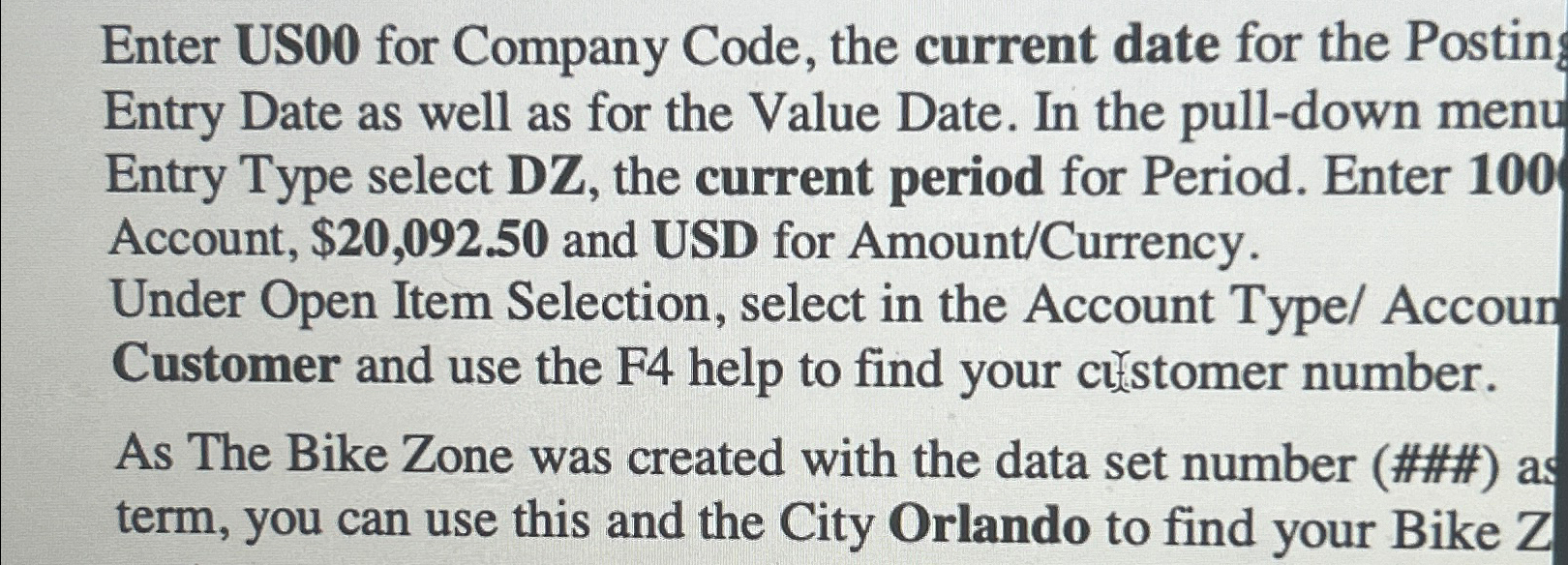
Question: Enter US 0 0 for Company Code, the current date for the Postin Entry Date as well as for the Value Date. In the pull
Enter US for Company Code, the current date for the Postin Entry Date as well as for the Value Date. In the pulldown menu Entry Type select DZ the current period for Period. Enter Account, $ and USD for AmountCurrency
Under Open Item Selection, select in the Account Type Accoun Customer and use the F help to find your cilstomer number.
As The Bike Zone was created with the data set number ### as term, you can use this and the City Orlando to find your Bike Z
Step by Step Solution
There are 3 Steps involved in it
1 Expert Approved Answer
Step: 1 Unlock

Question Has Been Solved by an Expert!
Get step-by-step solutions from verified subject matter experts
Step: 2 Unlock
Step: 3 Unlock
 Study Help