







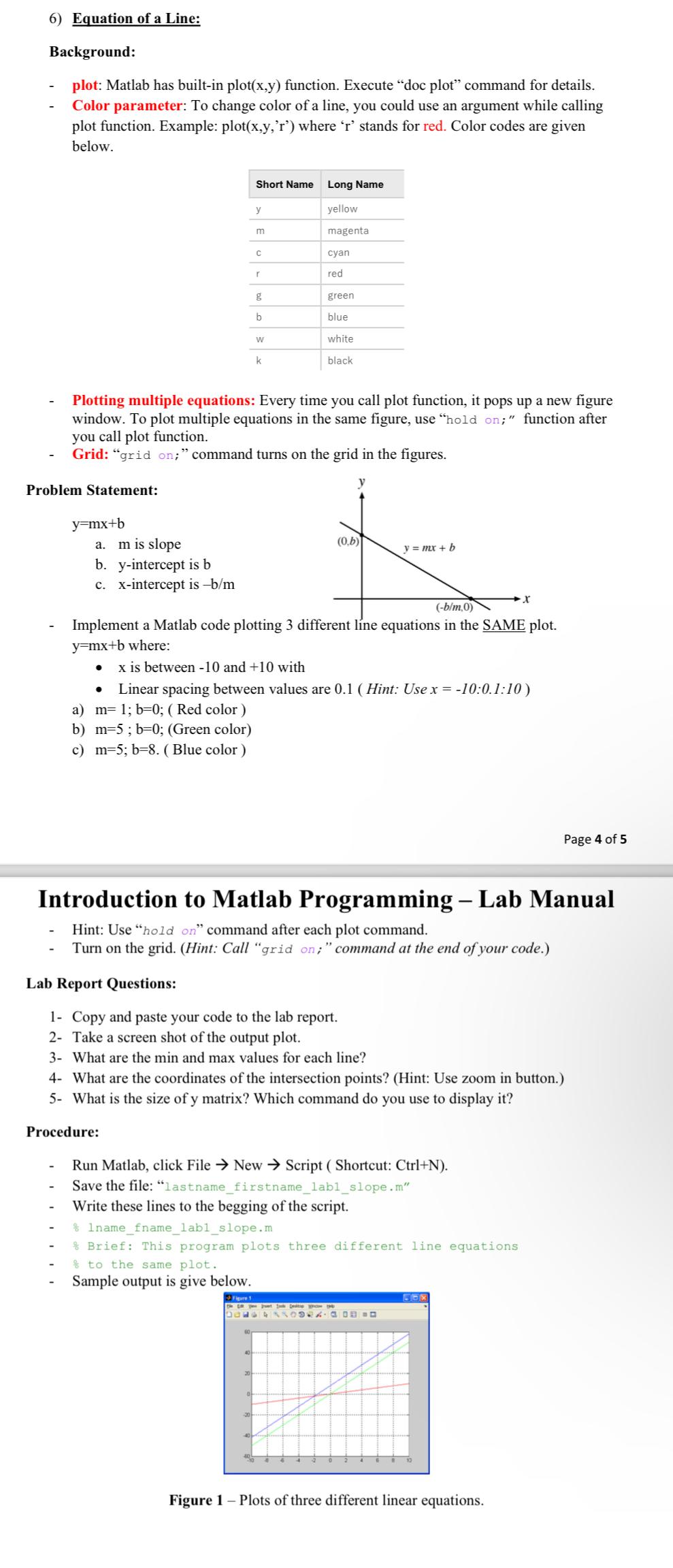
Question: Equation of a Line: Background: plot: Matlab has built - in plot ( x , y ) function. Execute doc plot command for details. Color
Equation of a Line:
Background:
plot: Matlab has builtin plotxy function. Execute "doc plot" command for details.
Color parameter: To change color of a line, you could use an argument while calling plot function. Example: plotxyr where stands for red. Color codes are given below.
tableShort Name,Long Nameyellowmagentacyanredgreenbluewhiteblack
Plotting multiple equations: Every time you call plot function, it pops up a new figure window. To plot multiple equations in the same figure, use "hold on; function after you call plot function.
Grid: "grid on; command turns on the grid in the figures.
Problem Statement:
a is slope
bintercept is
cintercept is
Implement a Matlab code plotting different line equations in the SAME plot. where:
is between and with
Linear spacing between values are Hint: Use ::
a Red color
Step by Step Solution
There are 3 Steps involved in it
1 Expert Approved Answer
Step: 1 Unlock

Question Has Been Solved by an Expert!
Get step-by-step solutions from verified subject matter experts
Step: 2 Unlock
Step: 3 Unlock
 Study Help