







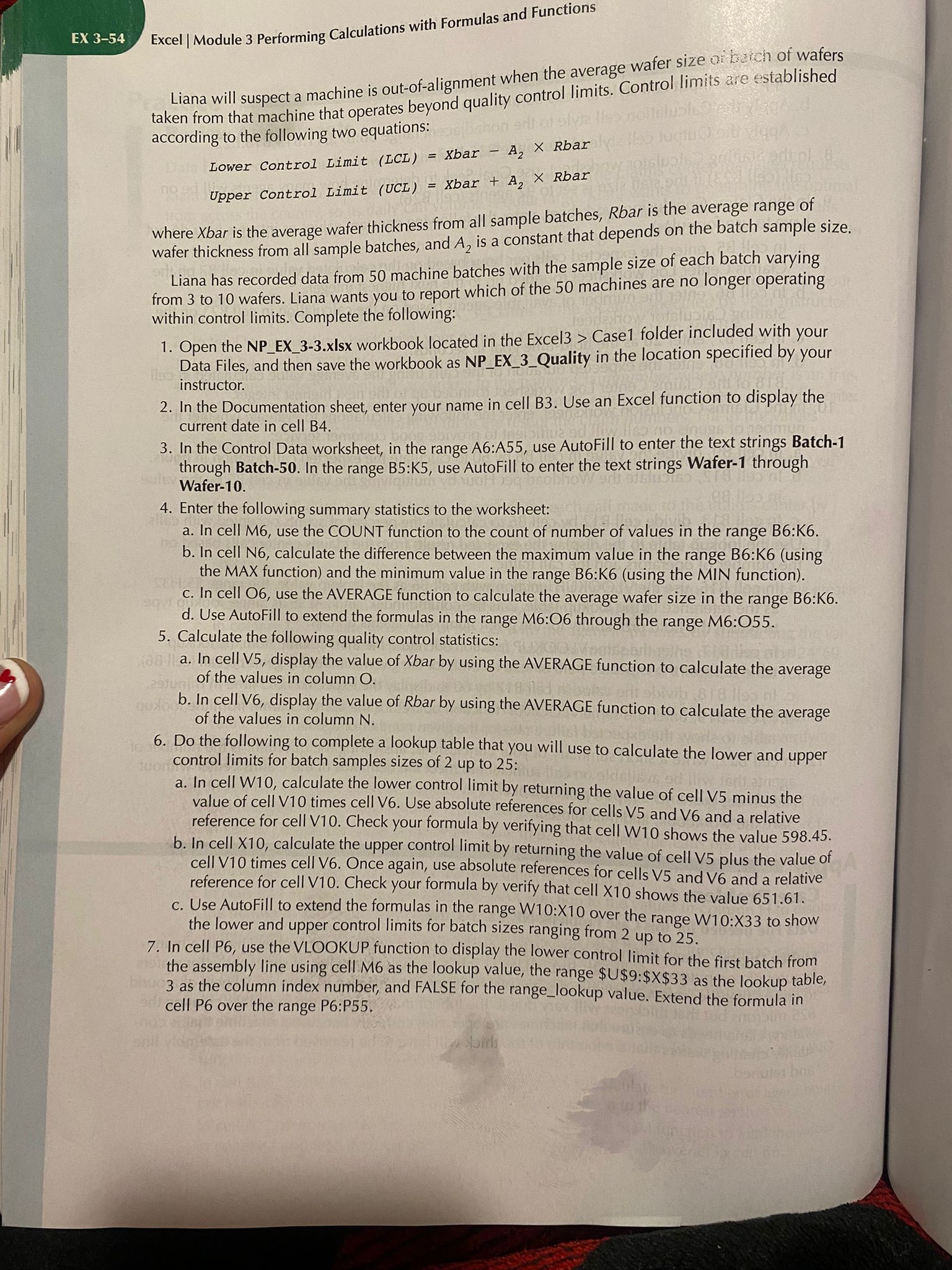
Question: EX 3 - 5 4 Excel | Module 3 Performing Calculations with Formulas and Functions Liana will suspect a machine is out - of -
EX Excel Module Performing Calculations with Formulas and Functions
Liana will suspect a machine is outofalignment when the average wafer size what of taken from that machine that operates beyond quality control limits Control limits are established according to the following two equations:
Lower Control Limit Xbar Rbar
Upper Control Limit Xbar Rbar
where ar is the average wafer thickness from all sample batches, is the average range of wafer thickness from all sample batches, and is a constant that depends on the batch sample size.
Liana has recorded data from machine batches with the sample size of each batch varying from to wafers. Liana wants you to report which of the machines are no longer operating within control limits Complete the following:
Open the NPEXxIsx workbook located in the Excel Case folder included with your Data Files, and then save the workbook as NPEXQuality in the location specified by your instructor.
In the Documentation sheet, enter your name in cell B Use an Excel function to display the current date in cell B
In the Control Data worksheet, in the range A:A use AutoFill to enter the text strings Batch through Batch In the range B:K use AutoFill to enter the text strings Wafer through Wafer
Enter the following summary statistics to the worksheet:
a In cell M use the COUNT function to the count of number of values in the range B:K
b In cell N calculate the difference between the maximum value in the range B:Kusing the MAX function and the minimum value in the range B:Kusing the MIN function
c In cell O use the AVERAGE function to calculate the average wafer size in the range B:K
d Use AutoFill to extend the formulas in the range M:O through the range M:O
Calculate the following quality control statistics:
a In cell V display the value of Xbar by using the AVERAGE function to calculate the average of the values in column
b In cell V display the value of Rbar by using the AVERAGE function to calculate the average of the values in column
Do the following to complete a lookup table that you will use to calculate the lower and upper control limits for batch samples sizes of up to :
a In cell W calculate the lower control limit by returning the value of cell V minus the value of cell V times cell V Use absolute references for cells and and a relative reference for cell V Check your formula by verifying that cell W shows the value
b In cell calculate the upper control limit by returning the value of cell plus the value of cell V times cell V Once again, use absolute references for cells V and V and a relative reference for cell V Check your formula by verify that cell X shows the value
c Use AutoFill to extend the formulas in the range W:X over the range W:X to show the lower and upper control limits for batch sizes ranging from up to
In cell P use the VLOOKUP function to display the lower control limit for the first batch from the assembly line using cell M as the lookup value, the range $$:$$ as the lookup table, as the column index number, and FALSE for the rangelookup value. Extend the formula in cell P over the range P:P
Step by Step Solution
There are 3 Steps involved in it
1 Expert Approved Answer
Step: 1 Unlock

Question Has Been Solved by an Expert!
Get step-by-step solutions from verified subject matter experts
Step: 2 Unlock
Step: 3 Unlock
 Study Help