







Question: Excel assignment Everything can only be calculated by A1 through A20 Given the accompanying data, use Excel's function options to find MAD, the sample variance,
Excel assignment Everything can only be calculated by A1 through A20
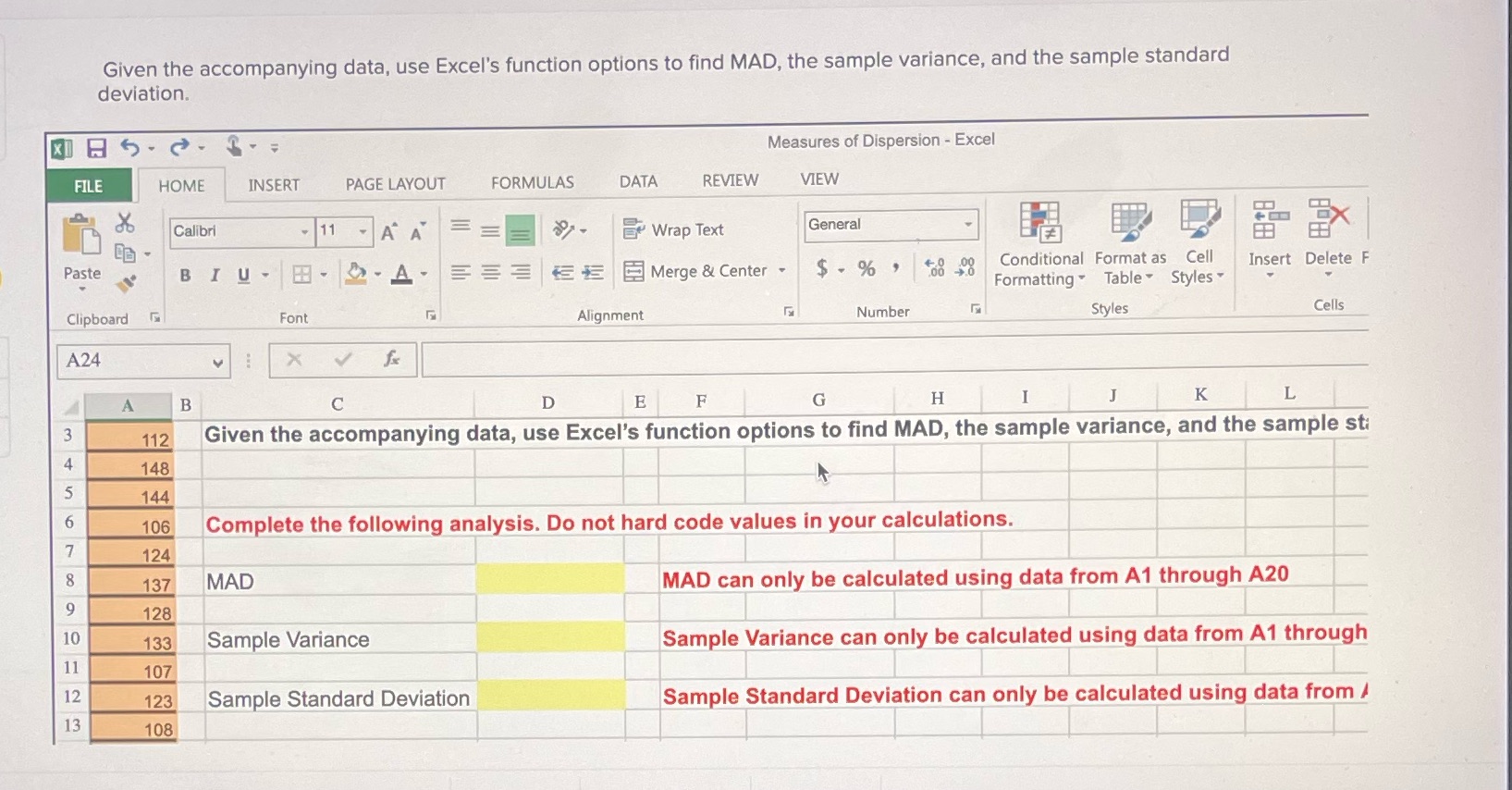
Given the accompanying data, use Excel's function options to find MAD, the sample variance, and the sample standard deviation. Measures of Dispersion - Excel FILE HOME INSERT PAGE LAYOUT FORMULAS DATA REVIEW VIEW Calibri 11 - A A Wrap Text General EX Paste BIU- H - - A E S Merge & Center - $ - % Conditional Format as Cell Insert Delete F Formatting " Table Styles Clipboard Font Alignment Number Styles Cells A24 X V f A B C D E F G H I J K L 3 112 Given the accompanying data, use Excel's function options to find MAD, the sample variance, and the sample sti 4 148 144 6 106 Complete the following analysis. Do not hard code values in your calculations. 124 137 MAD MAD can only be calculated using data from A1 through A20 128 10 133 Sample Variance Sample Variance can only be calculated using data from A1 through 107 12 123 Sample Standard Deviation Sample Standard Deviation can only be calculated using data from / 13 108
Step by Step Solution
There are 3 Steps involved in it

Get step-by-step solutions from verified subject matter experts
 Study Help