







Question: Excel Lesson 4 Overview Watch the Excel Lesson 4 Video Using the L4_Titan_Property Excel file, complete the worksheet using the instructions below saving it as
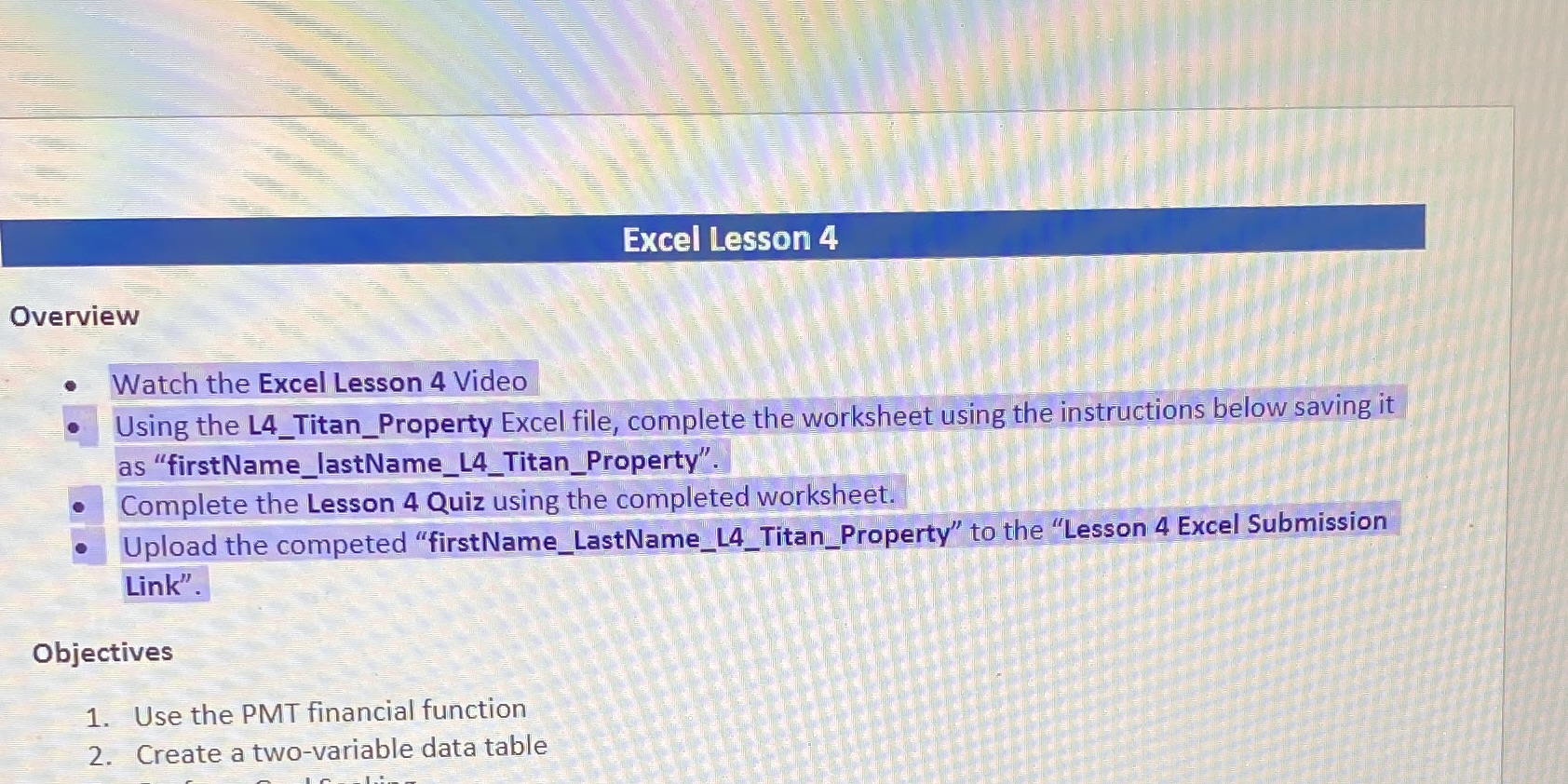
Excel Lesson 4 Overview Watch the Excel Lesson 4 Video Using the L4_Titan_Property Excel file, complete the worksheet using the instructions below saving it as "firstName_lastName_L4_Titan_Property". Complete the Lesson 4 Quiz using the completed worksheet. Upload the competed "firstName_LastName_L4_Titan_Property" to the "Lesson 4 Excel Submission Link". Objectives 1. Use the PMT financial function 2. Create a two-variable data table
Step by Step Solution
There are 3 Steps involved in it
1 Expert Approved Answer
Step: 1 Unlock

Question Has Been Solved by an Expert!
Get step-by-step solutions from verified subject matter experts
Step: 2 Unlock
Step: 3 Unlock
 Study Help