







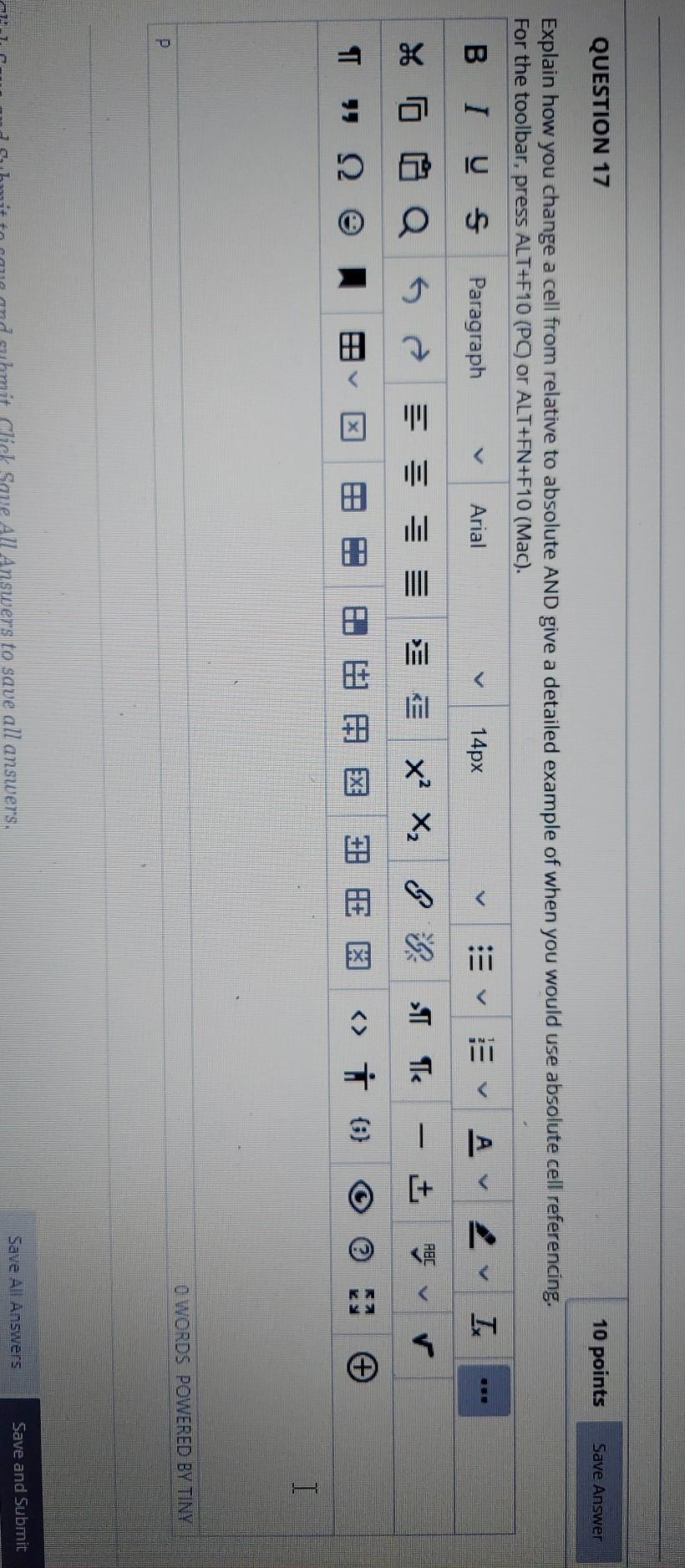
Question: Excel QUESTION 17 10 points Save Answer Explain how you change a cell from relative to absolute AND give a detailed example of when you
Excel
QUESTION 17 10 points Save Answer Explain how you change a cell from relative to absolute AND give a detailed example of when you would use absolute cell referencing. For the toolbar, press ALT+F10 (PC) or ALT+FN+F10 (Mac). Us Paragraph Arial 14px v A IK V ABC - = % o Q & A M II x x && I Te +] - V T > 0) E T O WORDS POWERED BY TINY P Save and Submit Save All Answers Click Save All Answers to save all answers
Step by Step Solution
There are 3 Steps involved in it
1 Expert Approved Answer
Step: 1 Unlock

Question Has Been Solved by an Expert!
Get step-by-step solutions from verified subject matter experts
Step: 2 Unlock
Step: 3 Unlock
 Study Help