







Question: Exercise 1 (8pt). This exercise helps you to prepare a homework heading, and you can copy the heading to any worksheet after finishing this exercise.
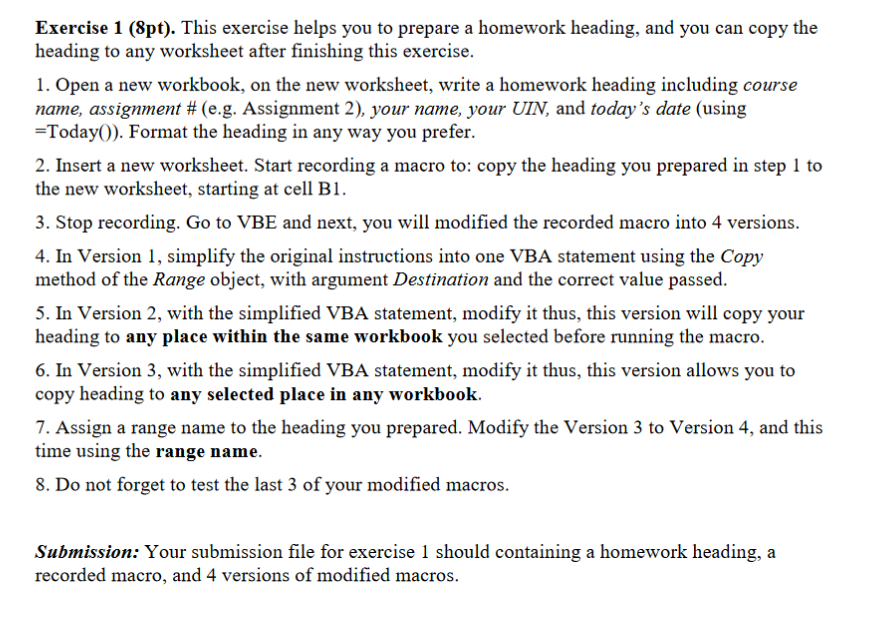
Exercise 1 (8pt). This exercise helps you to prepare a homework heading, and you can copy the heading to any worksheet after finishing this exercise. 1. Open a new workbook, on the new worksheet, write a homework heading including course name, assignment # (eg, Assignment 2), your name, your UIN, and today's date (using =Today()). Format the heading in any way you prefer. 2. Insert a new worksheet. Start recording a macro to: copy the heading you prepared in step 1 to the new worksheet, starting at cell B 3. Stop recording. Go to VBE and next, you will modified the recorded macro into 4 versions. 4. In Version 1, simplify the original instructions into one VBA statement using the Copy method of the Range object, with argument Destination and the correct value passed 5. In Version 2, with the simplified VBA statement, modify it thus, this version will copy your heading to any place within the same workbook you selected before running the macro. 6. In Version 3, with the simplified VBA statement, modify it thus, this version allows you to copy heading to any selected place in any workbook. 7. Assign a range name to the heading you prepared. Modify the Version 3 to Version 4, and this time using the range name. 8. Do not forget to test the last 3 of your modified macros. Submission: Your submission file for exercise 1 should containing a homework heading, a recorded macro, and 4 versions of modified macros
Step by Step Solution
There are 3 Steps involved in it

Get step-by-step solutions from verified subject matter experts
 Study Help