







Question: Exercise # 1 Create an Android app using kotlin language that does the following: First Activity Create the first activity with a button Image and
Exercise #
Create an Android app using kotlin language that does the following:
First Activity
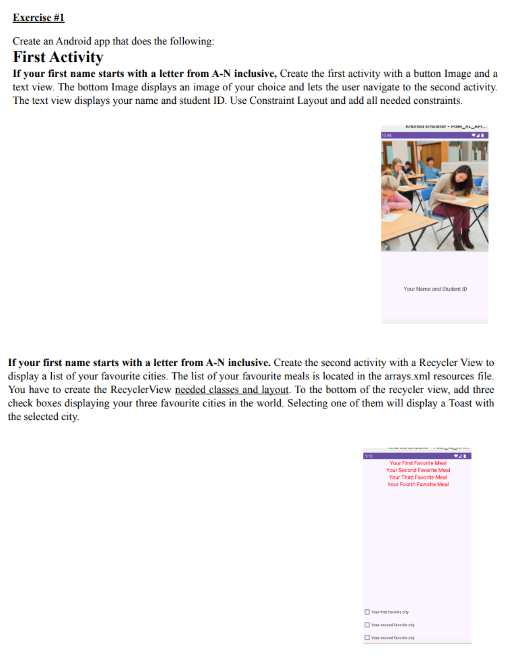
Create the first activity with a button Image and a
text view. The bottom Image displays an image of your choice and lets the user navigate to the second activity.
The text view displays your name and student ID Use Constraint Layout and add all needed constraints.
Second Activity
Create the second activity with a Recycler View to
display a list of your favourite cities. The list of your favourite meals is located in the arrays.xml resources file.
You have to create the RecyclerView needed classes and layout. To the bottom of the recycler view, add three
check boxes displaying your three favourite cities in the world. Selecting one of them will display a Toast with
the selected city.
Step by Step Solution
There are 3 Steps involved in it
1 Expert Approved Answer
Step: 1 Unlock

Question Has Been Solved by an Expert!
Get step-by-step solutions from verified subject matter experts
Step: 2 Unlock
Step: 3 Unlock
 Study Help