







Question: Exercise 1.5 Implement a program to perform the bit-slicing technique described in Section 1.2.1 and extract/display the resulting plane images (Figure 1.3) as separate Matlab

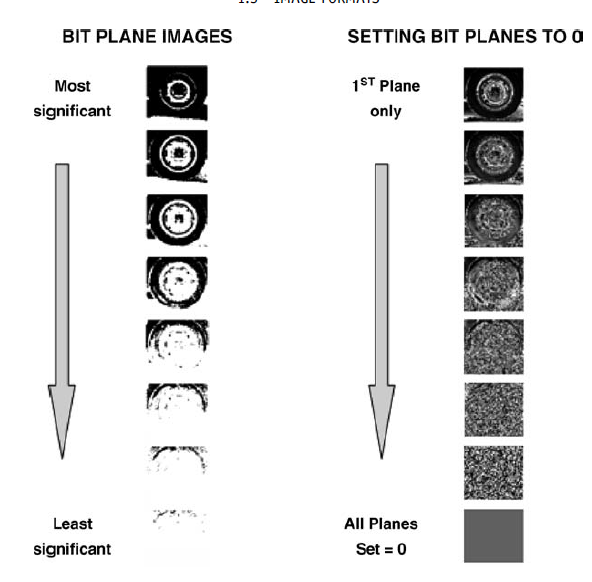
Exercise 1.5 Implement a program to perform the bit-slicing technique described in Section 1.2.1 and extract/display the resulting plane images (Figure 1.3) as separate Matlab images. You may wish to consider displaying a mosaic of several different bit-planes from an image using the subplot function. BIT PLANE IMAGES SETTING BIT PLANES TO O
Step by Step Solution
There are 3 Steps involved in it
1 Expert Approved Answer
Step: 1 Unlock

Question Has Been Solved by an Expert!
Get step-by-step solutions from verified subject matter experts
Step: 2 Unlock
Step: 3 Unlock
 Study Help