







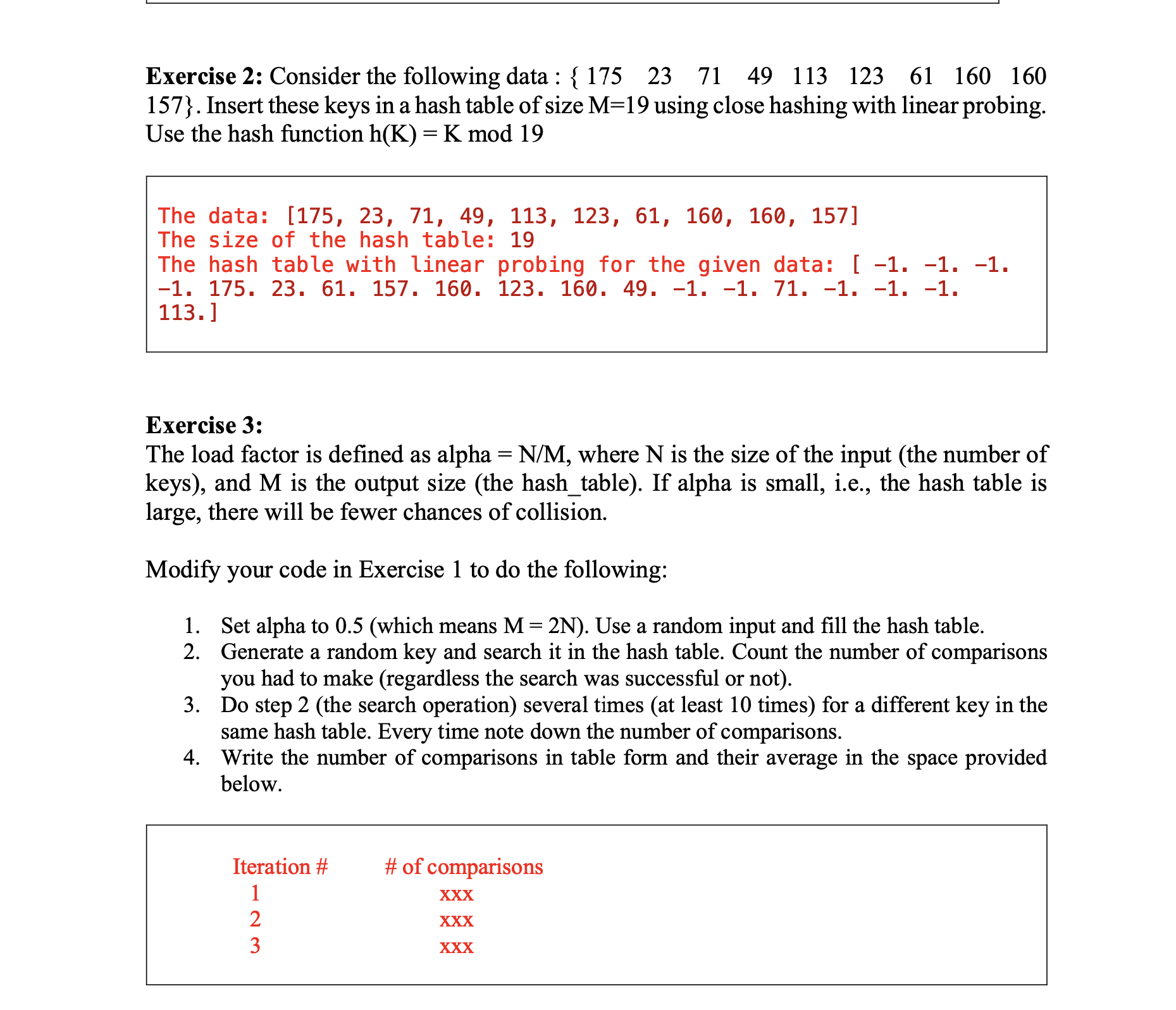
Question: Exercise 2 : Consider the following data : ( left { begin { array } { lllllllll } 1 7 5
Exercise : Consider the following data : leftbeginarraylllllllll & & & & & & & & endarrayright Insert these keys in a hash table of size M using close hashing with linear probing. Use the hash function mathrmhmathrmKmathrmKbmod
The data:
The size of the hash table:
The hash table with linear probing for the given data:
Exercise :
The load factor is defined as alpha N M where N is the size of the input the number of keys and M is the output size the hashtable If alpha is small, ie the hash table is large, there will be fewer chances of collision.
Modify your code in Exercise to do the following:
Set alpha to which means mathrmMmathrm~N Use a random input and fill the hash table.
Generate a random key and search it in the hash table. Count the number of comparisons you had to make regardless the search was successful or not
Do step the search operation several times at least times for a different key in the same hash table. Every time note down the number of comparisons.
Write the number of comparisons in table form and their average in the space provided below.
Step by Step Solution
There are 3 Steps involved in it
1 Expert Approved Answer
Step: 1 Unlock

Question Has Been Solved by an Expert!
Get step-by-step solutions from verified subject matter experts
Step: 2 Unlock
Step: 3 Unlock
 Study Help