







Question: Exercise 3-3 Run web applications that use a database This exercise has you run two of the web applications presented in this book that use
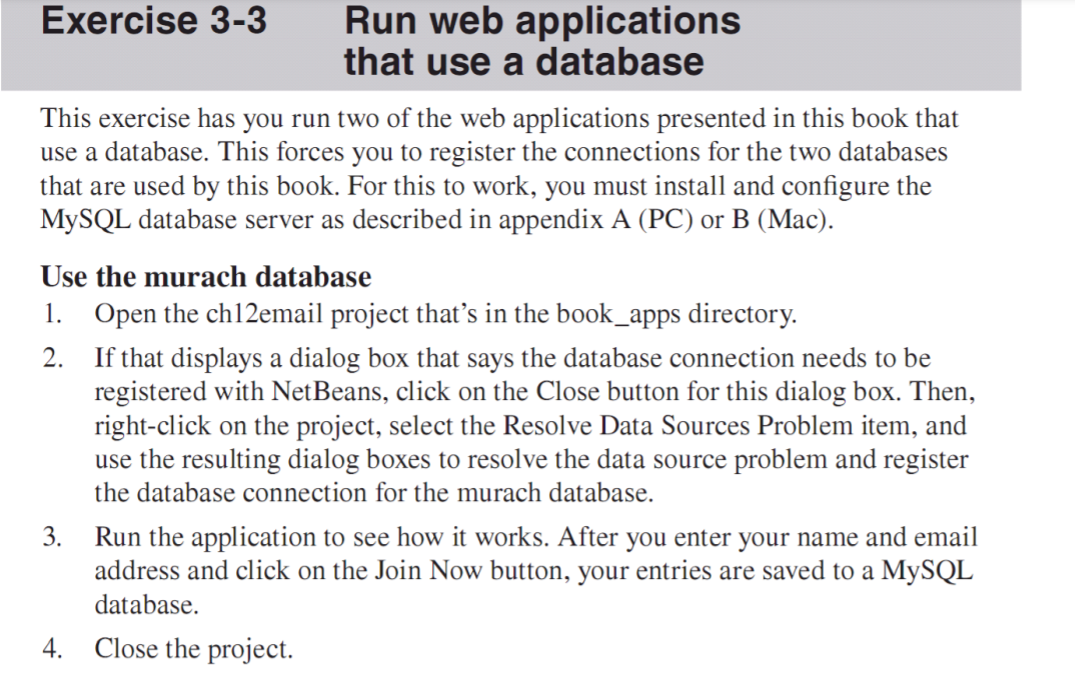
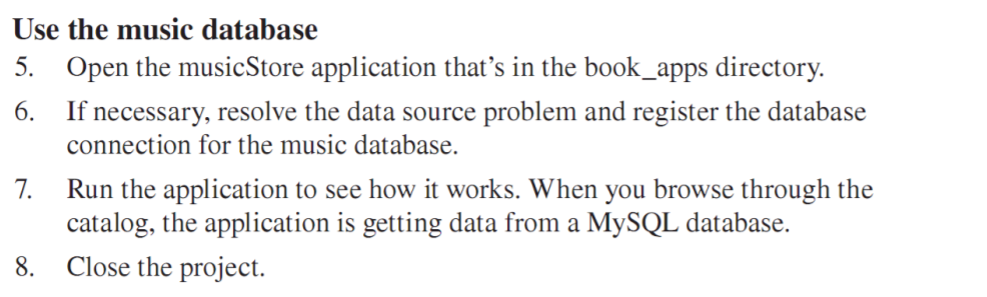
Exercise 3-3 Run web applications that use a database This exercise has you run two of the web applications presented in this book that use a database. This forces you to register the connections for the two databases that are used by this book. For this to work, you must install and configure the MySQL database server as described in appendix A (PC) or B (Mac). Use the murach database 1. Open the ch12email project that's in the book_apps directory. If that displays a dialog box that says the database connection needs to be registered with NetBeans, click on the Close button for this dialog box. Then, right-click on the project, select the Resolve Data Sources Problem item, and use the resulting dialog boxes to resolve the data source problem and register the database connection for the murach database. 3. Run the application to see how it works. After you enter your name and email address and click on the Join Now button, your entries are saved to a MySQL database. Close the project. 2. 4. Use the music database 5. Open the musicStore application that's in the book_apps directory. 6. If necessary, resolve the data source problem and register the database connection for the music database. 7. Run the application to see how it works. When you browse through the catalog, the application is getting data from a MySQL database. Close the project. 8. Exercise 3-3 Run web applications that use a database This exercise has you run two of the web applications presented in this book that use a database. This forces you to register the connections for the two databases that are used by this book. For this to work, you must install and configure the MySQL database server as described in appendix A (PC) or B (Mac). Use the murach database 1. Open the ch12email project that's in the book_apps directory. If that displays a dialog box that says the database connection needs to be registered with NetBeans, click on the Close button for this dialog box. Then, right-click on the project, select the Resolve Data Sources Problem item, and use the resulting dialog boxes to resolve the data source problem and register the database connection for the murach database. 3. Run the application to see how it works. After you enter your name and email address and click on the Join Now button, your entries are saved to a MySQL database. Close the project. 2. 4. Use the music database 5. Open the musicStore application that's in the book_apps directory. 6. If necessary, resolve the data source problem and register the database connection for the music database. 7. Run the application to see how it works. When you browse through the catalog, the application is getting data from a MySQL database. Close the project. 8
Step by Step Solution
There are 3 Steps involved in it

Get step-by-step solutions from verified subject matter experts
 Study Help