







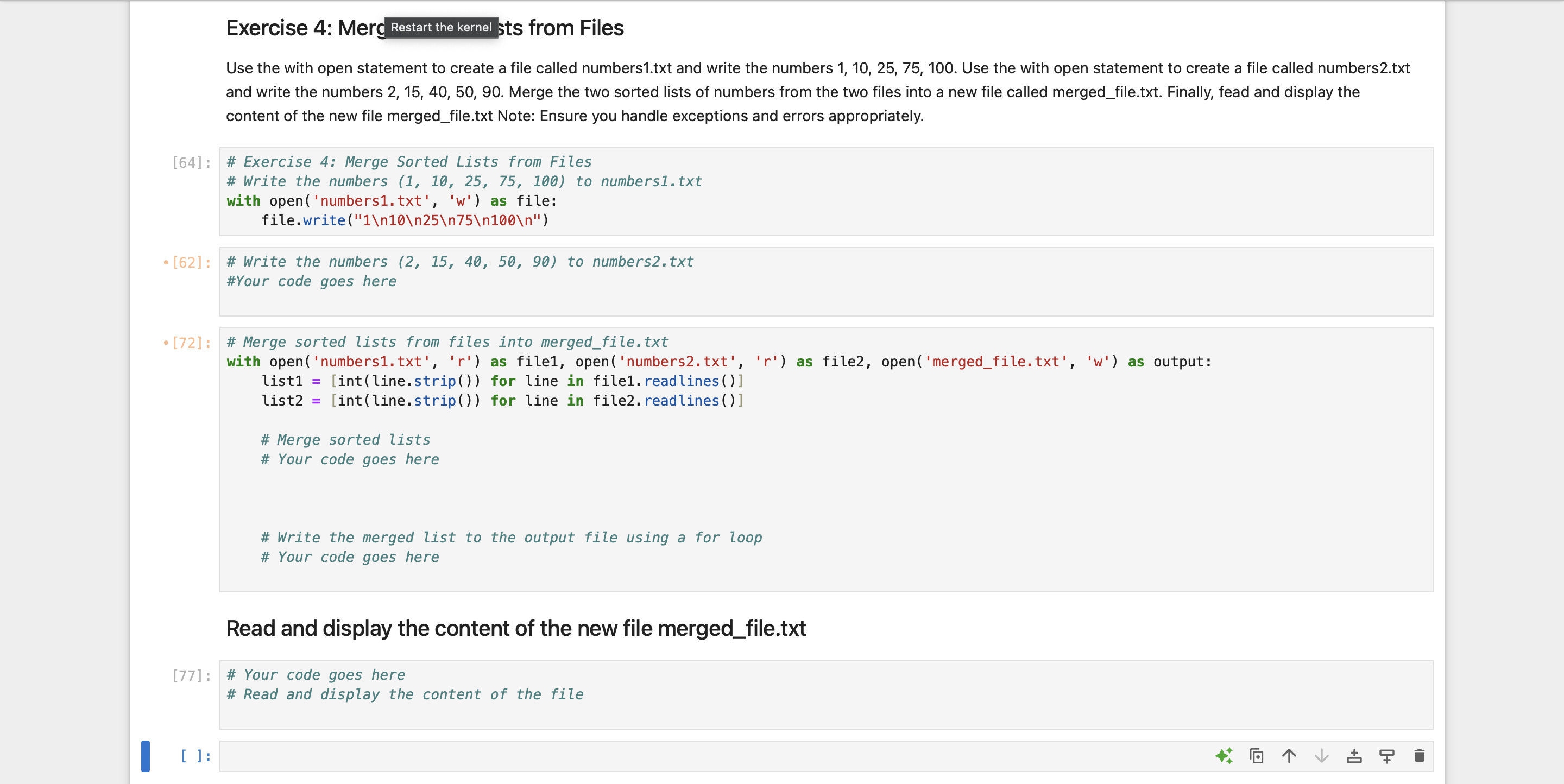
Question: Exercise 4 : Mers Restart the kernel ts from Files Use the with open statement to create a file called numbers 1 . txt and
Exercise : Mers
Restart the kernel ts from Files
Use the with open statement to create a file called numberstxt and write the numbers Use the with open statement to create a file called numbers t x t and write the numbers Merge the two sorted lists of numbers from the two files into a new file called mergedfile.txt Finally, fead and display the content of the new file mergedfile.txt Note: Ensure you handle exceptions and errors appropriately.
: # Exercise : Merge Sorted Lists from Files
# Write the numbers to numberstxt
with opennumberstxtw as file:
file.write
: # Write the numbers to numberstxt
#Your code goes here
: # Merge sorted lists from files into mergedfile.txt
with opennumberstxtr as file opennumberstxtr as file openmergedfile.txtw as output:
listintlinestrip for line in filereadlines
listintlinestrip for line in filereadlines
# Merge sorted lists
# Your code goes here
# Write the merged list to the output file using a for loop
# Your code goes here
Read and display the content of the new file mergedfile.txt
: # Your code goes here
# Read and display the content of the file
:
Step by Step Solution
There are 3 Steps involved in it
1 Expert Approved Answer
Step: 1 Unlock

Question Has Been Solved by an Expert!
Get step-by-step solutions from verified subject matter experts
Step: 2 Unlock
Step: 3 Unlock
 Study Help