







Question: Help in JAVA please Part 4: Create method divideFromFile() 1. Create a file called myTestFile. txt in your project folder (not in the same folder
Help in JAVA please
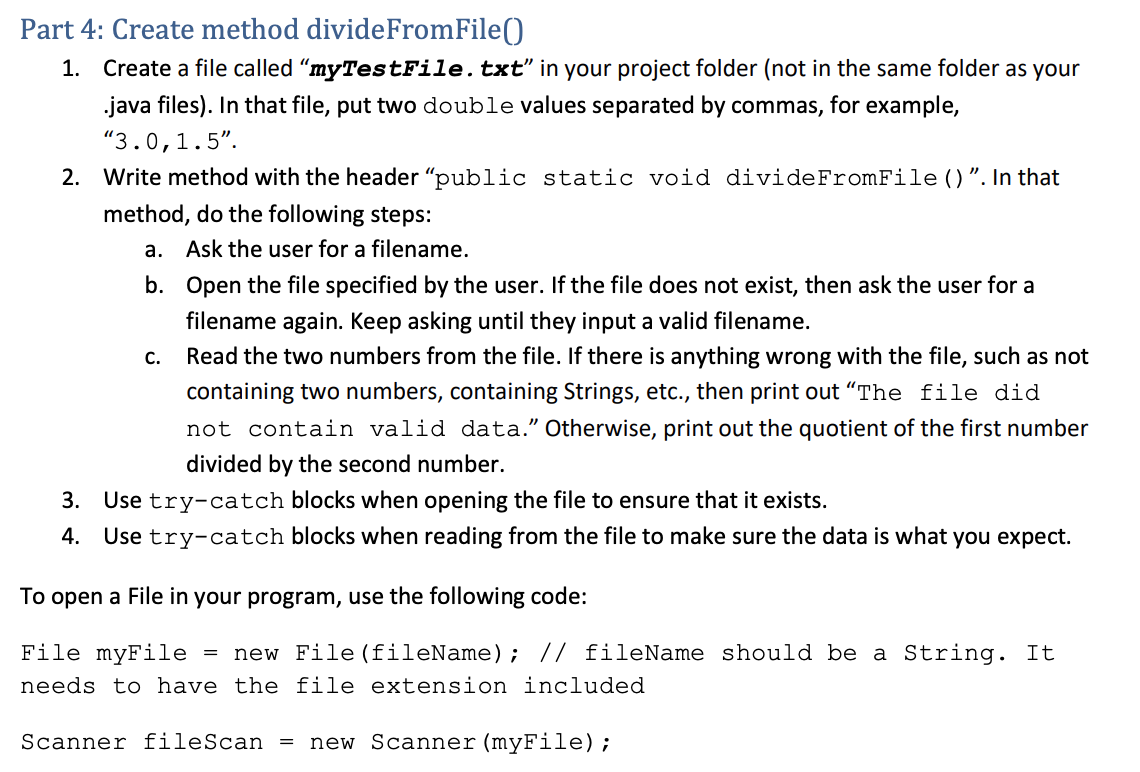
Part 4: Create method divideFromFile() 1. Create a file called myTestFile. txt" in your project folder (not in the same folder as your .java files). In that file, put two double values separated by commas, for example, 3.0,1.5". 2. Write method with the header public static void divide FromFile()". In that method, do the following steps: a. Ask the user for a filename. b. Open the file specified by the user. If the file does not exist, then ask the user for a filename again. Keep asking until they input a valid filename. Read the two numbers from the file. If there is anything wrong with the file, such as not containing two numbers, containing Strings, etc., then print out The file did not contain valid data. Otherwise, print out the quotient of the first number divided by the second number. 3. Use try-catch blocks when opening the file to ensure that it exists. 4. Use try-catch blocks when reading from the file to make sure the data is what you expect. C. To open a File in your program, use the following code: File myFile = new File (fileName); // fileName should be a String. It needs to have the file extension included Scanner fileScan = new Scanner (myFile)
Step by Step Solution
There are 3 Steps involved in it

Get step-by-step solutions from verified subject matter experts
 Study Help