







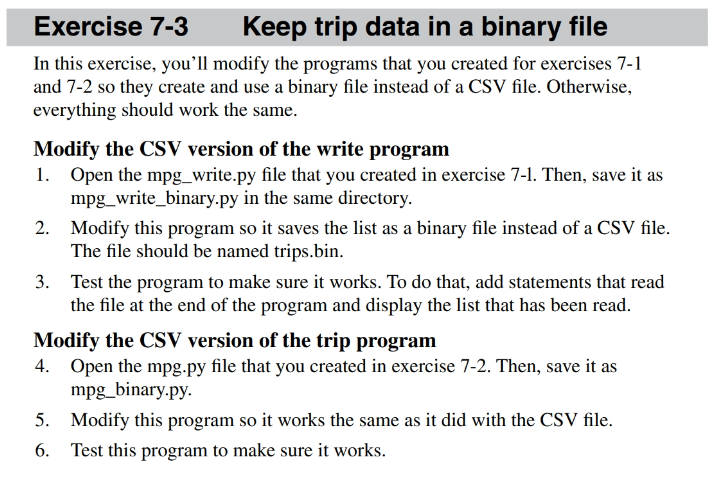
Question: Exercise 7 - 3 Keep trip data in a binary file In this exercise, you'll modify the programs that you created for exercises 7 -
Exercise Keep trip data in a binary file
In this exercise, you'll modify the programs that you created for exercises
and so they create and use a binary file instead of a CSV file. Otherwise,
everything should work the same.
Modify the CSV version of the write program
Open the mpgwrite.py file that you created in exercise in Then, save it as
mpgwritebinary.py in the same directory.
Modify this program so it saves the list as a binary file instead of a CSV file.
The file should be named trips.bin.
Test the program to make sure it works. To do that, add statements that read
the file at the end of the program and display the list that has been read.
Modify the CSV version of the trip program
Open the
mpgpy file that you created in exercise Then, save it as
mpgbinary.py
Modify this program so it works the same as it did with the CSV file.
Test this program to make sure it works.
Here is the nonmodified version of mpgbinary.py:
#usrbinenv python
def getmilesdriven:
while True:
try:
milesdriven floatinputEnter miles driven:t
if milesdriven :
return milesdriven
else:
printEntry must be greater than zero. Please try again.
except ValueError:
printInvalid input. Please enter a valid number.
def getgallonsused:
while True:
try:
gallonsused floatinputEnter gallons of gas:t
if gallonsused :
return gallonsused
else:
printEntry must be greater than zero. Please try again.
except ValueError:
printInvalid input. Please enter a valid number.
def writetripstrips:
with opentripscsvw as file:
for trip in trips:
file.writejoinmapstr trip
def readtrips:
trips
try:
with opentripscsvr as file:
for line in file:
tripdata line.stripsplit
trips.appendfloatdata for data in tripdata
except FileNotFoundError:
pass # If file doesn't exist yet, return empty list
return trips
def listtripstrips:
printDistancetGallonsttMPG
for trip in trips:
printftriptttriptttrip
def main:
printThe Miles Per Gallon program
trips readtrips
listtripstrips
more y
while more.lowery:
milesdriven getmilesdriven
gallonsused getgallonsused
mpg roundmilesdriven gallonsused
printMiles Per Gallon:t strmpg
print
trips.appendmilesdriven, gallonsused, mpg
writetripstrips
more inputMore entries? y or n:
printBye
if namemain:
main
Here is the nonmodified version of mpgwritebinary.py:
#usrbinenv python
import csv
def getmilesdriven:
while True:
milesdriven floatinputEnter miles driven:
if milesdriven :
return milesdriven
else:
printEntry must be greater than zero. Please try again.
def getgallonsused:
while True:
gallonsused floatinputEnter gallons of gas used:
if gallonsused :
return gallonsused
else:
printEntry must be greater than zero. Please try again.
def savetocsvtrips:
with opentripscsvw newline as file:
writer csvwriterfile
writer.writerowDistance 'Gallons', MPG
for trip in trips:
writer.writerowtrip
def main:
printThe Miles Per Gallon application
trips
while True:
milesdriven getmilesdriven
gallonsused getgallonsused
mpg roundmilesdriven gallonsused,
# Display the calculated MPG
printMiles Per Gallon: :fformatmpg
# Append trip data to the list
trips.appendmilesdriven, gallonsused, mpg
more input
More entries? y or n:
if more.lowery:
break
# Save the trip data to a CSV file
savetocsvtrips
printTrip data saved to trips.csv
printBye
if namemain:
main
I am asking for the modified versions of mpgbinary.py and mpgwritebinary.py shown here. That includes fully written codes from the modified versions of mpgbinary.py and mpgwritebinary.py
Step by Step Solution
There are 3 Steps involved in it
1 Expert Approved Answer
Step: 1 Unlock

Question Has Been Solved by an Expert!
Get step-by-step solutions from verified subject matter experts
Step: 2 Unlock
Step: 3 Unlock
 Study Help