







Question: Exercise 8 Step 1: Create a new editor window and save it. Use lab6ex8.py as the file name. Step 2: Use the function design recipe
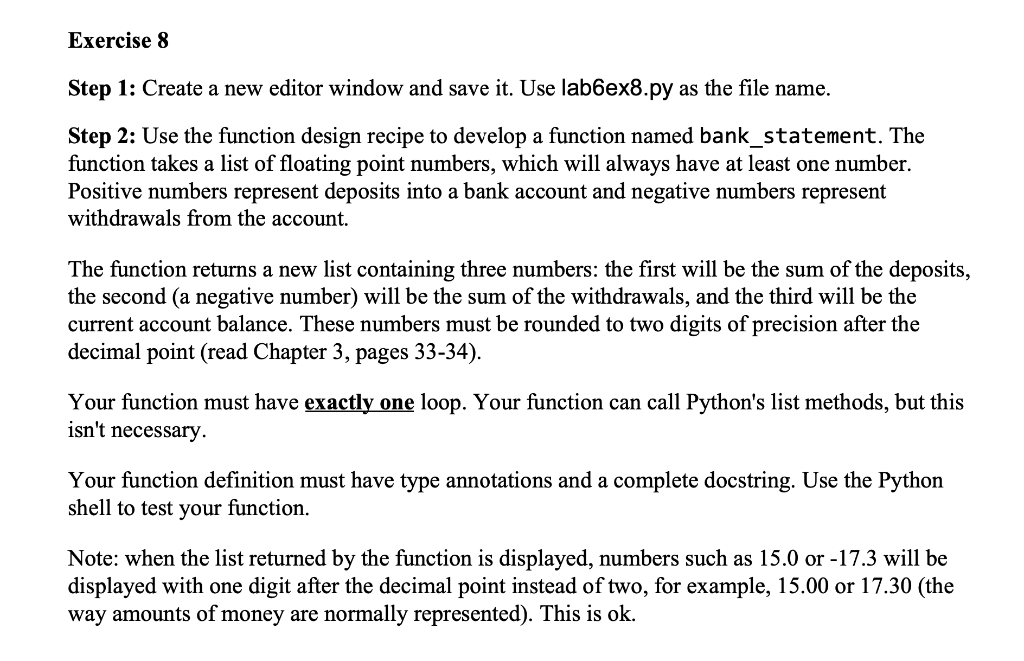
Exercise 8 Step 1: Create a new editor window and save it. Use lab6ex8.py as the file name. Step 2: Use the function design recipe to develop a function named bank_statement. The function takes a list of floating point numbers, which will always have at least one number. Positive numbers represent deposits into a bank account and negative numbers represent withdrawals from the account. The function returns a new list containing three numbers: the first will be the sum of the deposits, the second (a negative number) will be the sum of the withdrawals, and the third will be the current account balance. These numbers must be rounded to two digits of precision after the decimal point (read Chapter 3, pages 33-34). Your function must have exactly one loop. Your function can call Python's list methods, but this isn't necessary. Your function definition must have type annotations and a complete docstring. Use the Python shell to test your function. Note: when the list returned by the function is displayed, numbers such as 15.0 or -17.3 will be displayed with one digit after the decimal point instead of two, for example, 15.00 or 17.30 (the way amounts of money are normally represented). This is ok
Step by Step Solution
There are 3 Steps involved in it

Get step-by-step solutions from verified subject matter experts
 Study Help