



Question: Exercise Display a General Ledger account. Time 10 min Task Use the SAP Fiori Launchpad to display a General Ledger account in your chart of
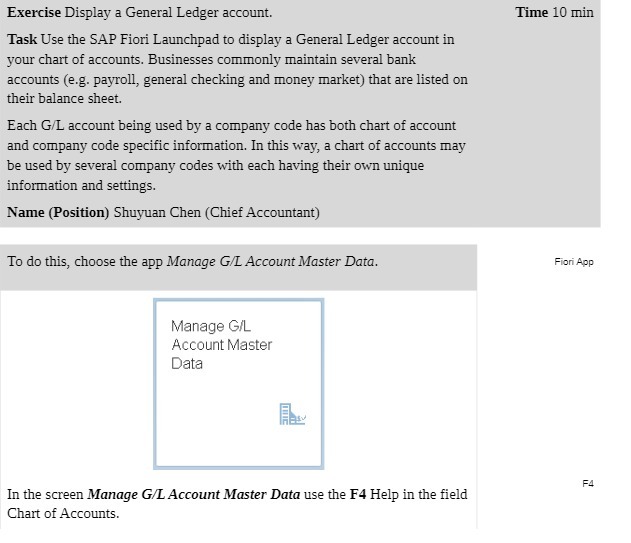
Exercise Display a General Ledger account. Time 10 min Task Use the SAP Fiori Launchpad to display a General Ledger account in your chart of accounts. Businesses commonly maintain several bank accounts (e.g. payroll, general checking and money market) that are listed on their balance sheet. Each G/L account being used by a company code has both chart of account and company code specific information. In this way, a chart of accounts may be used by several company codes with each having their own unique information and settings. Name (Position) Shuyuan Chen (Chief Accountant) To do this, choose the app Manage G/L Account Master Data. Fiori App Manage G/L Account Master Data F4 In the screen Manage G/L Account Master Data use the F4 Help in the field Chart of Accounts
Step by Step Solution
There are 3 Steps involved in it

Get step-by-step solutions from verified subject matter experts