







Question: Exercises In this module, you will incrementally write from scratch a class called Rectangle. No skeleton code is provided for class Rectangle, since it is
Exercises
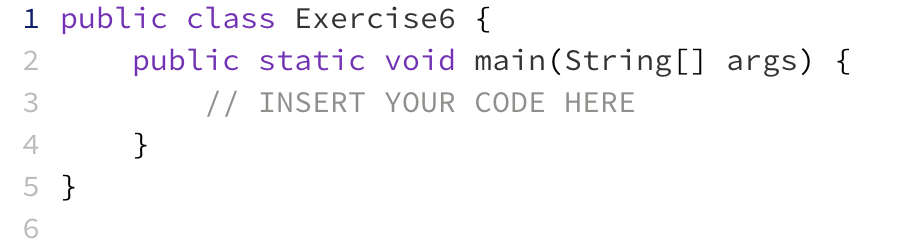
In this module, you will incrementally write from scratch a class called Rectangle. No skeleton code is provided for class Rectangle, since it is a class written entirely by you. In Exercises, you will write a simple program making use of Rectangle, and for this, a skeleton class Exercise6 is provided.
Learning objective: Learn how to define a simple class with fields.
Class to edit: Rectangle
If no Rectangle class is included in the skeleton code, your first step is to create a new class named Rectangle. In BlueJ, you can accomplish this by clicking on the "New Class..." button. After creating this class, double click on it to open the code editor. Select all code in this file and DELETE it. Your objective in this exercise is to write a class from scratch!
In ED, you are to write code to declare a class named Rectangle. Inside this class, you are to declare two fields named width and height, both of which should have type int.
Don't forget: class names should begin with an uppercase letter, so make sure you type the class name as Rectangle, not rectangle.
Learning objective: Write a constructor.
Class to edit: Rectangle
Define a constructor for class Rectangle that initialises all fields by asking the user for values. The constructor should behave according to the following sample I/O:
Creating a new rectangle. Enter width: user inputs 7 Enter height: user inputs 10
Your constructor should contain three lines of code:
Print the message "Creating a new rectangle."
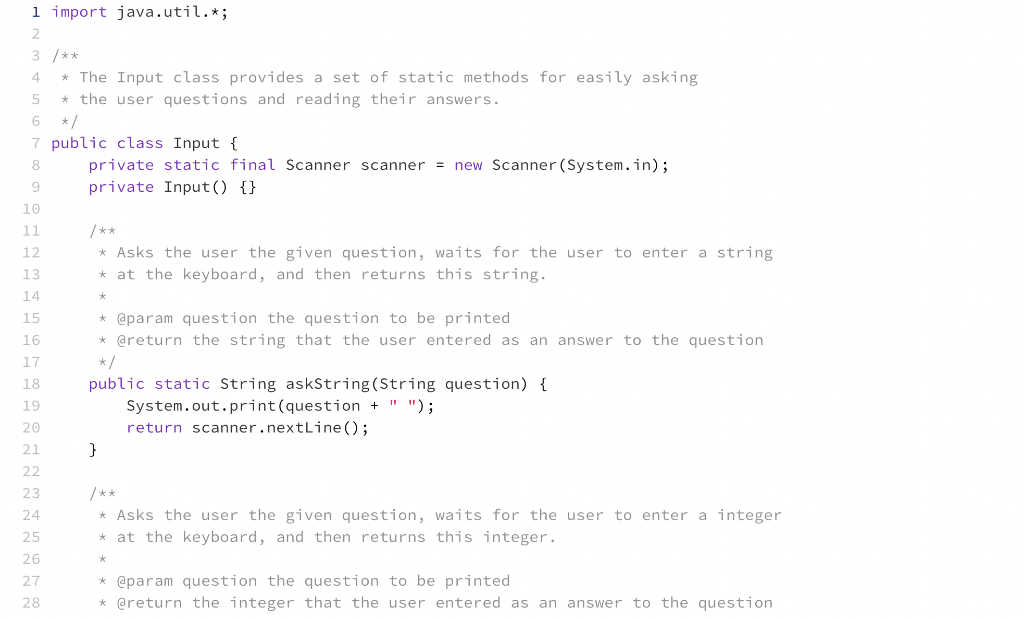
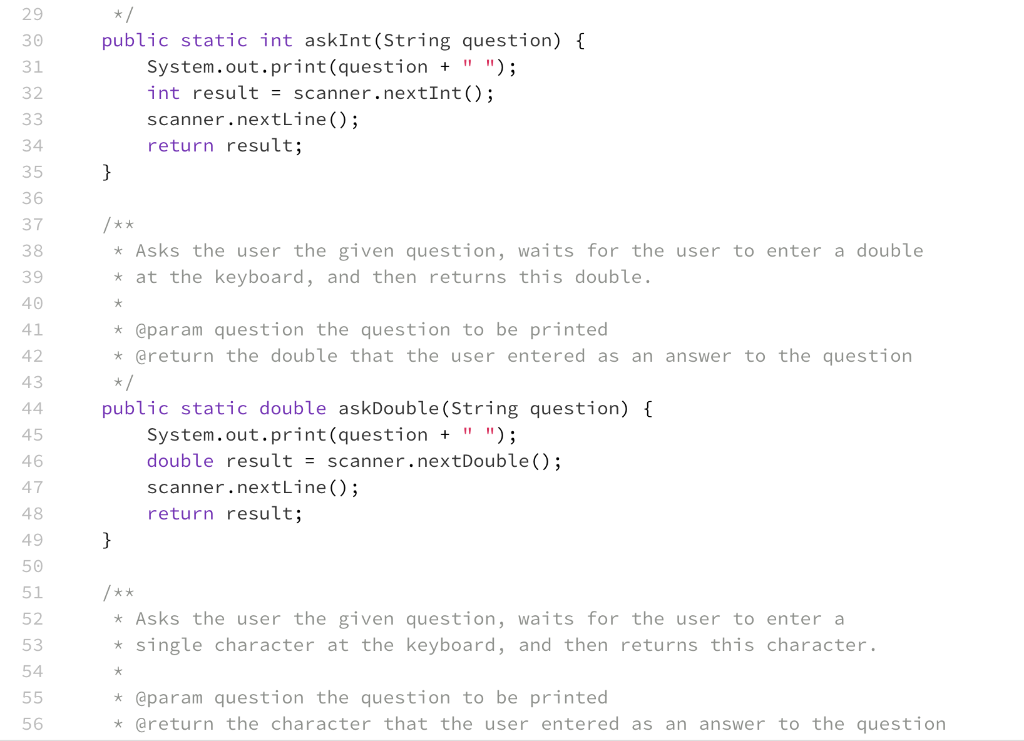
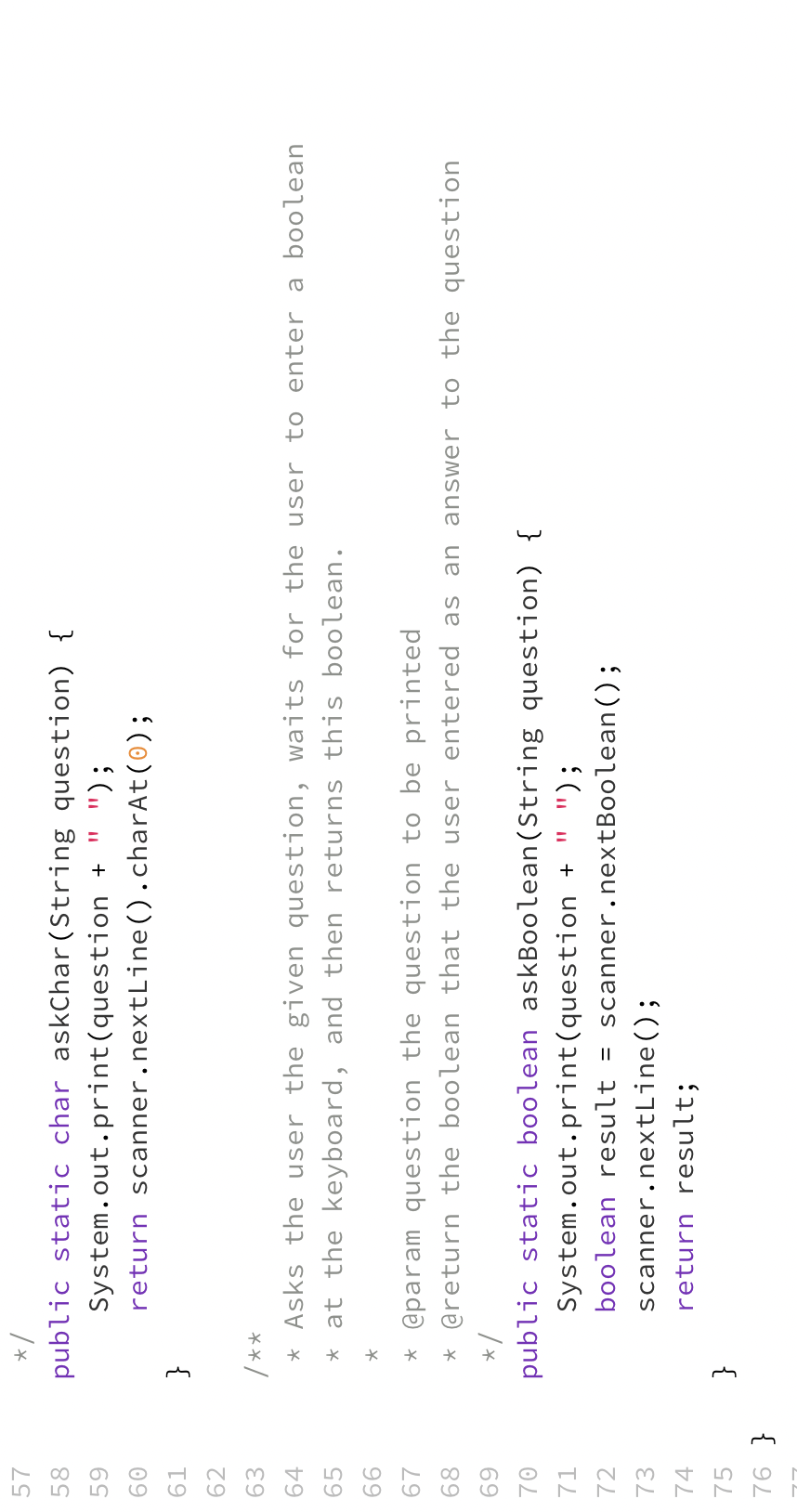
Using the supplied Input class, ask the user for the width and store it into the width field. Careful! Do not declare a new local variable called width (e.g. int width = Input.askInt("Enter width:")); because that will mask the field with the same name. To store into the width field without creating a new local variable, just remove the word int.
Using the supplied Input class, ask the user for the height and store it into the height field.
Learning objective: Learn how to define a method that uses a local variable.
Class to edit: Rectangle
Define a method for class Rectangle called showArea that calculates and prints the area of the rectangle. You should use 2 lines of code:
Calculate and store the area into a local variable.
Print "The rectangle's area is xxx" where xxx should be substituted by the area that you calculated in the previous step.
Learning objective: Concatenate multiple fields into a formatted string.
Class to edit: Rectangle
Define a method for class Rectangle called show that prints the width/height dimensions according to the following sample I/O:
The rectangle has dimensions 10x7
where (in this particular sample) 10 is the width and 7 is the height.
Hint: You will need to "string together" this output string from 4 parts using code such as part1 + part2 + part3 + part4. For example, part2 will be the current contents of the width field, and part3 will be the "x" that appears between the width and the height.
Learning objective: Learn how to define a static method.
Class to edit: Rectangle
Define a method for class Rectangle called showNumberOfSides which shows the number of sides of the rectangle, according to the following sample I/O:
Rectangles have 4 sides
Learning objective: Put your own class to use.
Class to edit: Exercise6
Double click on the Exercise6 class and within its main method, write a program that uses the Rectangle class that you just defined, according to the following steps:
Show the number of sides that rectangles have.
Create a new rectangle.
Show the rectangle
Show the rectangle's area
Compile your code and if there are no errors, then submit this to ED to confirm whether your solution is correct.
If your code is incorrect, you may have unlimited attempts to edit your code and resubmit.
Passed? Excellent! As you progress through each exercise below, be sure to continually submit to ED to confirm whether your solution is correct. If your solution is not correct, let ED's feedback report inform you on what you need to fix.
Exercise6.java
Input.java
Rectangle.java
empty
Step by Step Solution
There are 3 Steps involved in it

Get step-by-step solutions from verified subject matter experts
 Study Help