







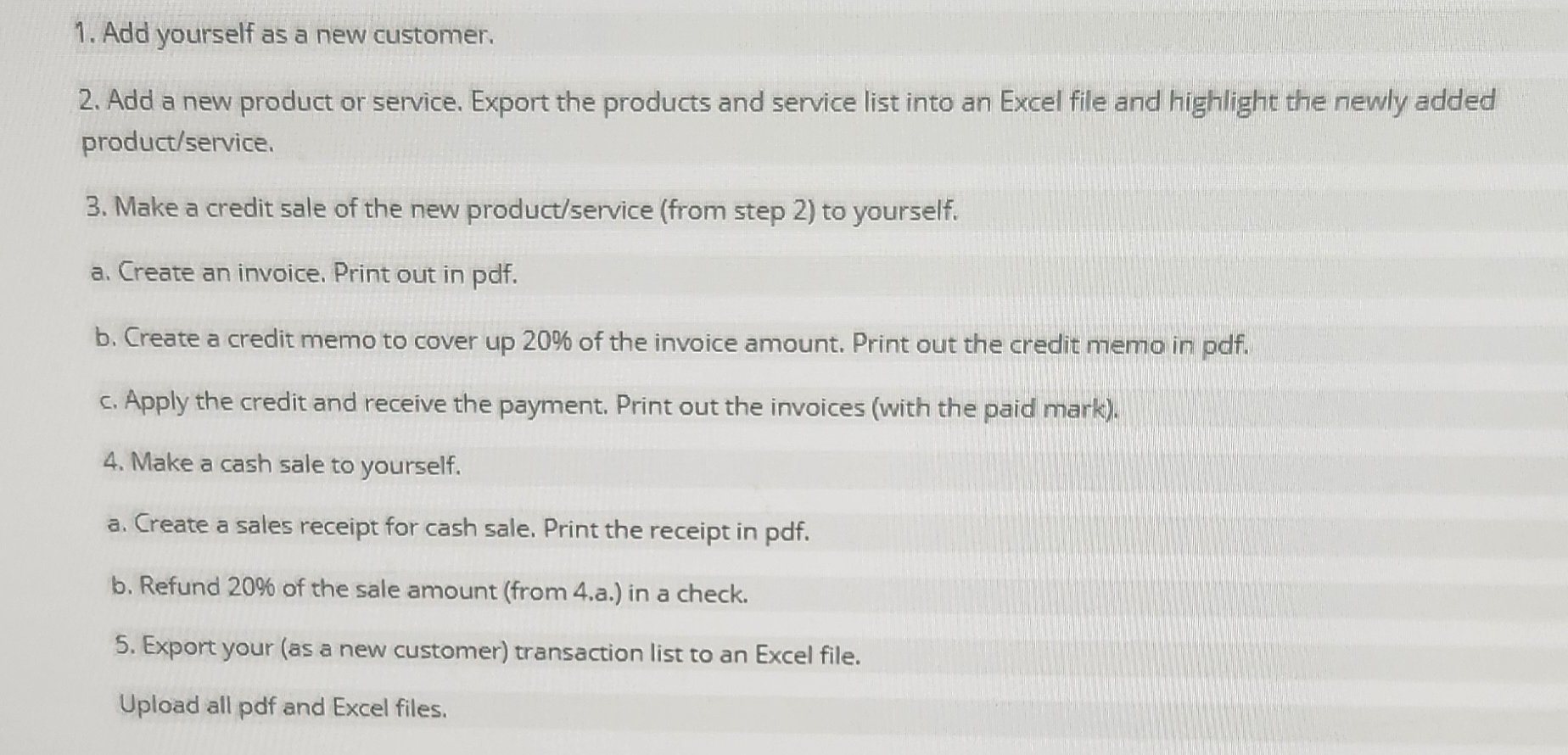
Question: explain how to do in Quick Books Add yourself as a new customer. Add a new product or service. Export the products and service list
explain how to do in Quick Books
Add yourself as a new customer.
Add a new product or service. Export the products and service list into an Excel file and highlight the newly added productservice
Make a credit sale of the new productservice from step to yourself.
a Create an invoice. Print out in pdf
b Create a credit memo to cover up of the invoice amount. Print out the credit memo in pdf
c Apply the credit and receive the payment. Print out the invoices with the paid mark
Make a cash sale to yourself.
a Create a sales receipt for cash sale. Print the receipt in pdf
b Refund of the sale amount from a in a check.
Export your as a new customer transaction list to an Excel file.
Upload all pdf and Excel files.
Step by Step Solution
There are 3 Steps involved in it
1 Expert Approved Answer
Step: 1 Unlock

Question Has Been Solved by an Expert!
Get step-by-step solutions from verified subject matter experts
Step: 2 Unlock
Step: 3 Unlock
 Study Help