







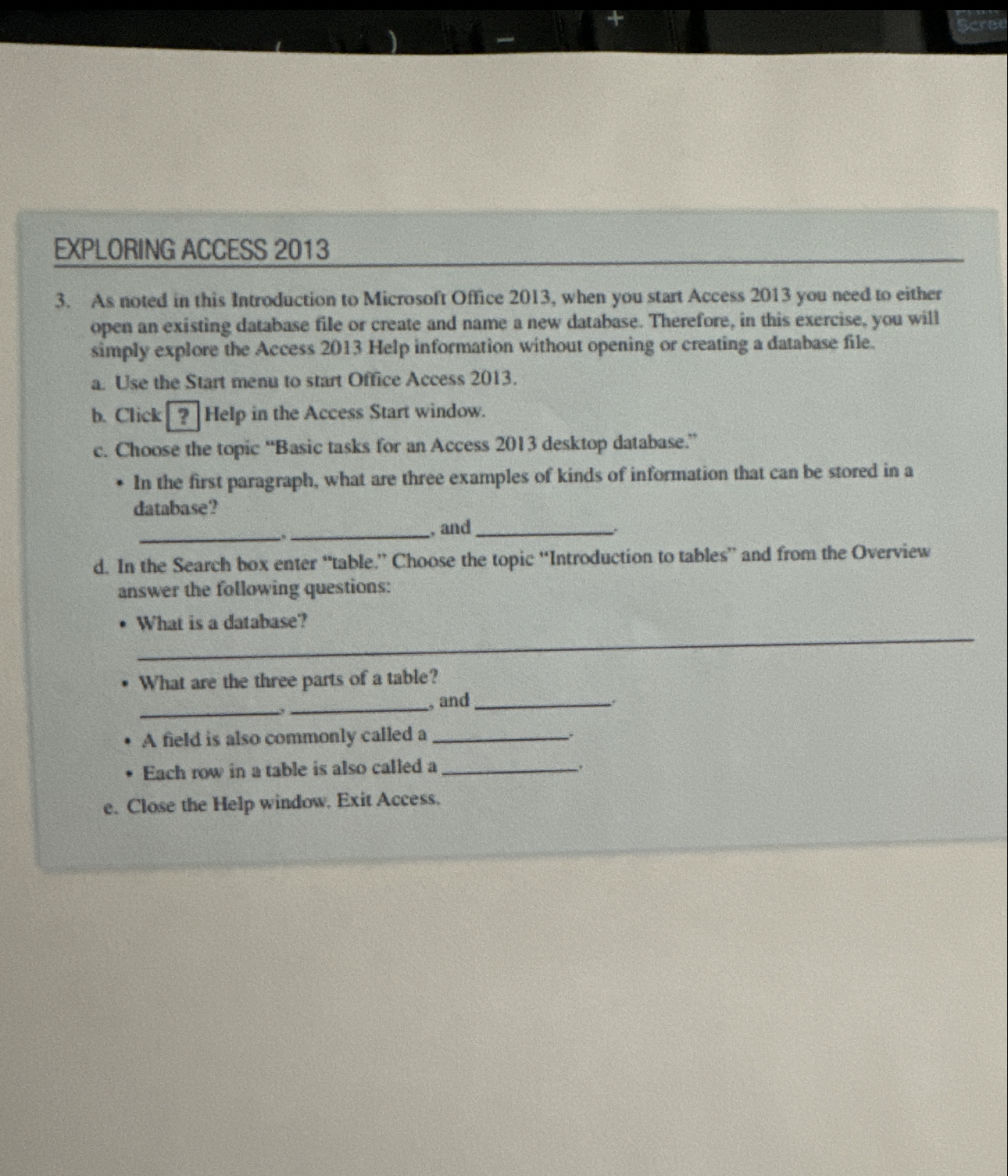
Question: EXPLORING ACCESS 2 0 1 3 3 . As noted in this Introduction to Microsoft Office 2 0 1 3 , when you start Access
EXPLORING ACCESS
As noted in this Introduction to Microsoft Office when you start Access you need to either open an existing database file or create and name a new database. Therefore, in this exercise, you will simply explore the Access Help information without opening or creating a database file.
a Use the Start menu to start Office Access
b Click Help in the Access Start window.
c Choose the topic "Basic tasks for an Access desktop database."
In the first paragraph, what are three examples of kinds of information that can be stored in a database? and
d In the Search box enter "table." Choose the topic "Introduction to tables" and from the Overview answer the following questions:
What is a database?
What are the three parts of a table? and
A field is also commonly called a
Each row in a table is also called a
e Close the Help window. Exit Access.
Step by Step Solution
There are 3 Steps involved in it
1 Expert Approved Answer
Step: 1 Unlock

Question Has Been Solved by an Expert!
Get step-by-step solutions from verified subject matter experts
Step: 2 Unlock
Step: 3 Unlock
 Study Help