







Question: Fall 2021 COOP4423 - Mobile Application Development with HMS - 4. You will be designing a login screen as the initial page. In order to
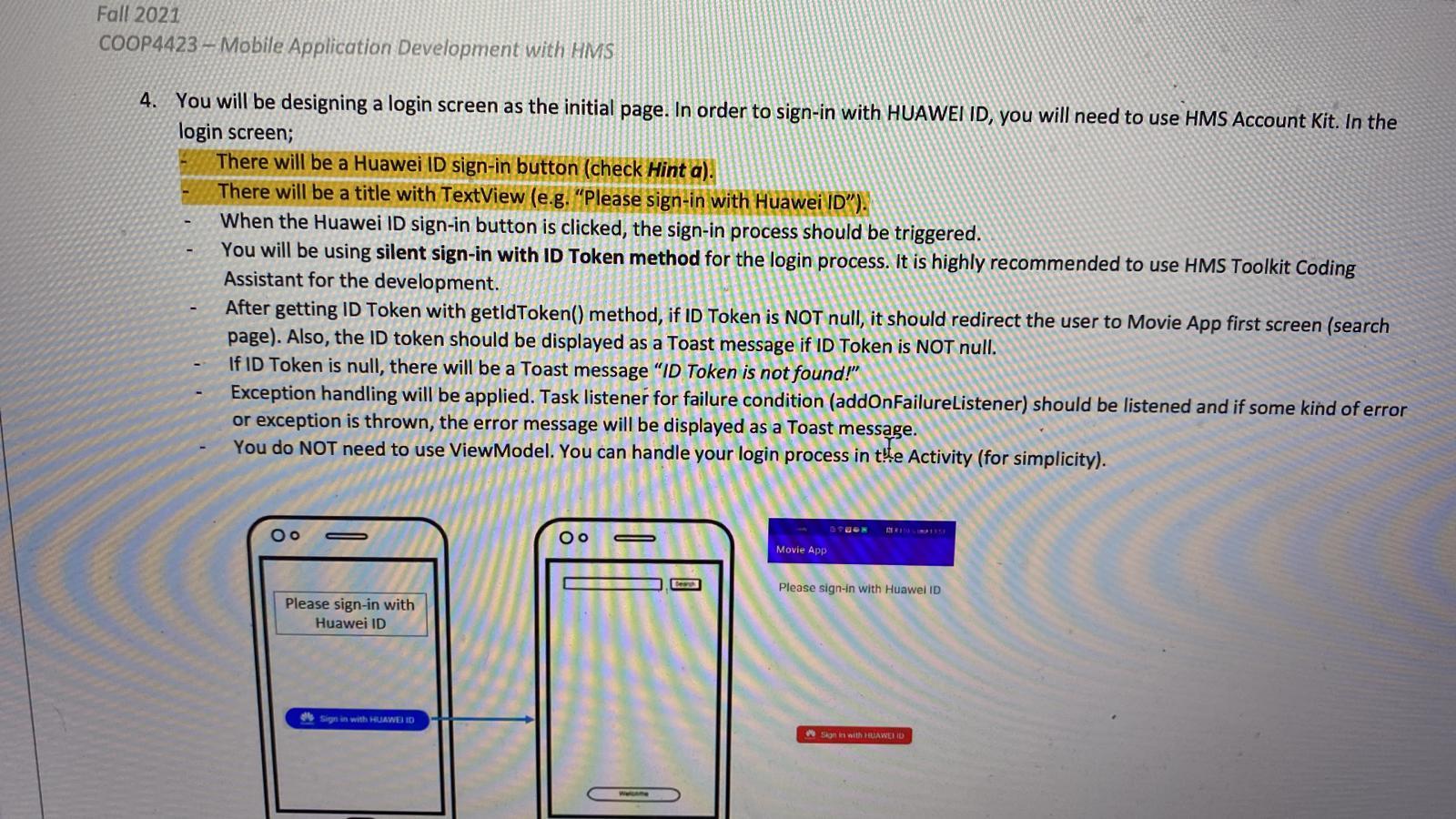
Fall 2021 COOP4423 - Mobile Application Development with HMS - 4. You will be designing a login screen as the initial page. In order to sign-in with HUAWEI ID, you will need to use HMS Account Kit. In the login screen; There will be a Huawei ID sign-in button (check Hint a). There will be a title with TextView (e.g. "Please sign-in with Huawei ID"). When the Huawei ID sign-in button is clicked, the sign-in process should be triggered. You will be using silent sign-in with ID Token method for the login process. It is highly recommended to use HMS Toolkit Coding Assistant for the development. After getting ID Token with getldToken() method, if ID Token is NOT null, it should redirect the user to Movie App first screen (search page). Also, the ID token should be displayed as a Toast message if ID Token is NOT null. If ID Token is null, there will be a Toast message "ID Token is not found!" Exception handling will be applied. Task listener for failure condition (addOnFailureListener) should be listened and if some kind of error exception is thrown, the error message will be displayed as a Toast message. You do NOT need to use ViewModel. You can handle your login process in tle Activity (for simplicity). RE Oo Movie App Please sign-in with Huawei ID Please sign-in with Huawei ID Sign in with HUAWEI ID Stone with HUAWERD 1
Step by Step Solution
There are 3 Steps involved in it

Get step-by-step solutions from verified subject matter experts
 Study Help