







Question: FCFS CPU scheduler Code and Report (assignment example) 1. Provide clear instructions on how to compile, build, and run the simulator (this will indicate that
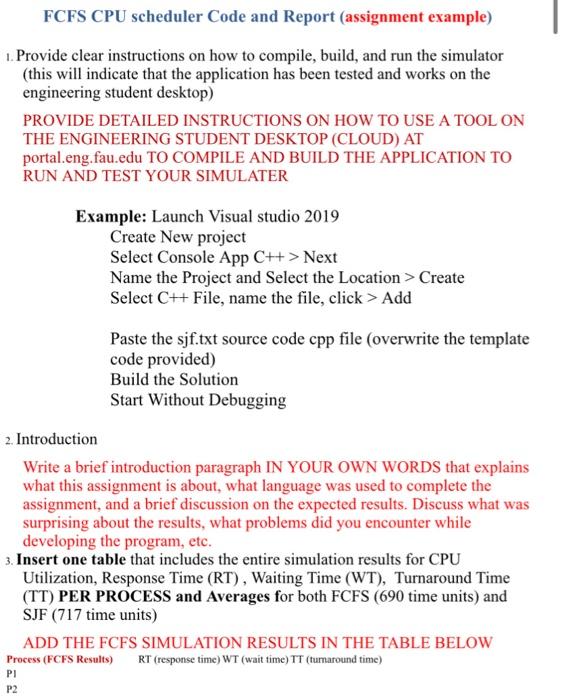
FCFS CPU scheduler Code and Report (assignment example) 1. Provide clear instructions on how to compile, build, and run the simulator (this will indicate that the application has been tested and works on the engineering student desktop) PROVIDE DETAILED INSTRUCTIONS ON HOW TO USE A TOOL ON THE ENGINEERING STUDENT DESKTOP (CLOUD) AT portal.eng. fau.edu TO COMPILE AND BUILD THE APPLICATION TO RUN AND TEST YOUR SIMULATER Example: Launch Visual studio 2019 Create New project Select Console App C++> Next Name the Project and Select the Location > Create Select C++ File, name the file, click > Add Paste the sjf.txt source code cpp file (overwrite the template code provided) Build the Solution Start Without Debugging 2. Introduction Write a brief introduction paragraph IN YOUR OWN WORDS that explains what this assignment is about, what language was used to complete the assignment, and a brief discussion on the expected results. Discuss what was surprising about the results, what problems did you encounter while developing the program, etc. 3. Insert one table that includes the entire simulation results for CPU Utilization, Response Time (RT), Waiting Time (WT), Turnaround Time (TT) PER PROCESS and Averages for both FCFS (690 time units) and SJF (717 time units) ADD THE FCFS SIMULATION RESULTS IN THE TABLE BELOW Process (FCFS Results) RT (response time) WT (wait time) TT (turnaround time) PI P2
Step by Step Solution
There are 3 Steps involved in it

Get step-by-step solutions from verified subject matter experts
 Study Help