







Question: File I/O and Command-Line Arguments in C we have already seen how to work with files in C++ using objects (ie, OOP). The C programming
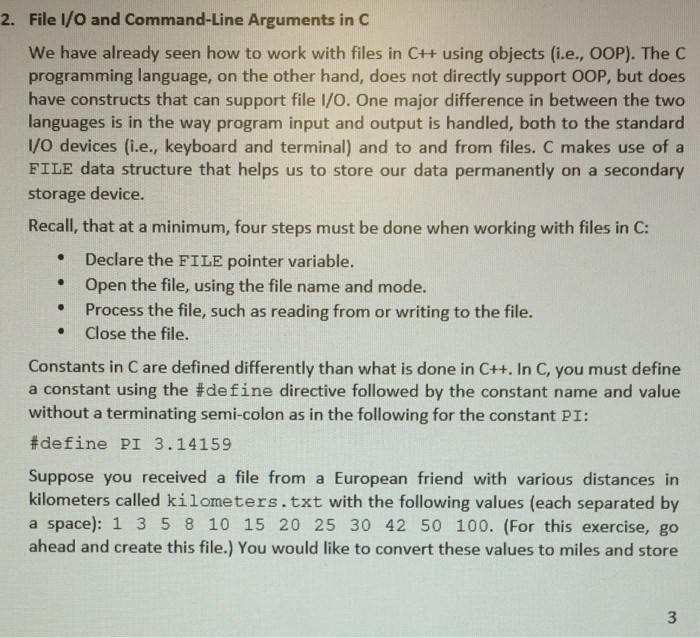
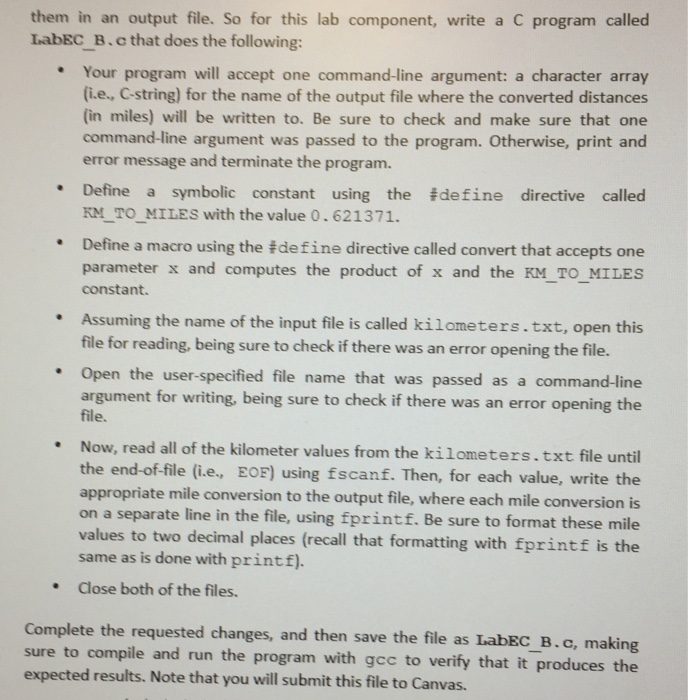
File I/O and Command-Line Arguments in C we have already seen how to work with files in C++ using objects (ie, OOP). The C programming language, on the other hand, does not directly support OOP, but does have constructs that can support file I/O. One major difference in between the two languages is in the way program input and output is handled, both to the standard I/O devices (i.e., keyboard and terminal) and to and from files. C makes use of a FILE data structure that helps us to store our data permanently on a secondary storage device. Recall, that at a minimum, four steps must be done when working with files in C: 2. Declare the FILE pointer variable. Open the file, using the file name and mode. Process the file, such as reading from or writing to the file. Close the file. . Constants in C are defined differently than what is done in C++. In C, you must define a constant using the #de fine directive followed by the constant name and value without a terminating semi-colon as in the following for the constant PI: #define P1 3.14159 Suppose you received a file from a European friend with various distances in kilometers called kilometers.txt with the following values (each separated by a space): 1 3 5 8 10 15 20 25 30 42 50 100. (For this exercise, go ahead and create this file.) You would like to convert these values to miles and store
Step by Step Solution
There are 3 Steps involved in it

Get step-by-step solutions from verified subject matter experts
 Study Help