







Question: Filter 1: 1. Using the tar command archive the content of your home directory into a file named myhome.tar in the /tmp directory. Display the
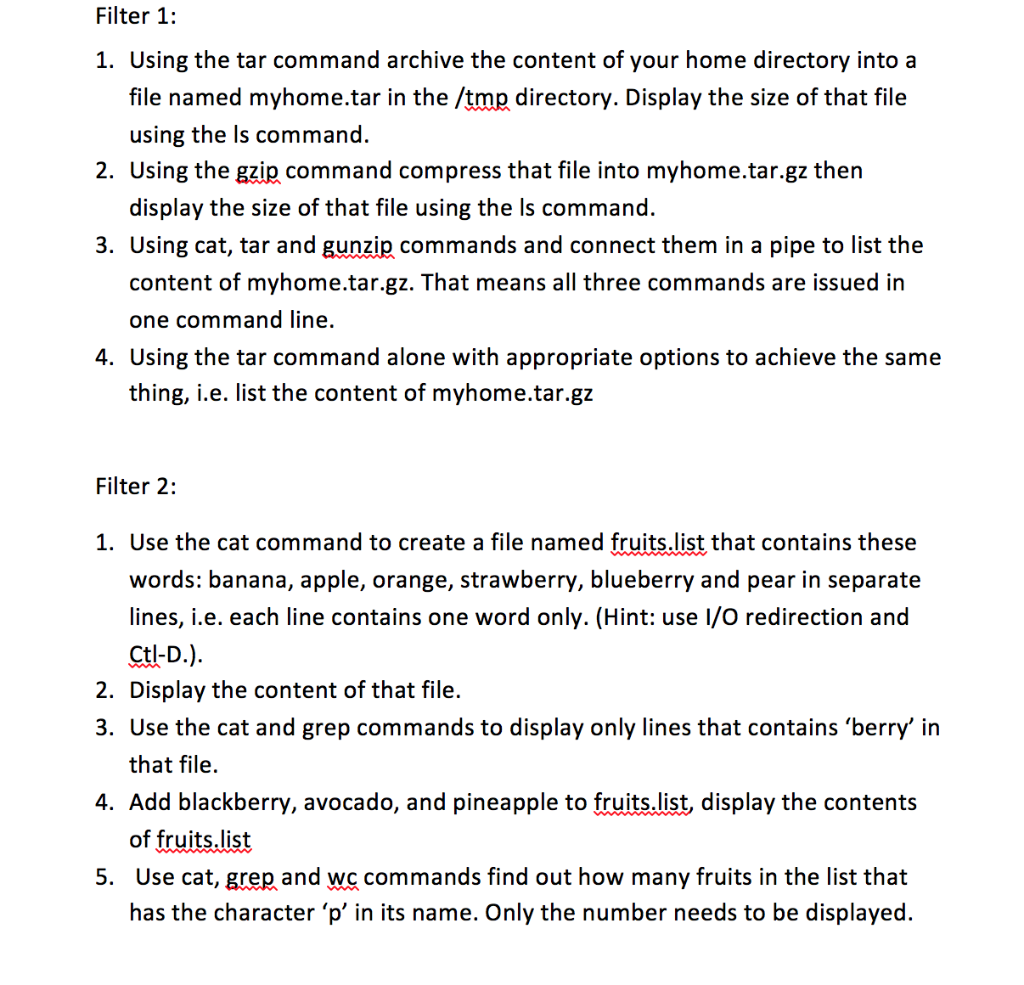
Filter 1: 1. Using the tar command archive the content of your home directory into a file named myhome.tar in the /tmp directory. Display the size of that file using the ls command. 2. Using the gzip command compress that file into myhome.tar.gz then display the size of that file using the Is command. 3. Using cat, tar and gunzip commands and connect them in a pipe to list the content of myhome.tar.gz. That means all three commands are issued in one command line. 4. Using the tar command alone with appropriate options to achieve the same thing, i.e. list the content of myhome.tar.gz Filter 2: 1. Use the cat command to create a file named fruits.list that contains these words: banana, apple, orange, strawberry, blueberry and pear in separate lines, i.e. each line contains one word only. (Hint: use i/o redirection and Ctl-D.). 2. Display the content of that file. 3. Use the cat and grep commands to display only lines that contains 'berry' in that file. 4. Add blackberry, avocado, and pineapple to fruits.list, display the contents of fruits.list 5. Use cat, grep and we commands find out how many fruits in the list that has the character 'p' in its name. Only the number needs to be displayed
Step by Step Solution
There are 3 Steps involved in it

Get step-by-step solutions from verified subject matter experts
 Study Help