







Question: filter() = https://pillow.readthedocs.io/en/5.1.x/reference/ImageFilter.html Video Link = https://videos.edhesive.com/courses/AP_CSP/Unit_4/Digital_Manipulation_Part2.mp4 Filters = https://repl.it/@uteachcs/Filters Assignment Although you can programmatically alter pixels in any way that you wish, some operations
filter() = https://pillow.readthedocs.io/en/5.1.x/reference/ImageFilter.html
Video Link = https://videos.edhesive.com/courses/AP_CSP/Unit_4/Digital_Manipulation_Part2.mp4
Filters = https://repl.it/@uteachcs/Filters
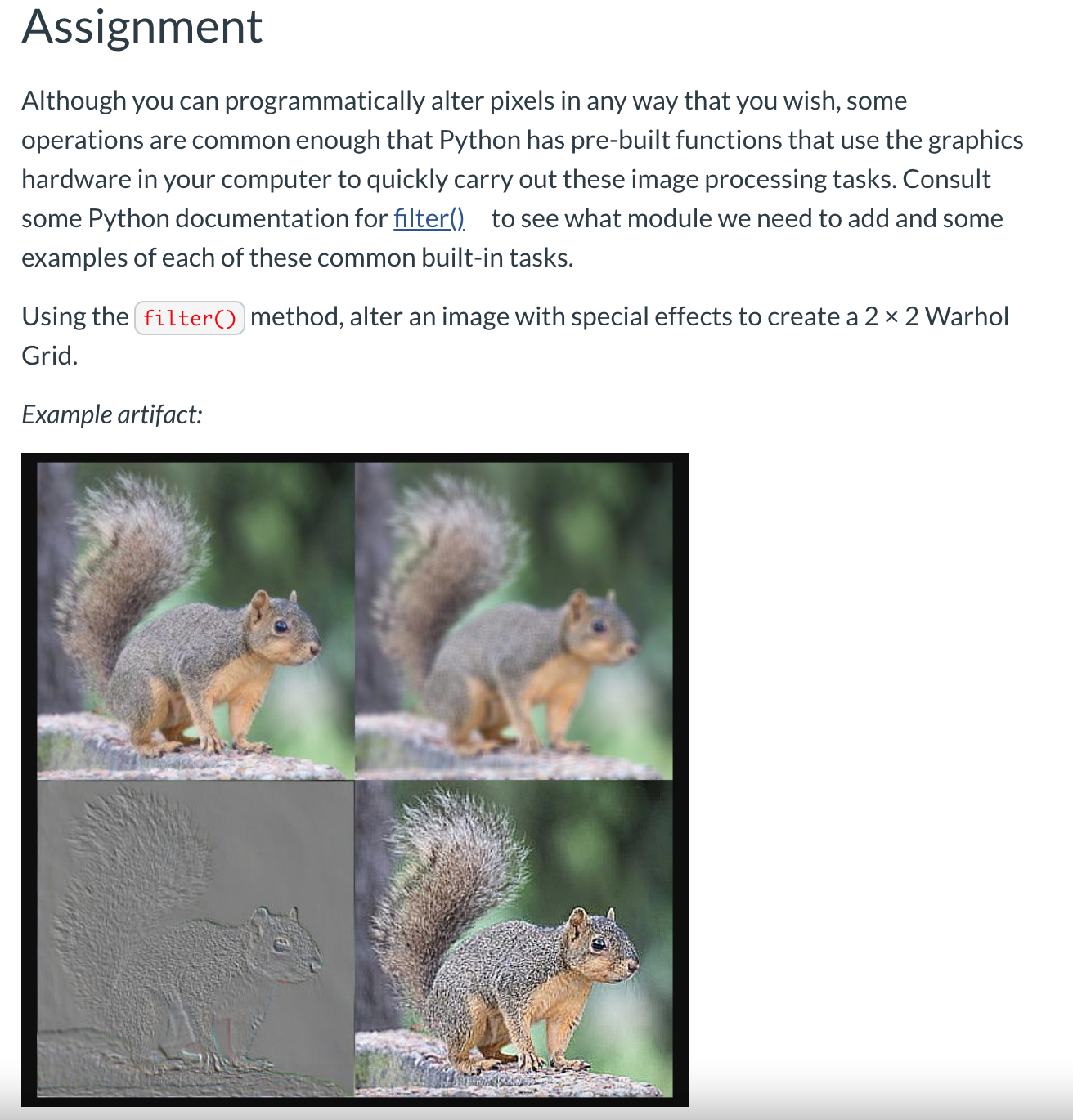
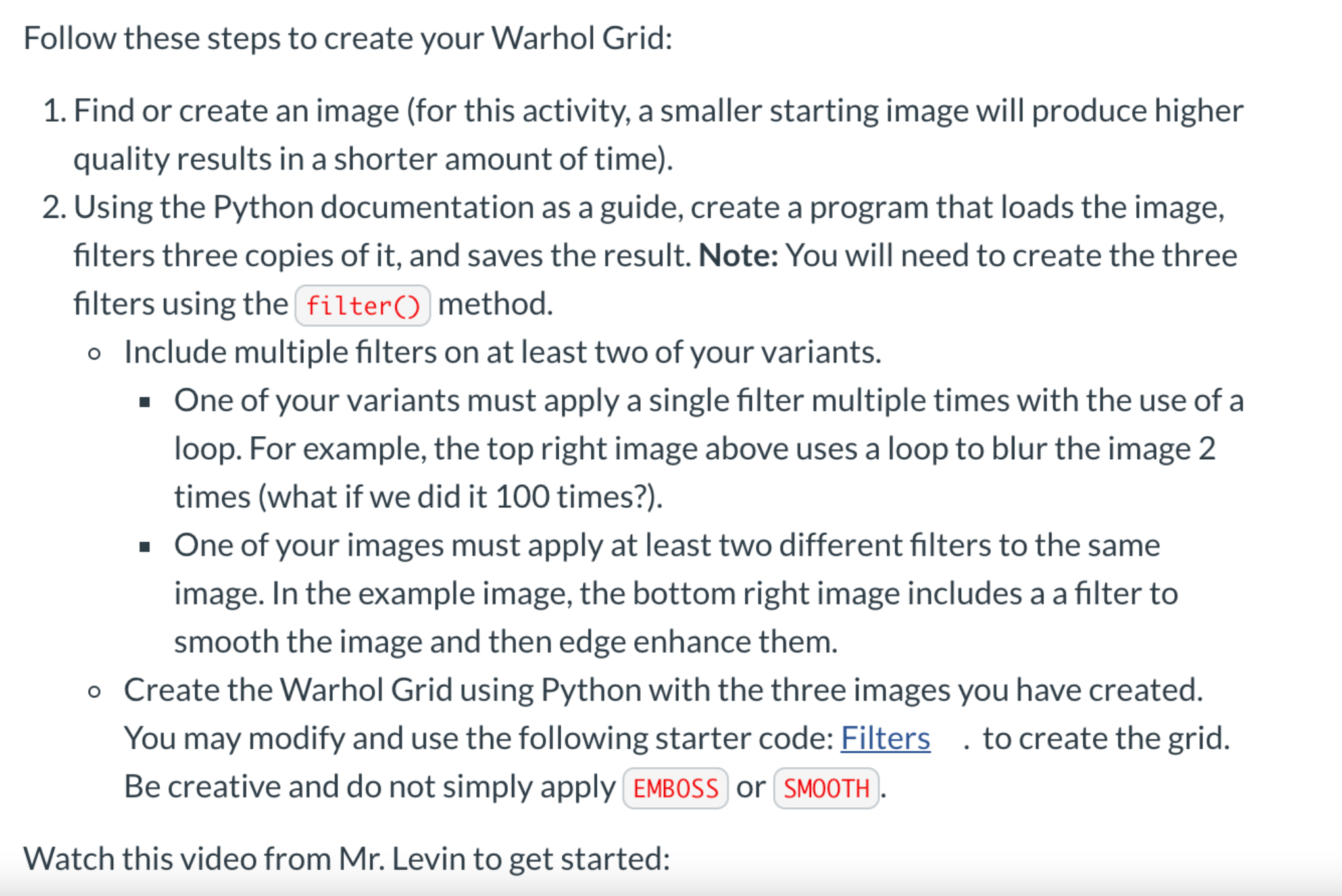
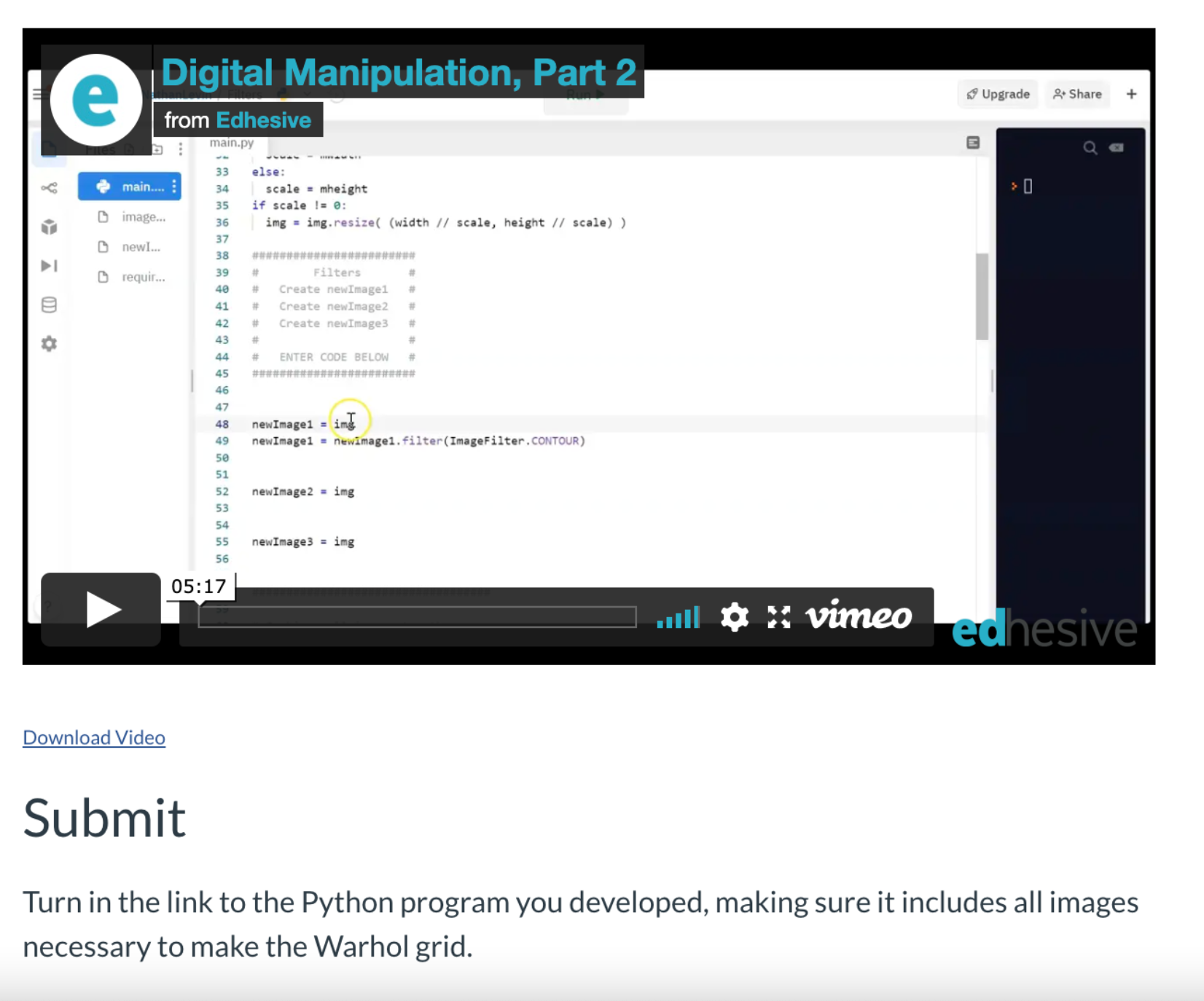
Assignment Although you can programmatically alter pixels in any way that you wish, some operations are common enough that Python has pre-built functions that use the graphics hardware in your computer to quickly carry out these image processing tasks. Consult some Python documentation for mu to see what module we need to add and some examples of each of these common built-in tasks. Using the [: Hero;i method, alter an image with special effects to create a 2 X 2 Warhol Grid. Example artifact: Follow these steps to create your Warhol Grid: 1. Find or create an image (for this activity, a smaller starting image will produce higher quality results in a shorter amount of time). 2. Using the Python documentation as a guide, create a program that loads the image, filters three copies of it, and saves the result. Note: You will need to create the three filters using the filter() method. o Include multiple filters on at least two of your variants. . One of your variants must apply a single filter multiple times with the use of a loop. For example, the top right image above uses a loop to blur the image 2 times (what if we did it 100 times?). . One of your images must apply at least two different filters to the same image. In the example image, the bottom right image includes a a filter to smooth the image and then edge enhance them. o Create the Warhol Grid using Python with the three images you have created. You may modify and use the following starter code: Filters . to create the grid. Be creative and do not simply apply EMBOSS) or SMOOTH Watch this video from Mr. Levin to get started:Digital Manipulation, Part 2 e Upgrade * Share + from Edhesive main.py E Q E 33 else: main.. 34 scale = mheight 35 if scale != 0: Y image... 36 img = img. resize( (width // scale, height // scale) ) newI... 38 DI requir... 39 Filters 40 Create newImage1 41 Create newImage2 42 Create newImage3 43 ENTER CODE BELOW 48 newImagel = img newImagel = newimagel. filter(ImageFilter . CONTOUR) newImage2 = img newImage3 = img 05:17 Hill a * vimeo edhesive Download Video Submit Turn in the link to the Python program you developed, making sure it includes all images necessary to make the Warhol grid
Step by Step Solution
There are 3 Steps involved in it

Get step-by-step solutions from verified subject matter experts
 Study Help