







Question: FINAL TASK Complete the VHDL code for the 8 - bit computer in Chapter 1 3 to run the programs from the attached file, test
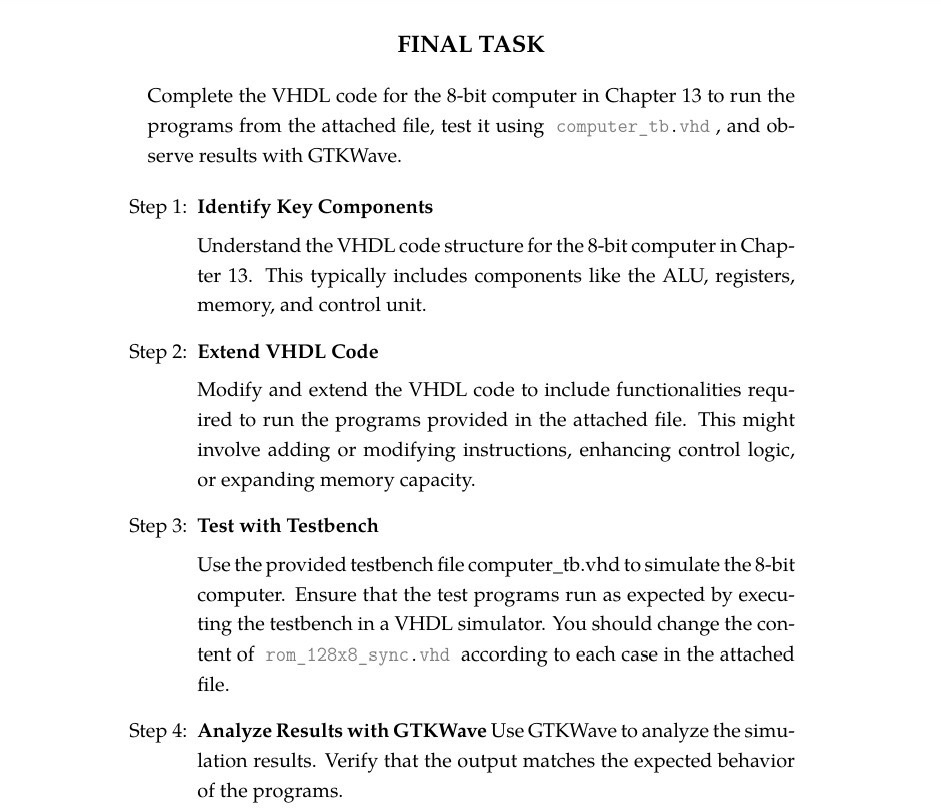
FINAL TASK
Complete the VHDL code for the bit computer in Chapter to run the programs from the attached file, test it using computertb vhd and observe results with GTKWave.
Step : Identify Key Components
Understand the VHDL code structure for the bit computer in Chapter This typically includes components like the ALU, registers, memory, and control unit.
Step : Extend VHDL Code
Modify and extend the VHDL code to include functionalities required to run the programs provided in the attached file. This might involve adding or modifying instructions, enhancing control logic, or expanding memory capacity.
Step : Test with Testbench
Use the provided testbench file computertbvhd to simulate the bit computer. Ensure that the test programs run as expected by executing the testbench in a VHDL simulator. You should change the content of romxsync vhd according to each case in the attached file.
Step : Analyze Results with GTKWave Use GTKWave to analyze the simulation results. Verify that the output matches the expected behavior of the programs.
Step by Step Solution
There are 3 Steps involved in it
1 Expert Approved Answer
Step: 1 Unlock

Question Has Been Solved by an Expert!
Get step-by-step solutions from verified subject matter experts
Step: 2 Unlock
Step: 3 Unlock
 Study Help