







Question: Firewalls & Packet Filtering 1. Background As discussed in class, firewalls are one of the most used capablities we have to secure our networks. These
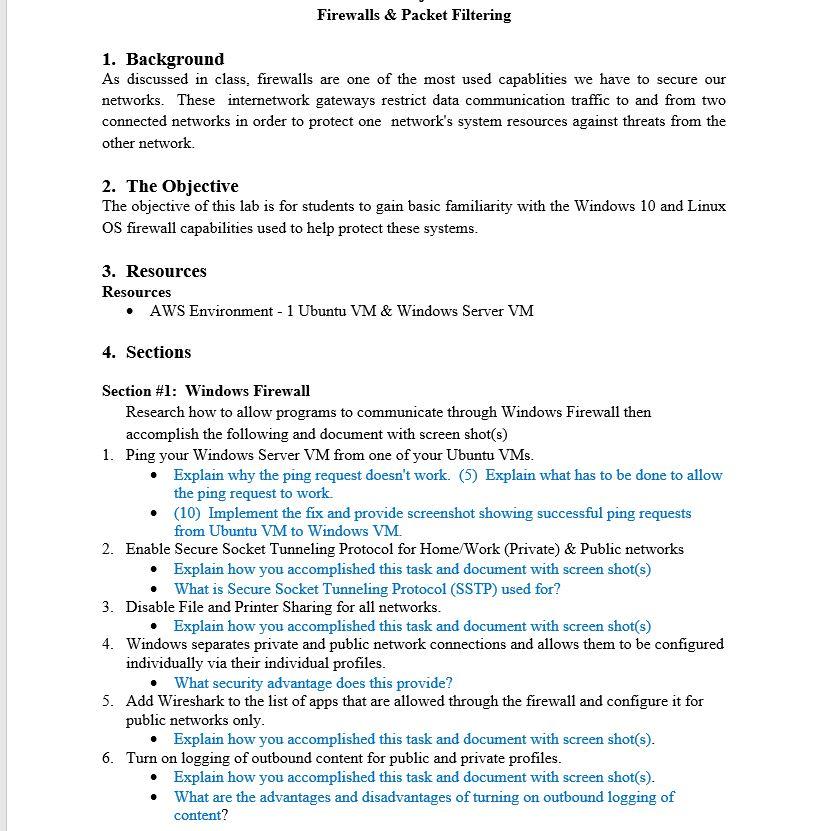
Firewalls & Packet Filtering 1. Background As discussed in class, firewalls are one of the most used capablities we have to secure our networks. These internetwork gateways restrict data communication traffic to and from two connected networks in order to protect one network's system resources against threats from the other network 2. The Objective The objective of this lab is for students to gain basic familiarity with the Windows 10 and Linux OS firewall capabilities used to help protect these systems. 3. Resources Resources AWS Environment - 1 Ubuntu VM & Windows Server VM 4. Sections Section #1: Windows Firewall Research how to allow programs to communicate through Windows Firewall then accomplish the following and document with screen shot(s) 1. Ping your Windows Server VM from one of your Ubuntu VMs. Explain why the ping request doesn't work. (5) Explain what has to be done to allow the ping request to work (10) Implement the fix and provide screenshot showing successful ping requests from Ubuntu VM to Windows VM. 2. Enable Secure Socket Tunneling Protocol for Home/Work (Private) & Public networks Explain how you accomplished this task and document with screen shot(s) What is Secure Socket Tunneling Protocol (SSTP) used for? 3. Disable File and Printer Sharing for all networks. Explain how you accomplished this task and document with screen shot(s) 4. Windows separates private and public network connections and allows them to be configured individually via their individual profiles. What security advantage does this provide? 5. Add Wireshark to the list of apps that are allowed through the firewall and configure it for public networks only. Explain how you accomplished this task and document with screen shot(s). 6. Turn on logging of outbound content for public and private profiles. Explain how you accomplished this task and document with screen shot(s). What are the advantages and disadvantages of turning on outbound logging of content? . Firewalls & Packet Filtering 1. Background As discussed in class, firewalls are one of the most used capablities we have to secure our networks. These internetwork gateways restrict data communication traffic to and from two connected networks in order to protect one network's system resources against threats from the other network 2. The Objective The objective of this lab is for students to gain basic familiarity with the Windows 10 and Linux OS firewall capabilities used to help protect these systems. 3. Resources Resources AWS Environment - 1 Ubuntu VM & Windows Server VM 4. Sections Section #1: Windows Firewall Research how to allow programs to communicate through Windows Firewall then accomplish the following and document with screen shot(s) 1. Ping your Windows Server VM from one of your Ubuntu VMs. Explain why the ping request doesn't work. (5) Explain what has to be done to allow the ping request to work (10) Implement the fix and provide screenshot showing successful ping requests from Ubuntu VM to Windows VM. 2. Enable Secure Socket Tunneling Protocol for Home/Work (Private) & Public networks Explain how you accomplished this task and document with screen shot(s) What is Secure Socket Tunneling Protocol (SSTP) used for? 3. Disable File and Printer Sharing for all networks. Explain how you accomplished this task and document with screen shot(s) 4. Windows separates private and public network connections and allows them to be configured individually via their individual profiles. What security advantage does this provide? 5. Add Wireshark to the list of apps that are allowed through the firewall and configure it for public networks only. Explain how you accomplished this task and document with screen shot(s). 6. Turn on logging of outbound content for public and private profiles. Explain how you accomplished this task and document with screen shot(s). What are the advantages and disadvantages of turning on outbound logging of content
Step by Step Solution
There are 3 Steps involved in it

Get step-by-step solutions from verified subject matter experts
 Study Help