







Question: First, create a PHP file called workDB.php that can generate a database table that will be used to store the work experience. Next, create
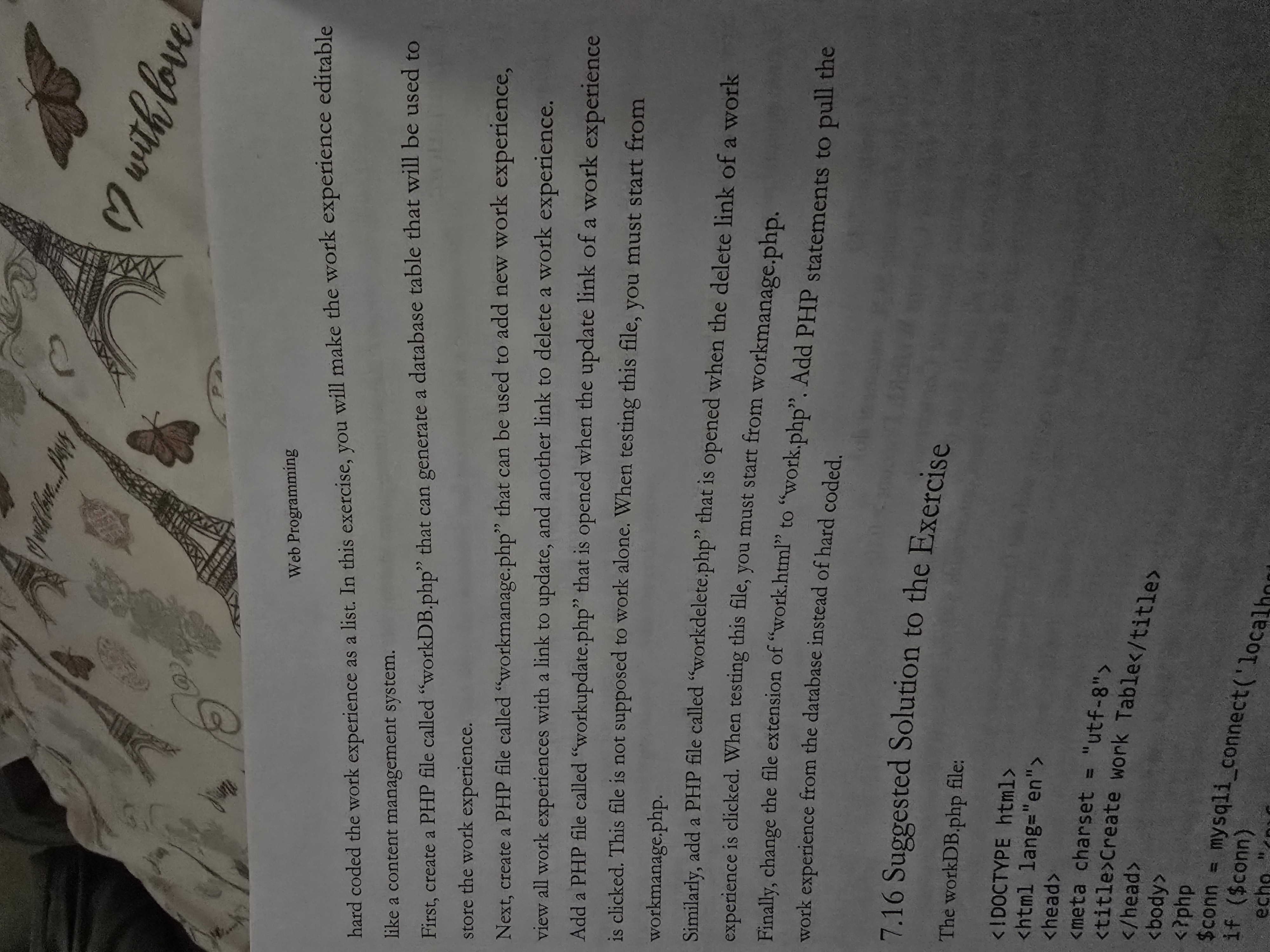
First, create a PHP file called "workDB.php that can generate a database table that will be used to
store the work experience.
Next, create a PHP file called "workmanage.php that can be used to add new work experience,
view all work experiences with a link to update, and delete a work experience.
Add a PHP file called "workupdate.php that is opened when the update link of a work experience
is clicked. This file is not supposed to work alone. When testing this file, you must start from
workmanage.php
Similarly, add a PHP file called "workdelete.php that is opened when the delete link of a work
experience is clicked. When testing this file, you must start from workmanage.php
Finally, change the file extension of "work.html to "work.php Add PHP statements to pull the
work experience from the database instead of hardcoding.
Step by Step Solution
There are 3 Steps involved in it
1 Expert Approved Answer
Step: 1 Unlock

Question Has Been Solved by an Expert!
Get step-by-step solutions from verified subject matter experts
Step: 2 Unlock
Step: 3 Unlock
 Study Help