







Question: Follow these steps: Use CodeSandbox to create the following elements. A button that links to your Linkedin / Instagram / Twitter profile when clicked (
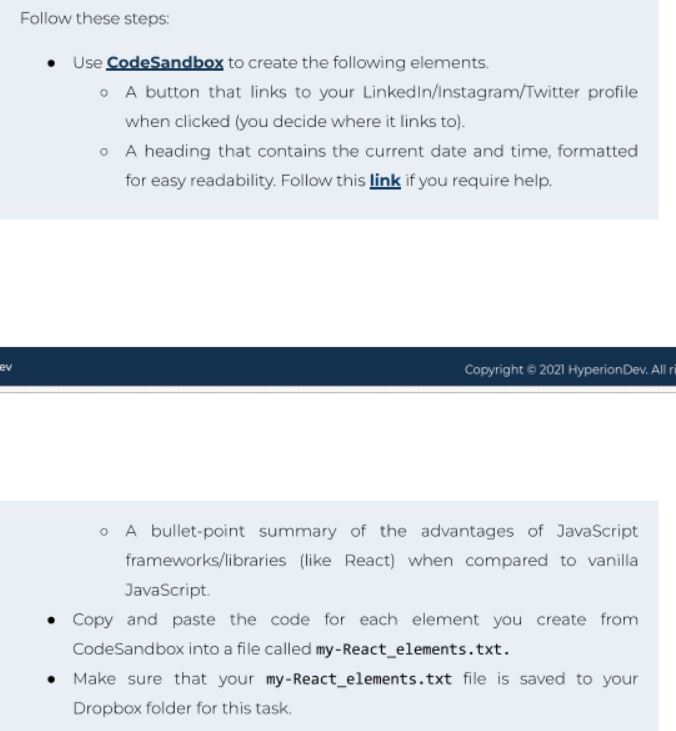
Follow these steps:
Use CodeSandbox to create the following elements.
A button that links to your LinkedinInstagramTwitter profile
when clicked you decide where it links to
A heading that contains the current date and time, formatted
for easy readability. Follow this link if you require help.
A bulletpoint summary of the advantages of JavaScript
frameworkslibraries like React when compared to vanilla
JavaScript.
Copy and paste the code for each element you create from
CodeSandbox into a file called myReactelements.txt
Make sure that your myReactelements.txt file is saved to your
Dropbox folder for this task.
Step by Step Solution
There are 3 Steps involved in it
1 Expert Approved Answer
Step: 1 Unlock

Question Has Been Solved by an Expert!
Get step-by-step solutions from verified subject matter experts
Step: 2 Unlock
Step: 3 Unlock
 Study Help